Best ways to organize research links without losing context
March 6, 2026
If you have ever opened 40 tabs for one topic, saved 12 bookmarks, sent 5 links to yourself, and still lost the one source you actually needed, you are not alone.
That is one of the biggest problems in online research. The hard part is not finding links. The hard part is organizing them in a way that still makes sense later.
The best ways to organize research links are simple. Save them fast, group them clearly, keep context, and make them easy to revisit.
In this guide, you will find the best tools first, then the practical system that helps you stop losing valuable research.
Best tools to organize research links
If you want to organize research links better, the method matters most, but the tool still matters. A good tool makes saving easier, reduces friction, and helps you stay consistent.
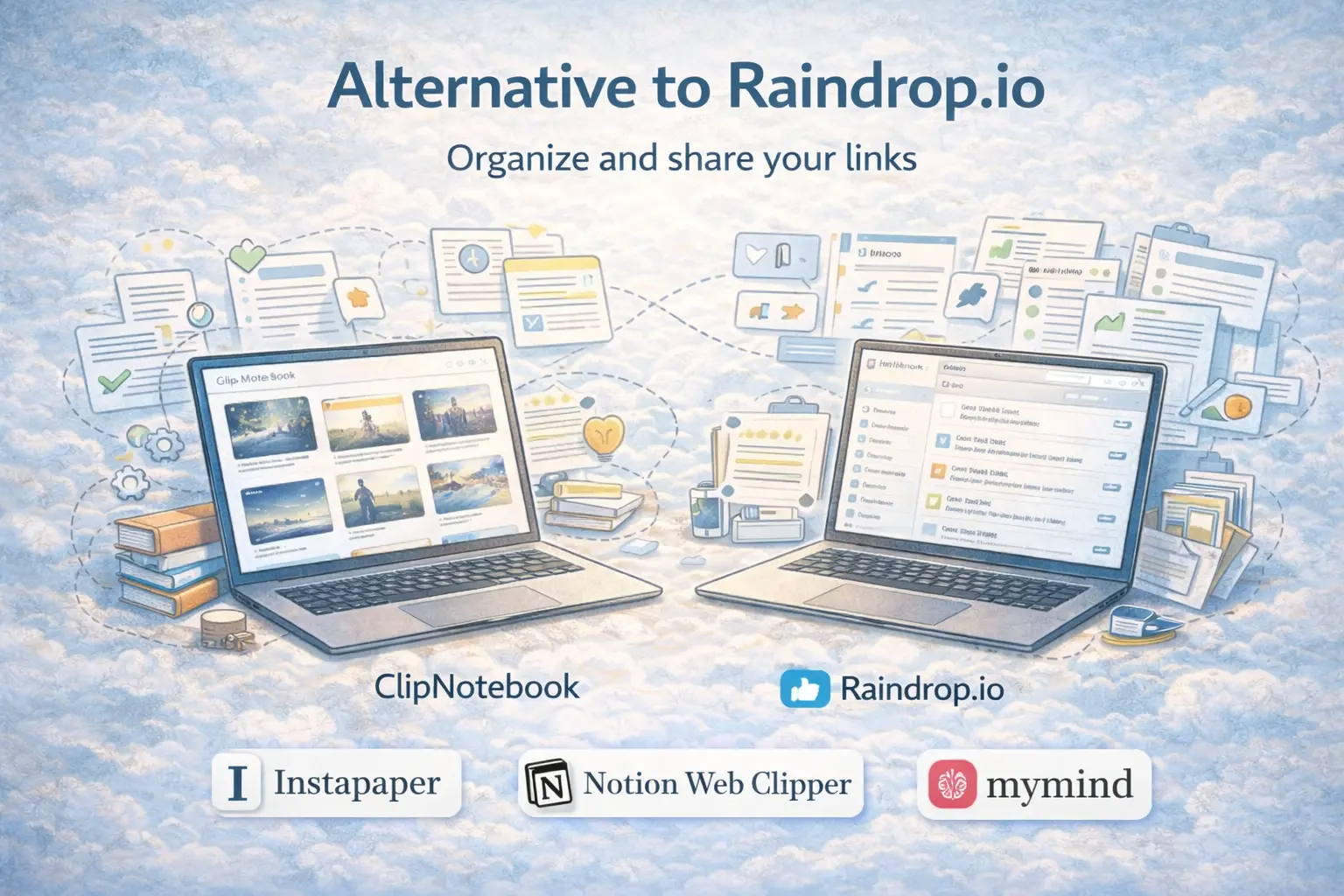
Here are some of the best tools to organize research links right now.
1. ClipNotebook
Best for: simple, visual, shareable research link playlists
If you want a lighter, cleaner, and more visual way to organize research links, ClipNotebook is one of the best options to start with. Instead of throwing everything into traditional bookmarks, it helps you turn saved links into readable visual collections that are easier to scan, organize, and share.
It is a strong fit for:
- topic research
- study resources
- blog source lists
- curated reading collections
- inspiration boards
- shareable research sets
If your goal is not just saving links, but actually keeping them organized in a way that stays useful, ClipNotebook deserves a close look.
2. Raindrop.io
Best for: people who want a powerful all in one bookmark manager
Raindrop.io is a strong choice if you want folders, tags, filters, collections, and a more advanced bookmark system. It works well for people who save a large number of links and want more structure and control.
3. Instapaper
Best for: reading articles later and highlighting key parts
Instapaper is especially useful if your research workflow involves reading long articles and saving important passages. It is more focused on reading and highlighting than on visual collection building.
4. Notion Web Clipper
Best for: researchers and teams already using Notion
If your notes, docs, and project management already live in Notion, the web clipper can be very useful. It lets you save pages directly into your workspace and connect sources to your notes and databases.
5. mymind
Best for: visual thinkers who save more than just links
mymind is useful when your research includes links, images, quotes, screenshots, inspiration, and ideas together. It has a more visual and aesthetic style that works well for creative research workflows.
Why most people lose research links
Most people do not really have a research system. They have a saving habit.
That habit usually looks like this:
- save a page in the browser
- copy a URL into notes
- leave tabs open for later
- star a message in chat
- hope you remember why the link mattered
The problem is that links without context become digital clutter. A URL alone does not tell you:
- why you saved it
- what question it answers
- what project it belongs to
- whether you still need it
- whether it is worth sharing
That is why the best ways to organize research links always include both storage and meaning.
What a good research link system should do
A strong research workflow should help you do five things well.
1. Capture quickly
If saving a link feels slow, you will avoid the system and keep tabs open instead.
2. Group by project or theme
Research is much easier to use when links are tied to a real goal, such as:
- blog post research
- thesis work
- market research
- product inspiration
- client references
- learning a new topic
3. Save a short note with each link
Even one sentence can save you later.
For example:
- "Best stats source for AI adoption section"
- "Use this for pricing page inspiration"
- "Strong quote for intro paragraph"
- "Good competitor feature breakdown"
4. Separate raw saves from curated collections
Not every saved link deserves to stay forever. Some are raw material. Others are high value references worth keeping and sharing.
5. Make retrieval easy
The whole point of organizing research links is finding them again fast.
If your system makes saving easy but finding hard, it is still broken.
Best ways to organize research links
Here are the methods that work best in real life.
1. Organize links by project, not by source
One of the biggest mistakes is sorting links into folders like:
- articles
- videos
- PDFs
- websites
That may look tidy, but it is not useful when you are working on a real task.
A better structure is:
- AI startup ideas
- psychology references
- competitor pricing research
- blog post sources
- design inspiration
- thesis chapter 2
This keeps your research tied to an outcome, not just a format.
2. Save a note with every important link
A link with no note becomes a guessing game later.
When you save a useful page, add a short line that explains why it matters. Keep it simple. You do not need a full summary.
Good examples:
- "Best explanation of market size methods"
- "Use this study in the conclusion"
- "Good landing page headline examples"
- "Save for social proof ideas"
This one habit improves research quality fast.
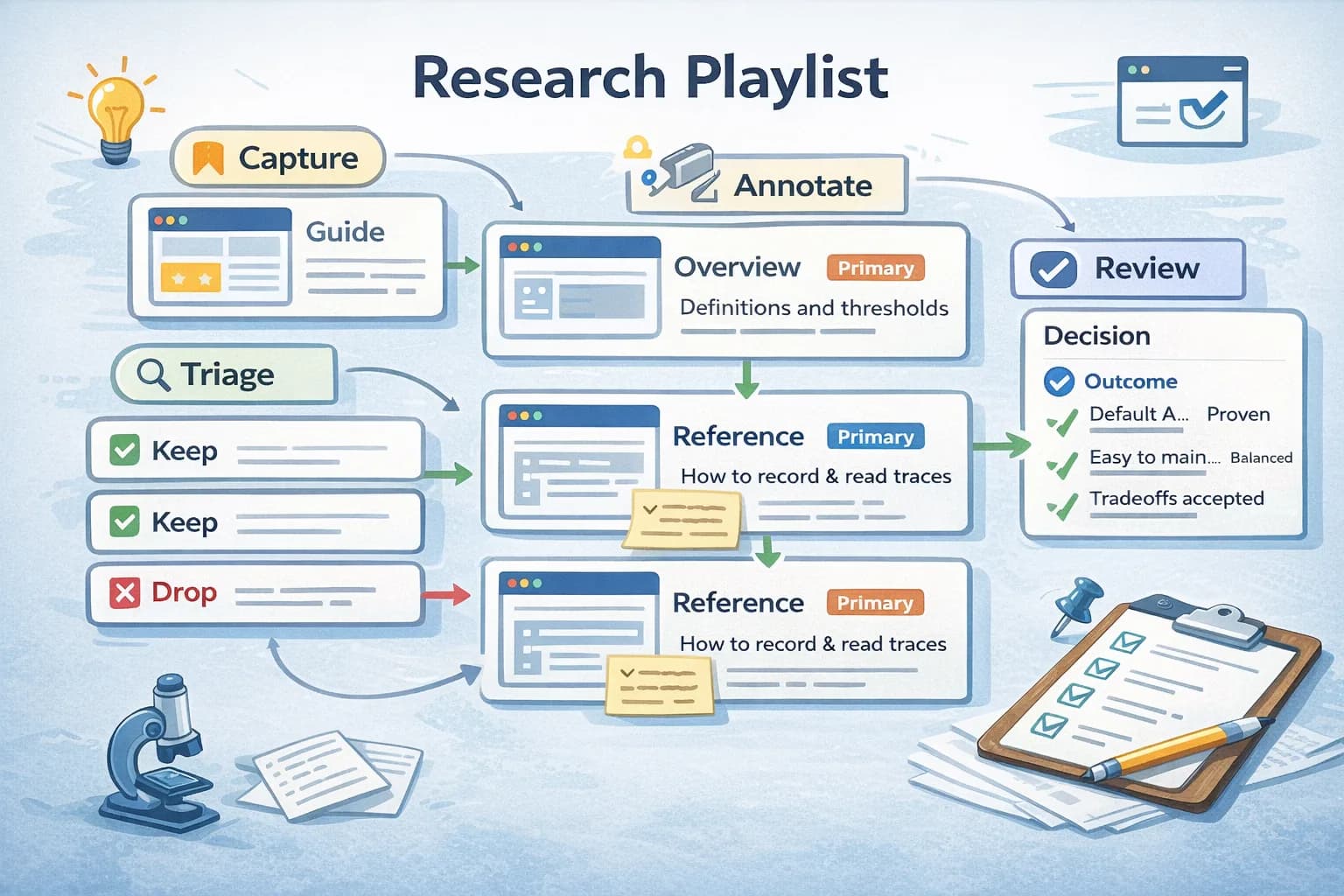
3. Use status labels to reduce clutter
Not every saved link is equal. Give links a simple status such as:
- Inbox
- Reading
- Useful
- Final
- Archive
This turns a random collection into a decision system.
For example:
- Inbox for fresh saves you have not reviewed yet
- Reading for links you still need to go through
- Useful for strong sources you may use
- Final for links selected for the project
- Archive for references worth keeping but not active now
4. Keep one research home base
Scattered research creates repeated work.
If your links are split between browser bookmarks, WhatsApp messages, notes apps, and open tabs, you waste time every time you search.
A better move is to keep one clear home base for research links and let everything important flow there.
This is one of the simplest and most effective ways to organize research links.
5. Build shareable collections
Research becomes more useful when it is grouped into a curated list.
Examples:
- "Best AI writing studies"
- "UX inspiration for SaaS landing pages"
- "Sources for climate policy essay"
- "Best tutorials for learning TypeScript"
Shareable collections are useful for teams, clients, classmates, and your future self. They also force you to clean up noisy saves and keep only the strongest links.
6. Review your saved links every week
Even the best saving system gets messy if you never review it.
A short weekly review helps you:
- delete weak links
- merge duplicates
- move useful items into final collections
- archive what is no longer relevant
- spot missing gaps in your research
This is where saved links become actual knowledge instead of digital leftovers.
7. Use visual organization when possible
A long plain list of URLs is hard to scan.
Visual cards, grouped collections, and simple categories make research much easier to browse. This matters even more when you save links for inspiration, design research, writing, or content planning.
When your links are easier to scan, they are easier to reuse.
A simple system you can start today
You do not need the perfect setup. You need a setup you will actually use.
Start with this:
Step 1: Create 4 main collections
Use categories such as:
- Active research
- Reading queue
- Final sources
- Archive
Step 2: Group links by project inside those collections
Examples:
- SaaS pricing research
- best academic sources for chapter 1
- YouTube script sources
- design inspiration for dashboard UI
Step 3: Add one short note for each high value link
Use this format:
- what it is
- why it matters
- where you may use it
Step 4: Review once a week
Delete weak saves. Keep only what still supports your work.
Step 5: Turn your best links into shareable lists
This is where your research becomes reusable.
For example, instead of keeping 30 random tabs open, create one curated collection you can revisit or share later.
A practical template for every saved link
If you want a clean workflow, use this mini template:
- Title: name of the source
- Project: what it belongs to
- Reason saved: why it matters
- Status: inbox, reading, useful, final, archive
- Key takeaway: one line summary
This may look small, but it solves most research chaos.
Common mistakes to avoid
Saving everything
Too many saved links create noise. Save more selectively.
Using only browser bookmarks
Browser bookmarks are fine for general use, but they often become too flat and messy for active research.
Keeping links without context
A link with no reason attached is much less useful.
Mixing active research with old references
Keep current projects separate from long term archive material.
Never reviewing
Without review, every system slowly becomes clutter.
What is the best way to organize research links for writing or study?
For most people, the best setup is:
- save links into one home base
- group them by topic or project
- add a short note to explain why each link matters
- review them weekly
- move the best ones into a final curated list
That is simple enough to maintain and strong enough to scale.
FAQ
What are the best ways to organize research links?
The best ways to organize research links are to save them in one central place, group them by project, add quick notes for context, use status labels, and review them regularly. The goal is not just saving links. The goal is being able to find and use them later.
What is the best tool to organize research links?
The best tool depends on your workflow. Some people prefer advanced bookmark managers, others want focused reading tools, and others want simple visual collections they can share. If you want a clean and lightweight way to organize links into readable collections, ClipNotebook is a strong option.
How do I stop losing useful links?
Stop relying on open tabs and random bookmarks. Save each useful link in one place, add one line of context, and review your saved links weekly.
Are browser bookmarks enough for research?
For light use, yes. For serious research, usually no. Most people eventually need better grouping, clearer context, and easier retrieval.
Final thoughts
The best ways to organize research links are usually the simplest ones.
Capture fast. Group by project. Save context. Review regularly. Keep one clear home base.
That is the system.
The tool you choose should support that flow, not complicate it. If you want a clean, visual, and shareable way to keep research links organized, ClipNotebook is a practical tool worth trying.
A better research workflow does not start with saving more links.
It starts with making the links you save easier to understand, easier to revisit, and easier to use.