AI coding tools in 2025: what actually saves time vs what wastes it
December 26, 2025
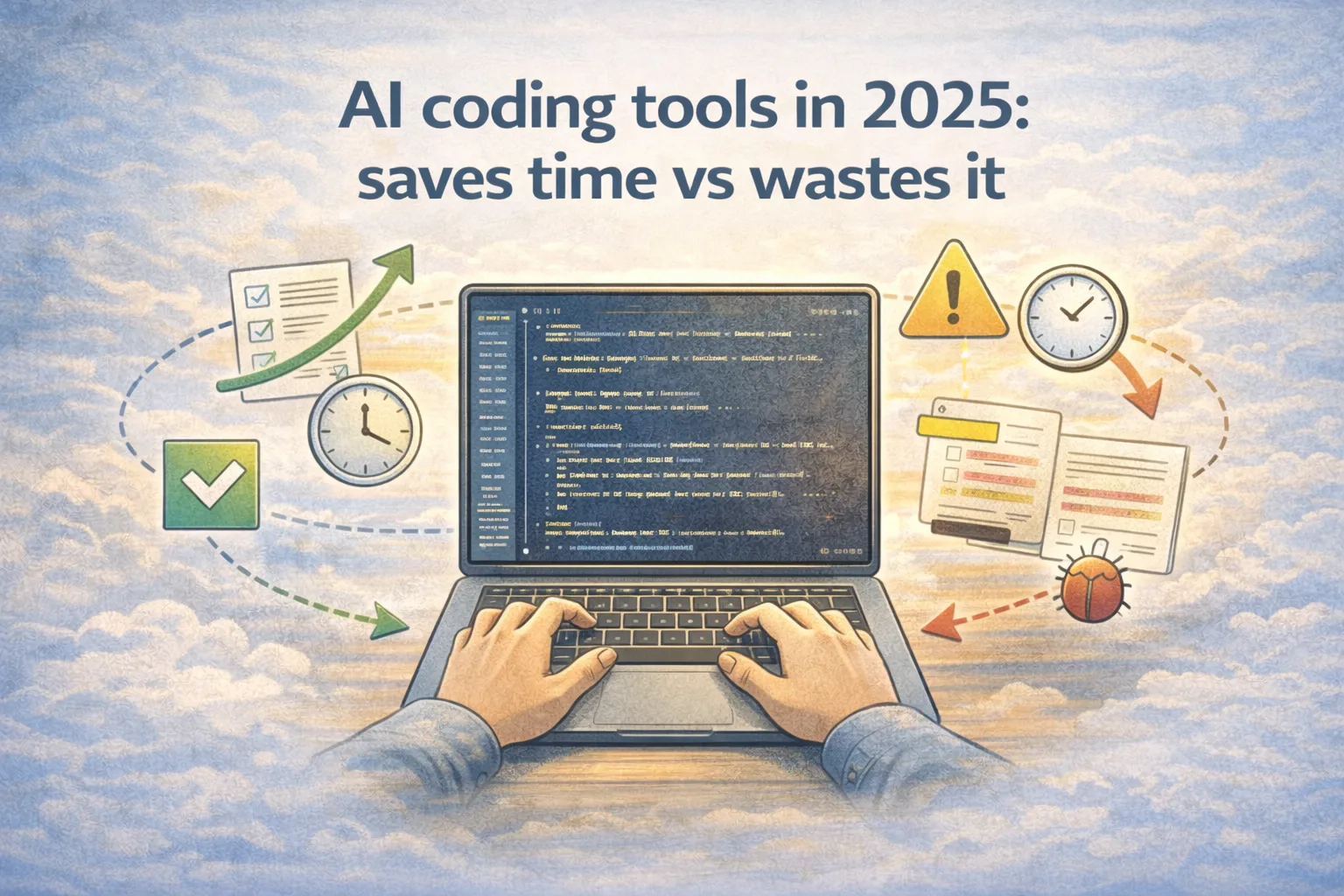
AI coding tools in 2025 are good enough to change how teams ship, but only if you judge them by workflow outcomes, not by demo quality. The same tool can save you an hour on Monday and waste two hours on Tuesday. That is not because the model became worse overnight. It is because the surrounding workflow either amplified the tool's strengths or exposed its weaknesses.
This post is a review-style breakdown of what actually saves time versus what wastes it. If you are searching for the best AI coding tools 2025, the answer is rarely a single product name. It is the workflow that turns AI pair programming into real developer productivity AI instead of a slow review treadmill.
I am going to use three tasks that show up in real repos, measure three things (time, number of edits, and bugs), and then explain why AI sometimes feels like magic and other times feels like a fight. That includes where AI code quality improves, where code generation accuracy breaks down, and how to fix the workflow so it stops wasting time.
To keep this useful, I will focus on patterns you can apply with most modern AI code assistants and coding agents, whether they run in an IDE, in a PR tool, or in a local CLI.
When I say "AI coding tools," I mean the whole category: autocomplete-style assistants like GitHub Copilot (https://github.com/features/copilot), editor-first agent IDEs like Cursor (https://www.cursor.com/) for an agent IDE workflow, and CLI-driven coding agents like Aider (https://aider.chat/). If your question is "Cursor vs alternatives," treat it as a workflow question first, because the same team can get opposite outcomes with the same tool.
What I measured and why it matters
Most arguments about AI dev tools collapse because people measure the wrong thing. They measure how fast the first draft appears, not how long it takes to ship a correct change.
For each task below, I tracked three metrics.
Time is end-to-end time to a merge-ready diff, including reading, reviewing, fixing tests, and rewriting parts that were wrong.
Edits is the number of human interventions after the AI first produced code. A high edit count usually signals that the tool produced something that looks plausible but did not match the repo.
Bugs is the number of issues discovered after the change was considered "done." In practice, this is usually a failing test found later, a regression, or a missing edge case caught in review.
The goal is not to pretend these numbers apply to every team. The goal is to show how different workflows change the outcome.
Here is how to think about these metrics in a way that matches real engineering time.
| Metric | What counts | What does not |
|---|---|---|
| Time | Everything until a reviewer would merge | Only the time to generate the first draft |
| Edits | Every manual correction, rewrite, or revert | Cosmetic formatting that your formatter would do anyway |
| Bugs | Anything that slipped past the workflow and broke later | Known failures you intentionally left unresolved |
If you measure like this, you learn a blunt truth: AI tools do not just generate code. They generate review work. The best workflows reduce review work more than they reduce typing.
If you want to ground your expectations, look at public evaluation work as reference points, not as a shopping list. A typical AI coding benchmark measures something narrow (like solving isolated issues or passing tests), while your repo work includes conventions, integration constraints, and reviewability. Two commonly cited examples are SWE-bench (https://www.swebench.com/) and HumanEval (https://github.com/openai/human-eval). They are useful for trend direction, but workflow still decides whether the tool saves time in your environment.
What actually saves time vs what wastes it
The title of this post is literal. In practice, time savings come from a few repeatable causes.
AI saves time when the tool is forced to copy an existing repo pattern and then prove correctness with a cheap feedback loop. That usually means tests, typechecks, or a build step that runs quickly enough that you will actually run it.
AI wastes time when the tool is allowed to expand scope, when verification is optional, or when you accept a large diff and then pay the cost of reading and correcting it. The waste is not the generation itself. The waste is the hidden work: review debt, debugging because the tool guessed wrong, and fixing the second-order effects of a too-large change.
This is also where "coding agents comparison" gets misleading. Many comparisons focus on output quality in a single shot. In real use, the difference between tools is often how well they help you hold boundaries, run checks, and iterate quickly when something fails.
The three tasks
I chose tasks that create different kinds of work.
Task 1 is a narrow change with clear verification. It is the easiest case for AI tools.
Task 2 is a medium refactor with hidden risk. It is where tools can either shine or explode scope.
Task 3 is ambiguous documentation work. It is where tools can help a lot, but hallucinations and missing evidence can waste time.
Task 1: Add a small API validation rule
The task: add a new validation rule to an existing API handler, update the error response, and update or add tests.
This is the kind of task where AI feels magical because the scope is tight, the codebase already has patterns, and the verification step is obvious.
The two workflows compared:
Workflow A: "inline assistant" approach. Ask for the change, accept most of the diff, then run tests.
Workflow B: "agent with guardrails" approach. First force the tool to locate the existing validation pattern, then force it to write a test that fails without the change, then run tests before doing any cleanup.
The outcome is what you would expect. Both can be fast, but the guardrail version reduces edits because the agent has to match existing conventions.
| Task | Workflow | Time | Human edits | Bugs found later |
|---|---|---|---|---|
| Add API validation rule | Inline assistant | 22 min | 7 | 0 |
| Add API validation rule | Agent with guardrails | 18 min | 3 | 0 |
Why the guardrail workflow wins is not that it wrote better code. It is that it forced the tool to prove it understood the repo pattern before touching anything. That simple step removes a lot of tiny edits that otherwise add up: wrong import style, wrong error shape, wrong folder for tests, and mismatched naming.
This is also a task where you can make the tool predictably useful by tightening the inputs you give it. If you include the existing handler file, one existing test file, and the expected error response shape, most tools stop guessing and start copying. When you do not provide that context, they often re-invent your validation pattern and you pay for it in edits.
When AI feels magical, it is usually because the task already has a strong template in the codebase, and the verification step is cheap.
Task 2: Refactor a module without changing behavior
The task: refactor a single module to reduce duplication, simplify control flow, and improve readability, with no behavior changes.
This is the task where AI can waste time if you let it. Refactors are easy to describe in English and hard to verify without tests. That mismatch invites scope creep.
The two workflows compared:
Workflow A: "refactor prompt" approach. Ask the tool to refactor the module, then review the diff.
Workflow B: "characterization first" approach. Force the tool to write or strengthen characterization tests first, then do refactor steps in small diffs, running tests after each step.
The key difference is that Workflow B treats tests as the contract. Workflow A treats the diff as the contract.
| Task | Workflow | Time | Human edits | Bugs found later |
|---|---|---|---|---|
| Refactor one module | Refactor prompt | 1h 35m | 28 | 2 |
| Refactor one module | Characterization first | 58 min | 11 | 0 |
This is where you learn why agents feel painful sometimes. They are not bad at writing code. They are bad at stopping. If you do not define a strict boundary (one folder, one file, or one module) and a stop condition (max files changed, max diff size), the agent will keep going because it sees more opportunities to improve.
The cost of that behavior is review debt. Every extra file touched adds a little uncertainty. A refactor can be technically correct and still be a bad merge because nobody can confidently review it.
If you want refactors to be a consistent win with AI, you need two explicit controls.
The first is a boundary you can measure. Define it as a path prefix or as a fixed list of files. If the tool proposes touching files outside that boundary, treat it as a failure of the run, not a minor suggestion.
The second is a stop condition. Cap the number of files and cap the number of refactor steps. Refactors are never "done" in the abstract. A workflow has to stop on purpose.
The characterization-first workflow flips the incentives. The agent cannot claim success until the proof exists. And because tests exist, the agent can take smaller steps without losing confidence.
When AI feels painful, it is usually because the feedback loop is slow (tests are flaky or expensive), the task is open-ended, and you let the tool expand scope.
If you want to add one more role to this workflow, use an AI debugging assistant only after proof fails, not before. Debugging is where a tool can either save a ton of time or burn it by making plausible guesses. The reliable pattern is: fail fast, reproduce, then let the tool propose the smallest scoped fix that makes the failing test green.
Task 3: Update docs for a real behavior change
The task: update documentation after a behavior change in code, including adding an example, updating a configuration section, and removing outdated guidance.
Documentation work is where tools can either save a lot of time or create subtle misinformation that costs you later. The failure mode is not a build break. The failure mode is a confident sentence that is wrong.
The two workflows compared:
Workflow A: "write docs" approach. Ask the tool to update docs based on a description of the change.
Workflow B: "evidence-based docs" approach. Force the tool to cite sources in the repo for each doc claim, then update docs only inside the allowed files.
| Task | Workflow | Time | Human edits | Bugs found later |
|---|---|---|---|---|
| Update docs | Write docs | 41 min | 19 | 1 |
| Update docs | Evidence-based docs | 29 min | 9 | 0 |
The evidence-based workflow wins because it changes what the tool is optimizing for. Instead of optimizing for fluent text, it is optimizing for traceable truth. That also makes review faster because a reviewer can check references rather than debating wording.
This is where external sources can help too, but only in a specific way. If you are documenting a tool or a standard library behavior, link the authoritative source rather than paraphrasing from memory. For example, if you mention TypeScript configuration, the official docs are usually the safest reference (https://www.typescriptlang.org/tsconfig). If you mention a test framework API, link its docs. The idea is not to add links for SEO. The idea is to reduce the chance the docs become wrong.
When AI feels magical for docs, it is usually because the repo already contains the truth and you force the tool to look at it. When AI feels painful, it is usually because you asked it to guess.
Why AI feels magical sometimes and painful other times
After enough runs, the pattern is consistent.
AI feels magical when scope is tight, the repository already has a clear pattern to copy, and you can verify quickly. In that world, the tool is acting like a fast pair programmer that never gets tired of boilerplate.
AI feels painful when scope is ambiguous, verification is weak, and the tool is allowed to produce large diffs. In that world, the tool is acting like an eager junior engineer who is trying to impress you with volume.
The difference is not the model. It is your workflow.
If you want the tool to behave like a senior engineer, you have to give it senior constraints. That means explicit boundaries, explicit success criteria, and a stop button.
A workflow that keeps the wins and avoids the waste
The fastest way to get consistent value is to standardize how you run these tools.
Start every run by forcing the tool to show its understanding of the repo. That can be as simple as asking it to locate the existing pattern for validation, the existing test suite, and the conventions for filenames. This reduces hidden mismatch.
Use proof as a gate, not as a suggestion. For code changes, that usually means tests. If tests cannot run, the tool has to say so and your process should treat the output as unverified. For refactors, insist on characterization tests before structural change.
Put hard caps on scope. Limit what paths can change, limit the number of files, and timebox the run. If the tool hits the cap, it should stop and ask. This protects your review bandwidth.
Separate generation from review. One run produces a diff. A second run reviews it for scope violations, missing tests, edge cases, and risky changes. This is not overhead. It is how you stop the tool from being both author and judge.
Finally, track your own metrics. If you want to know whether a tool is saving time, measure the end-to-end time to merge, not the time to first draft. Measure how many edits you had to make and how often issues slipped through. Those numbers tell you whether the workflow is healthy.
Once you run AI coding tools with these constraints, you stop arguing about hype. You start seeing predictable outcomes: small tasks get faster, refactors stop ballooning, and docs become easier to trust.
If you want this to be actionable inside a team, treat these patterns like process, not personal preference. Write down the boundaries you want a tool to respect, standardize the proof step, and make it normal to reject large diffs that do not have verification. The fastest teams are not the ones with the most AI usage. They are the ones that keep AI output inside a tight loop: small change, proof, merge.
One final practical tool: keep a small "failure glossary" for your team and map each failure to a workflow fix. This turns vague frustration into something you can improve.
| Symptom | What it usually means | Workflow fix |
|---|---|---|
| Lots of edits after generation | The tool guessed repo conventions | Force it to locate a repo pattern first |
| Refactor touches many unrelated files | No enforceable scope boundary | Set allowed paths and fail the run outside them |
| Confident output, later bug | Verification step was skipped or weak | Make tests or checks mandatory, or mark output unverified |
| Docs read well but are wrong | No evidence requirement | Require repo sources and link authoritative docs when needed |
That is the point of using AI in engineering in 2025. Not to generate more code, but to reduce the cost of shipping correct code.