Privacy and Safety When Saving Links
December 20, 2025
Saving links seems harmless until it is not. Maybe a private document leaks. Maybe a shared folder includes sensitive screenshots. Maybe an exported file lands in the wrong inbox. With a few habits, you can keep your saved links useful without creating risk.
Separate private work from shared playlists
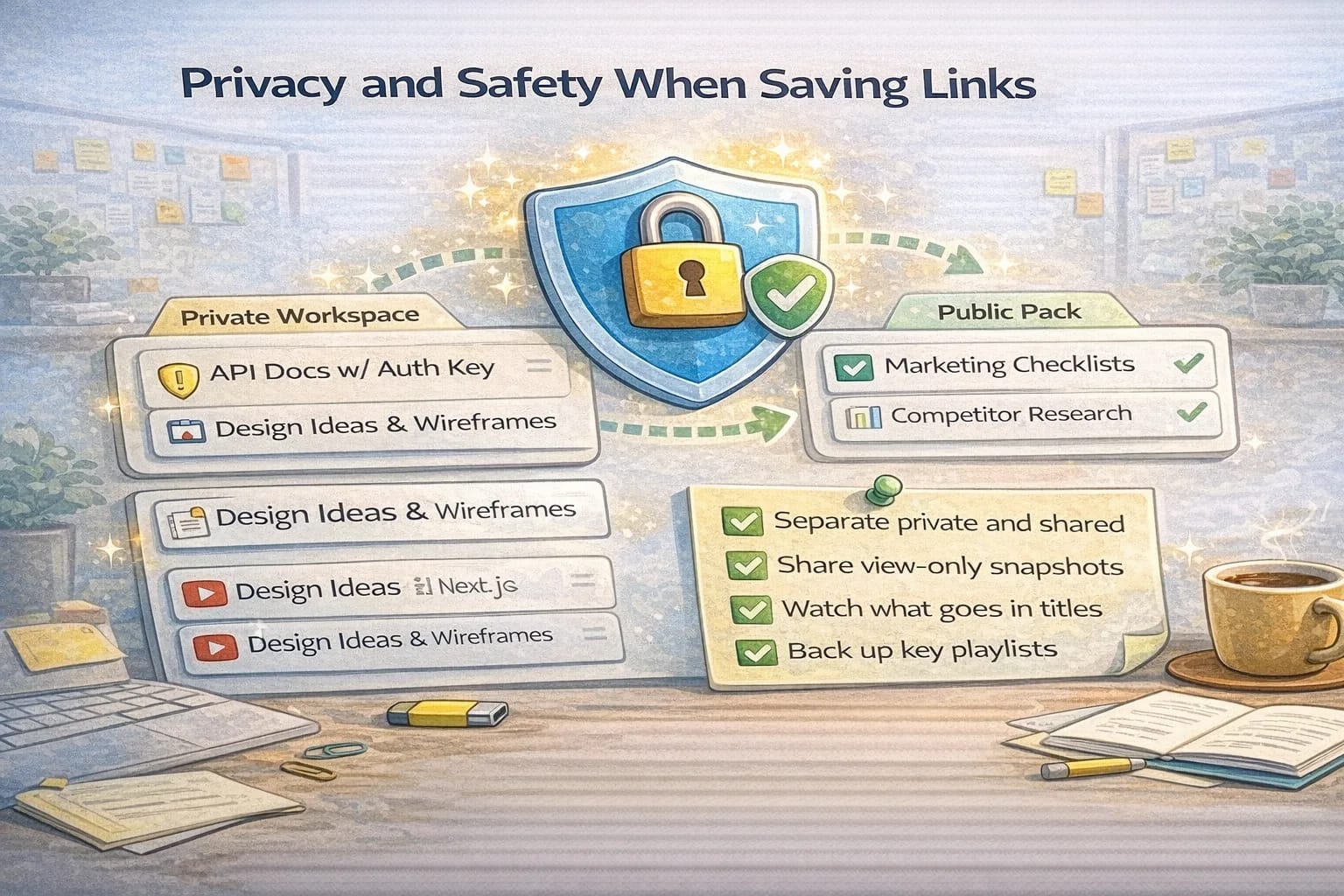
Keep a private workspace where you collect and refine. When you want to share, create a read only snapshot link of a specific playlist. This gives viewers what they need without exposing your entire workspace. If you need to update later, create a new snapshot and send that link.
Be careful with URLs
Links can contain tokens or IDs that grant access. Before you save or share, look at the URL. If it contains a token, do not share it outside your team. Where possible, share the canonical page instead of a one time preview link.
Avoid saving secrets in titles or notes
Titles should explain value, not leak details. Do not include API keys, internal IDs, or private names in your card titles. If you must reference something sensitive, keep it in a secure note system and link to that note rather than placing details in a public playlist.
Control who can view
When you share a playlist, consider the audience. If the list is public, assume anyone can see it. If you want a narrower audience, share only with people who need access and pick a tool that supports view only links.
Back up the important stuff
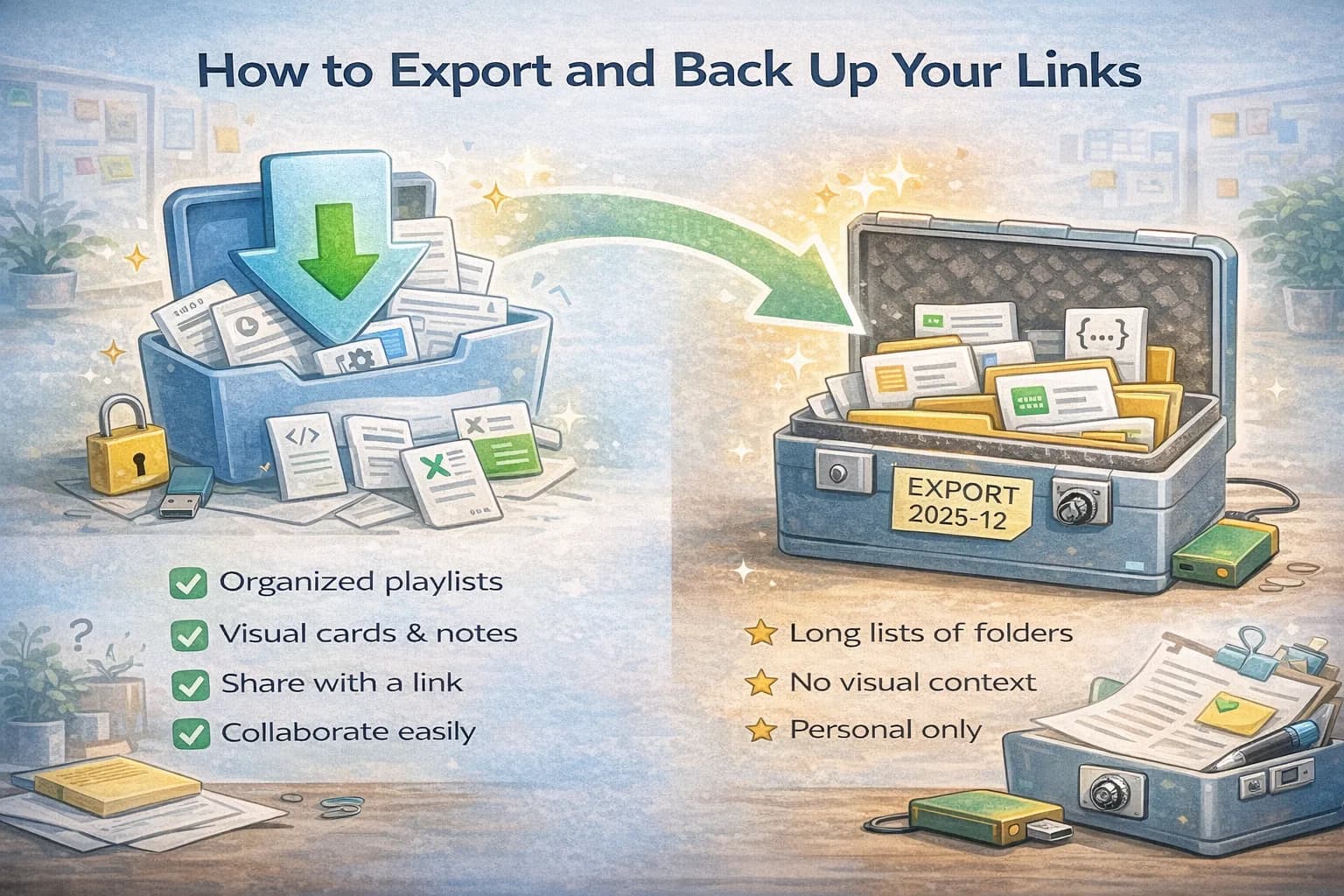
Once a month, export key playlists to a file and place it in your team’s secure storage. If you ever lose a URL or need to recreate a list, you have a snapshot to restore from. Backups are boring until the day you need one.
Keep your devices clean
A secure link system does not help if your devices are compromised. Keep your browser and extensions up to date. Use unique passwords and two factor authentication. Be careful with extensions that read every page you visit.
Small habits give you safety without slowing you down. Separate private work, share with intention, and back up what matters. That is enough to avoid most mistakes and keeps your focus on the work.
Start with a simple threat model (so you don’t overthink)
Privacy advice gets confusing because it mixes very different risks. A lightweight “threat model” helps you choose the right habits without turning link-saving into a security project.
Ask these three questions:
- Who could see this link list? Just you, your team, or literally anyone on the internet?
- What could be revealed if it leaked? Internal systems, personal interests, client names, private documents, or account identifiers.
- What is the impact? Mild embarrassment, reputational damage, legal risk, or account takeover.
If the impact is high, prefer private storage and minimal sharing. If the impact is low, your main goal is just to avoid accidental oversharing.
The biggest mistake: saving URLs that were never meant to travel
Many links work only because you are already logged in. Saving them is fine for personal reference, but sharing them often creates problems:
- They break for other people (wasted time and confusion).
- They expose internal hostnames, file paths, document titles, or IDs.
Be careful with:
- internal dashboards and admin panels
- staging environments
- unlisted files and previews
- calendar invites with private metadata
Rule of thumb: if the URL contains a long random token, or looks like a one-time link, do not treat it as a reusable resource.
Don’t store secrets in link titles, notes, or screenshots
This sounds obvious, but it is the most common “quiet leak.”
Never store:
- passwords
- API keys
- session tokens
- recovery codes
Also be careful with screenshots. Screenshots often include:
- email addresses
- internal project names
- customer data
- browser tabs that reveal sensitive topics
If you need to keep secrets, use a password manager. If you need to keep sensitive operational information, use a restricted doc system.
Clean up tracking parameters before public sharing
Many links include tracking parameters that are harmless for personal use but unnecessary for sharing.
If you’re sharing publicly, consider removing common tracking params like:
utm_source,utm_medium,utm_campaign- affiliate or referral IDs
Prefer the canonical URL when you can find it. This improves privacy and makes the link look more trustworthy.
Use a sensitivity label so you don’t accidentally publish private items
If your tool allows it, add a simple label in your titles or notes:
- Public: safe to share anywhere
- Team: safe only for your team
- Private: do not share
Even if you do this informally, it helps you avoid the “I forgot what this was” problem months later.
Safe sharing checklist (do this before you send a link list)
Before sharing a playlist or notebook, do a quick scan:
- Are there internal URLs or hostnames?
- Are any titles too revealing (client names, personal topics, incident details)?
- Do any links point to login or reset flows?
- Are there screenshots with private data?
- Are you sharing view-only access where possible?
If you’re unsure, create a separate “Public” playlist and copy only clearly safe items into it. That single habit prevents most accidents.
Backups: what to export and where to keep it
Backups are not only about data loss. They are also about recovery from “oops I shared the wrong thing.”
Good backup habits:
- Export only the playlists that matter (not everything).
- Store exports in secure storage your team controls.
- Keep a consistent naming convention like
project-name_links_YYYY-MM.
If you ever need to remove access or rebuild a list, a clean export saves hours.
Browser and device hygiene (small steps, big results)
Your link system can be perfect and still fail if your device is compromised.
Baseline habits:
- Keep your browser updated.
- Review browser extensions and remove anything you do not trust.
- Use a screen lock.
- Use a password manager and enable two-factor authentication on key accounts.
This is boring advice, but it is the foundation that protects everything else.
References
- OWASP guidance on common web risks and safe habits
- NIST guidance on authentication and identity practices
Create a “public pack” habit
The safest way to share links is to never share from your private working space.
Instead, maintain two kinds of collections:
- Private workspace: messy, in-progress, contains internal context.
- Public pack: curated, view-only, safe to forward.
When someone asks for resources, copy only the safe items into a public pack. This prevents the common accident of “I shared the wrong list” and keeps your private notes private.
Examples of URLs that deserve extra caution
Not all URLs are equal. Some are fine to share broadly; others can leak data.
Extra caution with:
- URLs that include
token=,auth=,signature=,key= - URLs that include long random strings
- URLs that look like one-time previews or downloads
- URLs that include file paths with names and dates
If you can’t explain what each part of the URL is doing, treat it as sensitive.
Sharing red flags (quick scan)
Before you share, scan for:
- internal tools and admin pages
- incident links and postmortems
- customer data, even in screenshots
- private meeting notes
If you work on a team, assume your shared lists may be forwarded. Write titles and notes that can survive that scenario.
Keep private topics private, even when links are public
Sometimes the link itself is public, but the topic is sensitive.
If you are saving links about:
- health
- legal issues
- finances
- personal relationships
Keep the collection private and use neutral titles. You can still be organized without advertising the details.
A simple monthly cleanup
Once a month, do a 10-minute cleanup:
- delete links you no longer need
- move finished projects to an archive
- review what you shared and revoke access where appropriate
Lowering the amount of stored data lowers risk. It also makes your system easier to use.
Safe defaults for work links
If you save links for work, choose safe defaults:
- Treat internal links as team-only unless clearly public.
- Avoid putting sensitive names in titles.
- Prefer view-only sharing when you share externally.
These defaults prevent accidental leaks while still letting you collaborate.
A 60-second pre-share checklist
Before you share a link list, take one minute and scan for:
- internal hosts (staging, admin)
- doc titles that reveal private project details
- screenshots with visible emails or customer data
- URLs with tokens or long random strings
If you catch even one risky item, move to the “public pack” approach: copy only safe links into a clean playlist and share that instead.
Privacy is mostly about safe defaults and small habits. If you separate private work from shared lists and run a quick scan before sharing, you avoid the majority of real-world mistakes.