A Research Workflow That Actually Scales
December 22, 2025
Most research fails quietly. You gather links, skim a few articles, bookmark a video, and lose the thread. A week later, you cannot explain what you learned or why one source was better than another. A workable workflow fixes that. It gives you a start to finish path that is fast for small questions and strong enough for complex topics.
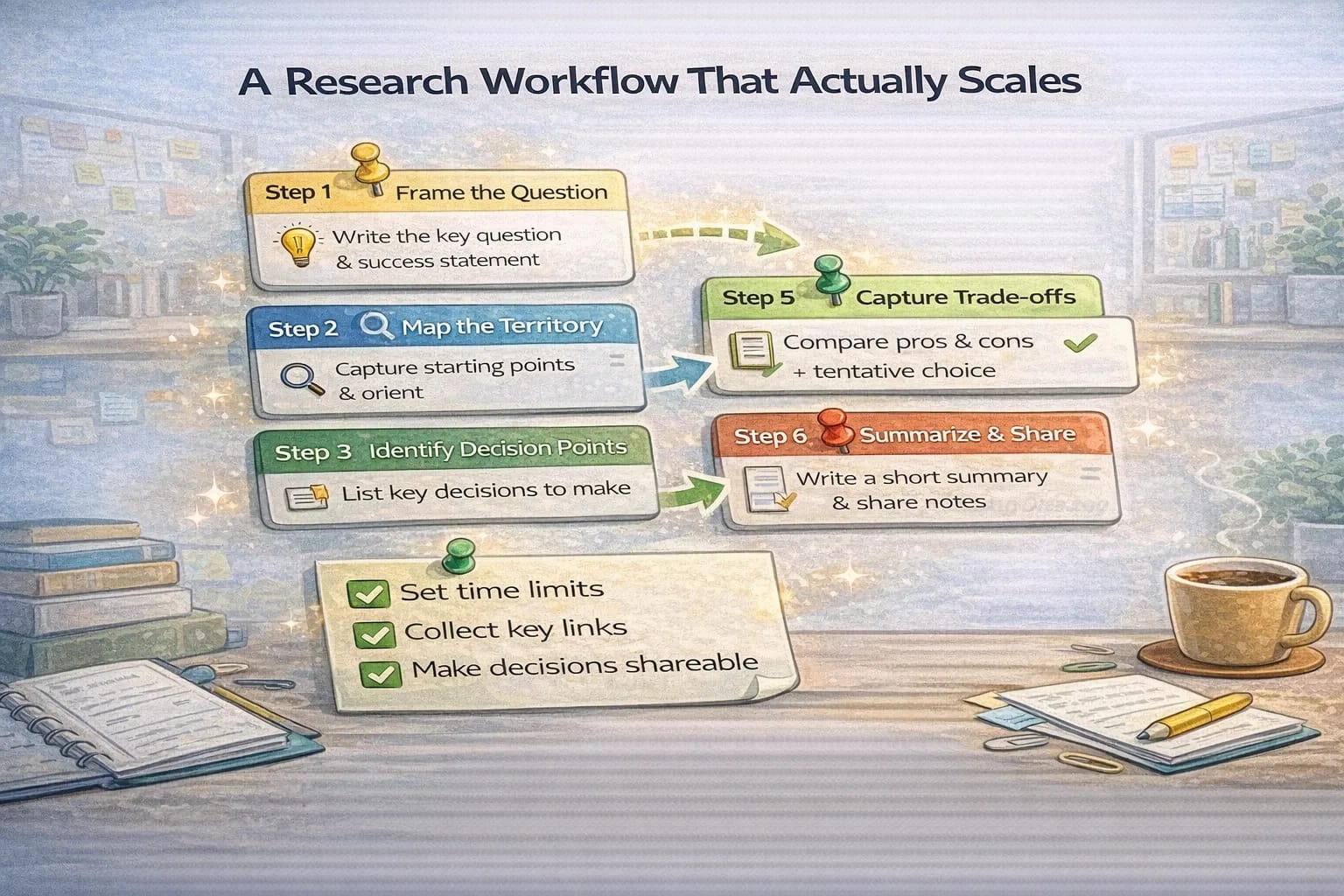
Step 1: Frame the question
Write a one sentence question and a one sentence success state. Example: “What’s the simplest stack for a landing page with analytics and forms?” Success state: “Choose a stack I can launch in two days with an upgrade path for forms and SEO.” Now you have a filter. Every link must help answer the question or move you toward success.
Step 2: Map the territory
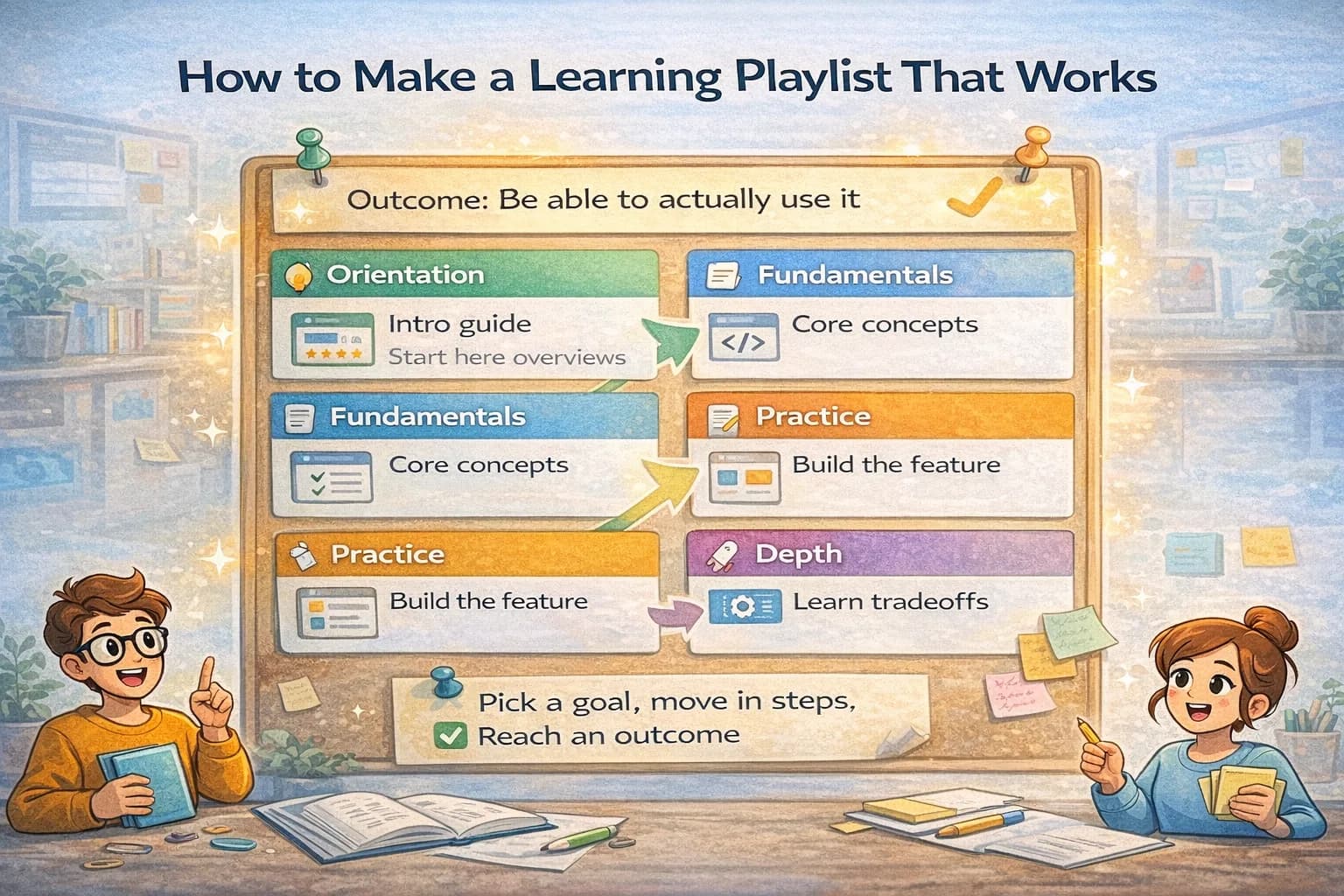
Search broadly for ten minutes. Look for three kinds of sources: official docs, respected community posts, and comparisons. Save links into a fresh collection and label them Orientation. This pass is about getting a lay of the land, not deciding yet.
Step 3: Identify decision points
From the orientation pass, list the decisions you must make. For the example above, decisions might be: static site or framework, hosting, analytics, form handling, SEO setup. Create short headers in your collection for each decision. You now have a skeleton that guides the rest of your research.
Step 4: Deep dive with limits
Pick one decision at a time. Spend a fixed block of time, like 30 minutes, gathering and evaluating material. Put the best links under the right header. Add a short note under each link that says why it matters. Notes make your future self smart and help teammates trust your picks.
Step 5: Capture trade offs and a tentative choice
When you have enough to lean one way, write two lists. Pros and cons. Keep it short. Then write a tentative choice in one sentence. This is not a final decision yet. You are making your thinking visible. If a later source changes your mind, update the note so the path is documented.
Step 6: Summarize and share
When your decisions feel stable, write a short summary at the top. It should link to the most useful sources, call out anything you skipped and why, and show the final stack or answer in one paragraph. Share the collection link for feedback. A clean summary makes it easy for reviewers to spot gaps and suggest improvements.
Step 7: Archive and repeat
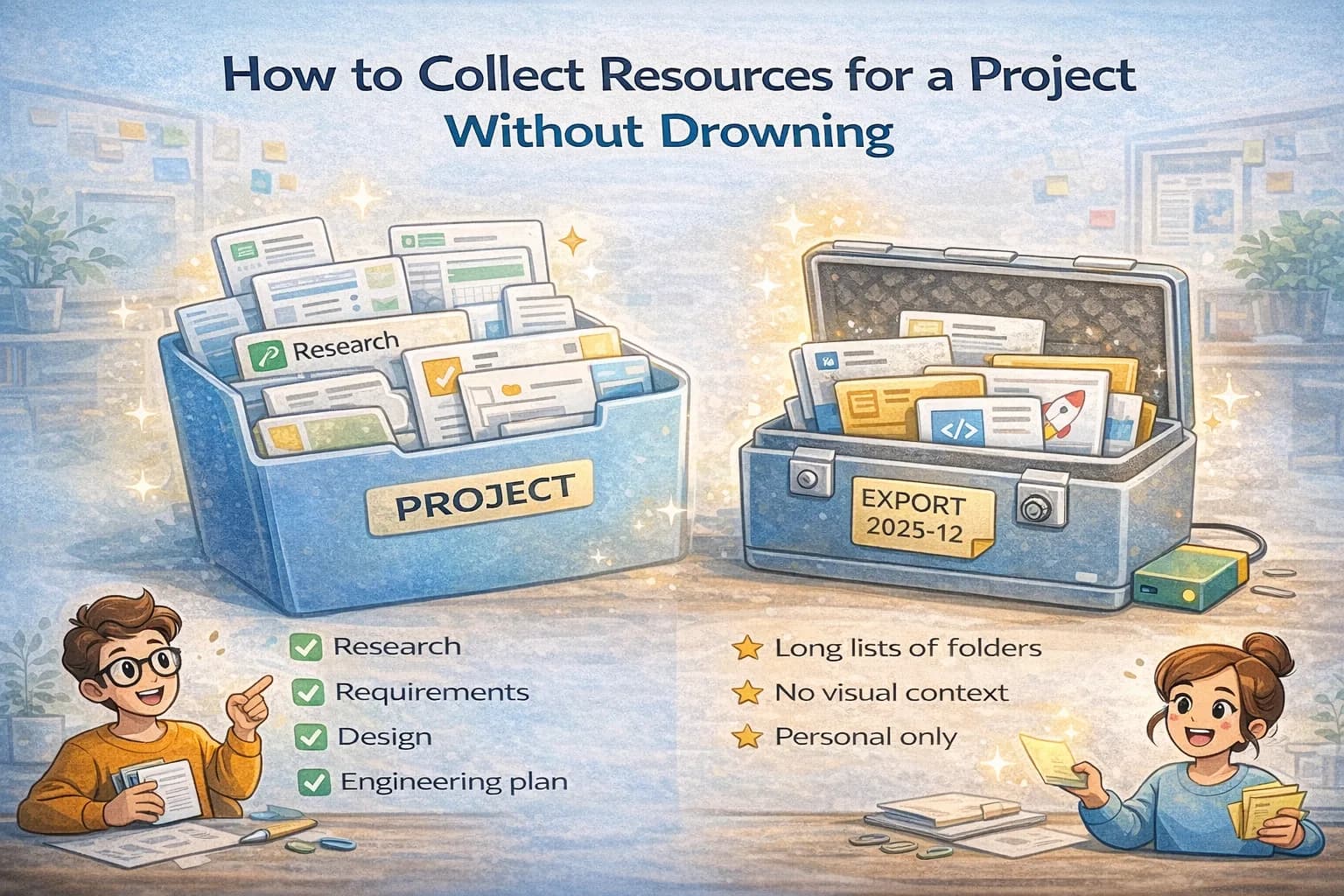
When the project ends, move the collection into your Library. Rename it if needed so future you can find it. The next time you research a related topic, clone the structure and go faster. The habit of framing questions, mapping decisions, and summarizing results compacts learning into a tidy package you can reuse.
This workflow lowers stress because it converts a fuzzy task into small steps. It also makes your work legible to colleagues. They see not just conclusions, but the evidence and thinking that support them. That is how research becomes a reliable asset instead of a pile of half read tabs.
The missing step in most workflows: triage
Most people save links the same way they save browser tabs: everything looks urgent in the moment.
Add a triage step between “capture” and “deep dive.” Triage means quickly deciding what each link is:
- Primary: official docs, standards, original data
- Secondary: high-quality explanations, guides, synthesis
- Opinion: takes and debate
- Noise: low-signal, repetitive, or unclear
If you can’t label it, it usually belongs in Noise.
This single practice keeps your collection small enough to trust.
A lightweight evaluation rubric (so you can defend your choices)
When you pick sources, you are implicitly making a judgment call. Make the judgment explicit.
Score a source quickly on:
- Authority: Who wrote it and why should you trust them?
- Recency: Is it current enough for your problem?
- Specificity: Does it contain concrete steps, examples, or data?
- Relevance: Does it answer your framed question?
You don’t need formal numbers. A quick note like “Official docs, current, includes examples” is enough.
Turn links into artifacts (what you should write as you research)
If your research produces only a link list, it will decay.
Aim to produce at least one artifact:
- a one-page decision memo
- an “options and trade-offs” table
- a checklist or runbook
- a short implementation plan
Artifacts are reusable. They also make your work reviewable.
The decision memo template (simple and powerful)
At the top of your collection, keep a short memo:
- Question: what you are trying to decide
- Constraints: time, budget, team skills, platform limits
- Options: 2–4 realistic choices
- Decision: what you chose (even if tentative)
- Why: the main trade-offs
- Links: 3–8 best references
This turns your research from “I read a lot” into “I decided with evidence.”
How to keep research from expanding forever
Research has no natural stopping point. You must set one.
Use a timebox rule:
- Orientation: 10 minutes
- Deep dive per decision point: 30–45 minutes
- Synthesis: 20 minutes
If you hit the time limit and still feel uncertain, write what’s missing as a question, then do a targeted search for that gap.
A practical capture system (so nothing gets lost)
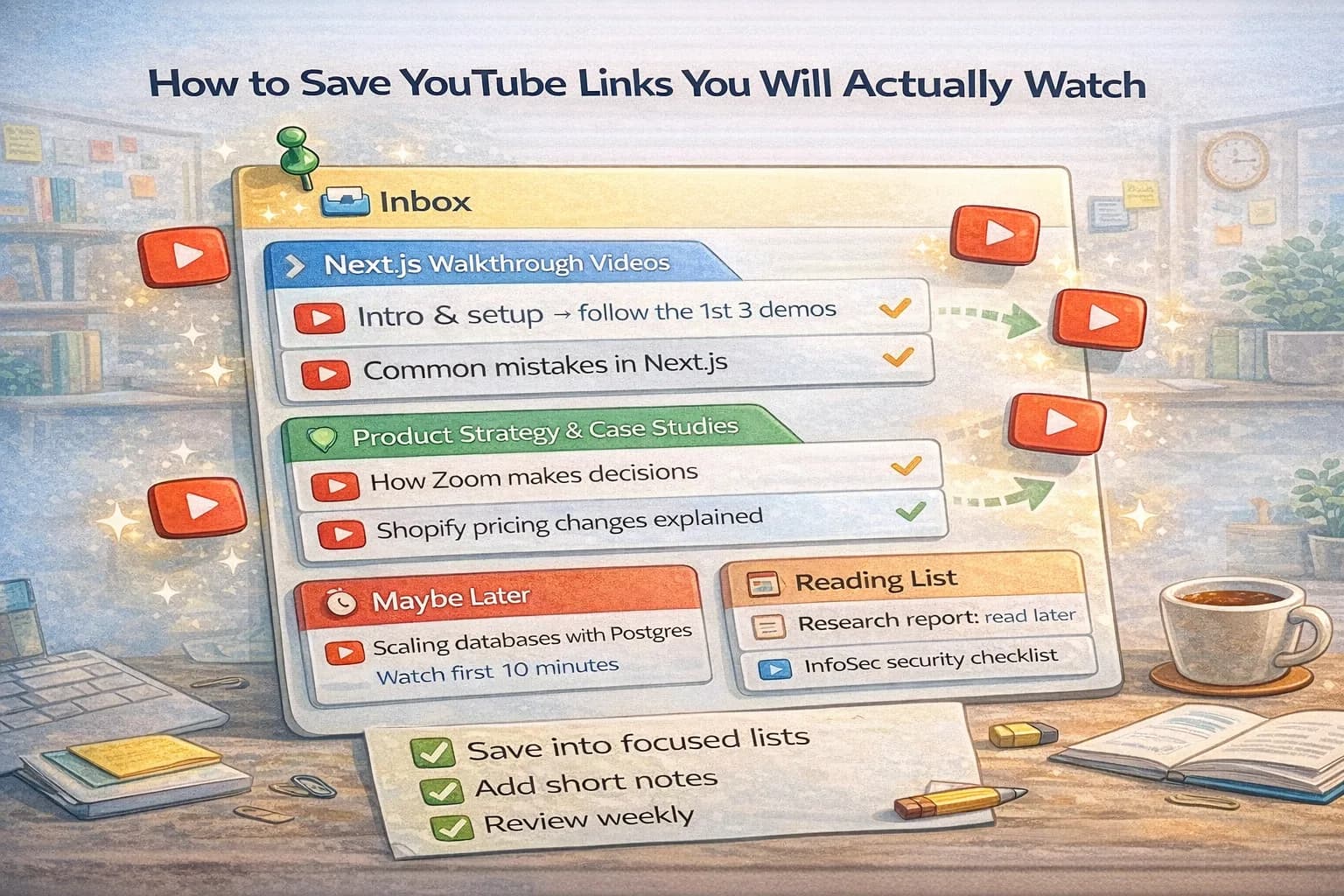
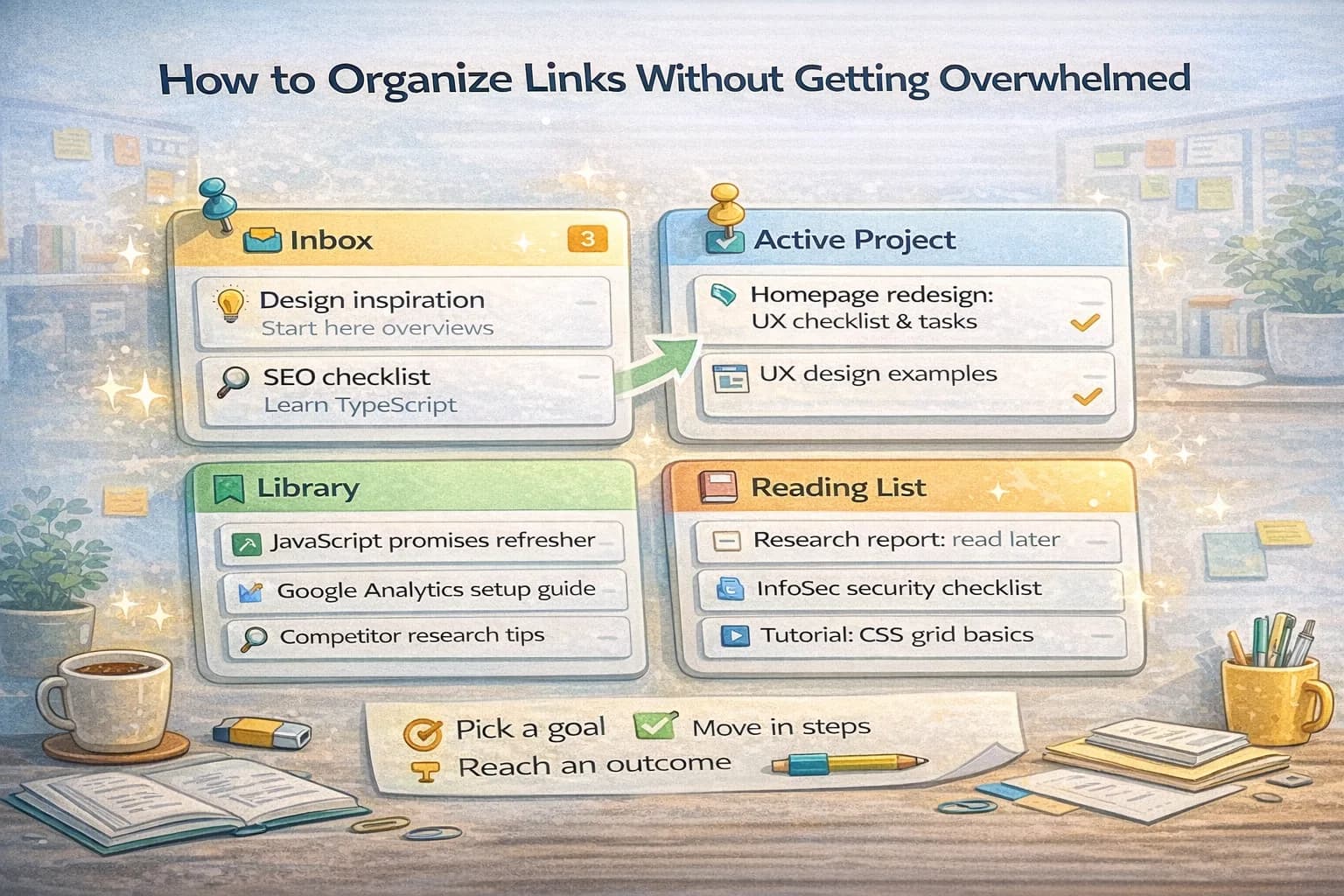
Separate “incoming” from “curated.”
- Use one place to dump links quickly.
- Once per day (or per session), process the incoming list:
- delete duplicates
- retitle for clarity
- move under the correct decision header
This prevents your research space from becoming a landfill.
Example: researching a landing page stack
Framed question:
- “What’s the simplest stack for a landing page with analytics and forms?”
Decision points:
- static site vs framework
- hosting
- analytics
- forms
- SEO and performance
What you write while researching:
- One paragraph summary of the final choice.
- A short “why not the others” note.
- A checklist for launch (DNS, analytics events, form spam protection, sitemap).
If you end with those three, your research will actually be useful.
Common research anti-patterns
Avoid these traps:
- Collecting without deciding: you save links but never turn them into a choice.
- Source-hopping: you read five beginner posts instead of one primary source.
- Over-indexing on novelty: you pick tools because they are new, not because they solve your constraints.
- Not writing notes: you assume you’ll remember why a link mattered.
If you notice these, go back to the decision memo and rewrite it. Writing is the corrective action.
Final checklist (run this before you share)
- The question is stated clearly.
- The success state is stated clearly.
- Key decision points are listed.
- Top sources are labeled and titled well.
- A short decision memo exists at the top.
- Links are curated (duplicates removed).
References
- Official documentation for the tools you choose
- Standards bodies and primary specifications when applicable
- Trusted engineering and research communities for real-world trade-offs
Use a “source ladder” to avoid shallow research
When you are under time pressure, it is easy to read five beginner posts and still feel unsure.
Instead, climb a simple ladder:
- Primary sources: official docs, specs, original data
- Experienced practitioner write-ups: real-world trade-offs, production lessons
- Community Q&A: edge cases and troubleshooting
- General summaries: only when you need orientation
If you feel stuck, you are usually spending too much time at the bottom of the ladder.
Notes that scale: write “why this matters” in one line
Every saved link should earn a one-line note. You can keep it simple:
- “Use this when we implement X.”
- “This is the constraint that changes the decision.”
- “This example is closest to our situation.”
Those notes are what make a link list usable months later.
Synthesis techniques that make decisions easier
If you are comparing options, use one of these quick synthesis formats:
- Pros/cons with constraints: only list items that connect to your constraints.
- Decision drivers: rank what matters most (time, cost, reliability, ease).
- Failure modes: list what could go wrong with each option.
Synthesis is the part that turns reading into a decision.
How to get stakeholder feedback without a meeting
If you want review, make it easy:
- Put the decision memo at the top.
- Link only the top references.
- Ask 1–3 specific questions (“Do we have any constraints I missed?” “Is option B acceptable operationally?”).
People respond to clear questions. They ignore vague requests like “any thoughts?”
Buffer: keep your “best links” list short
When you share research, include only the top 3–8 references. If you include 30 links, reviewers won’t read them, and your conclusion won’t get challenged. Short lists invite real feedback.