The Best Alternative To Traditional Browser Bookmarks
December 20, 2025
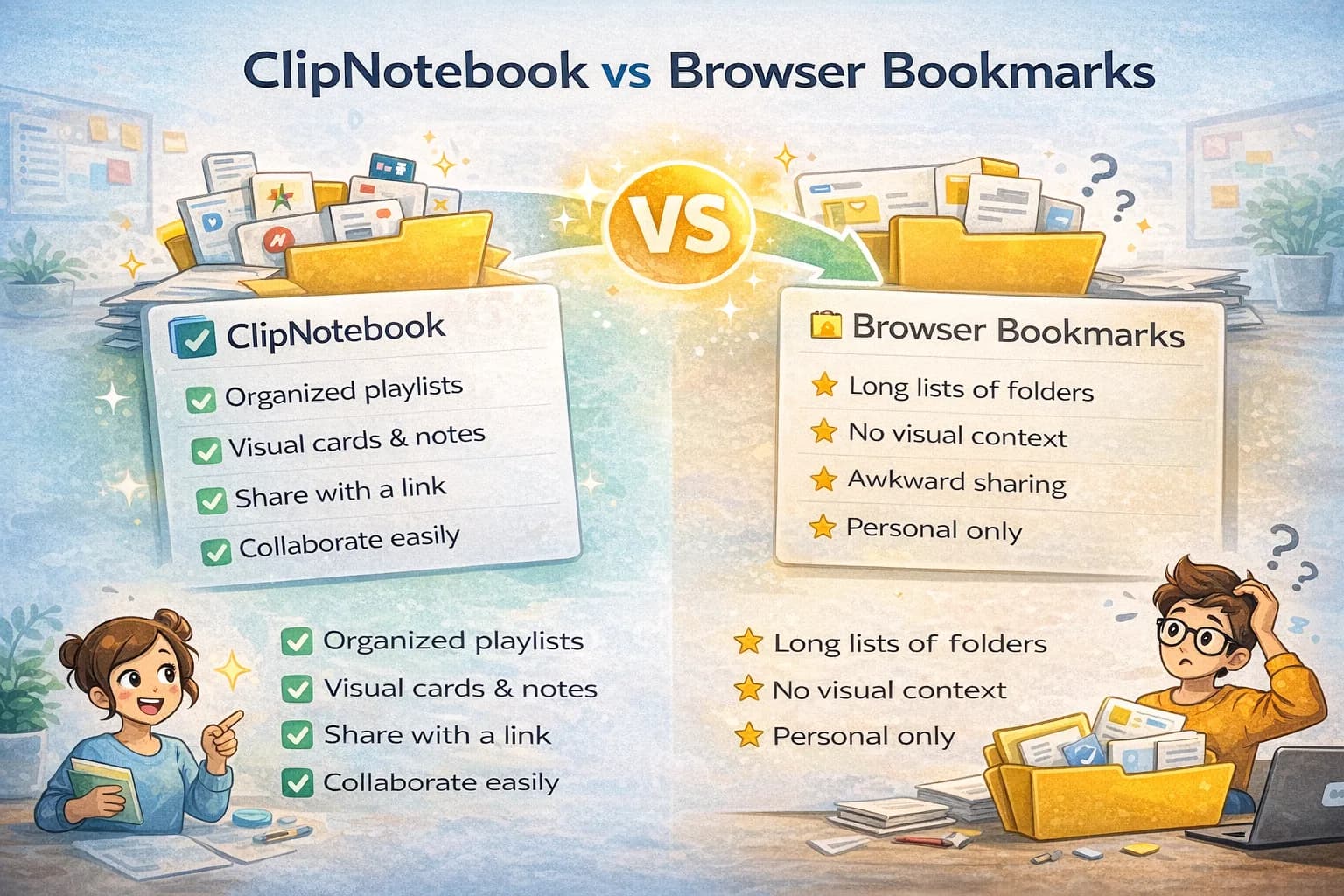
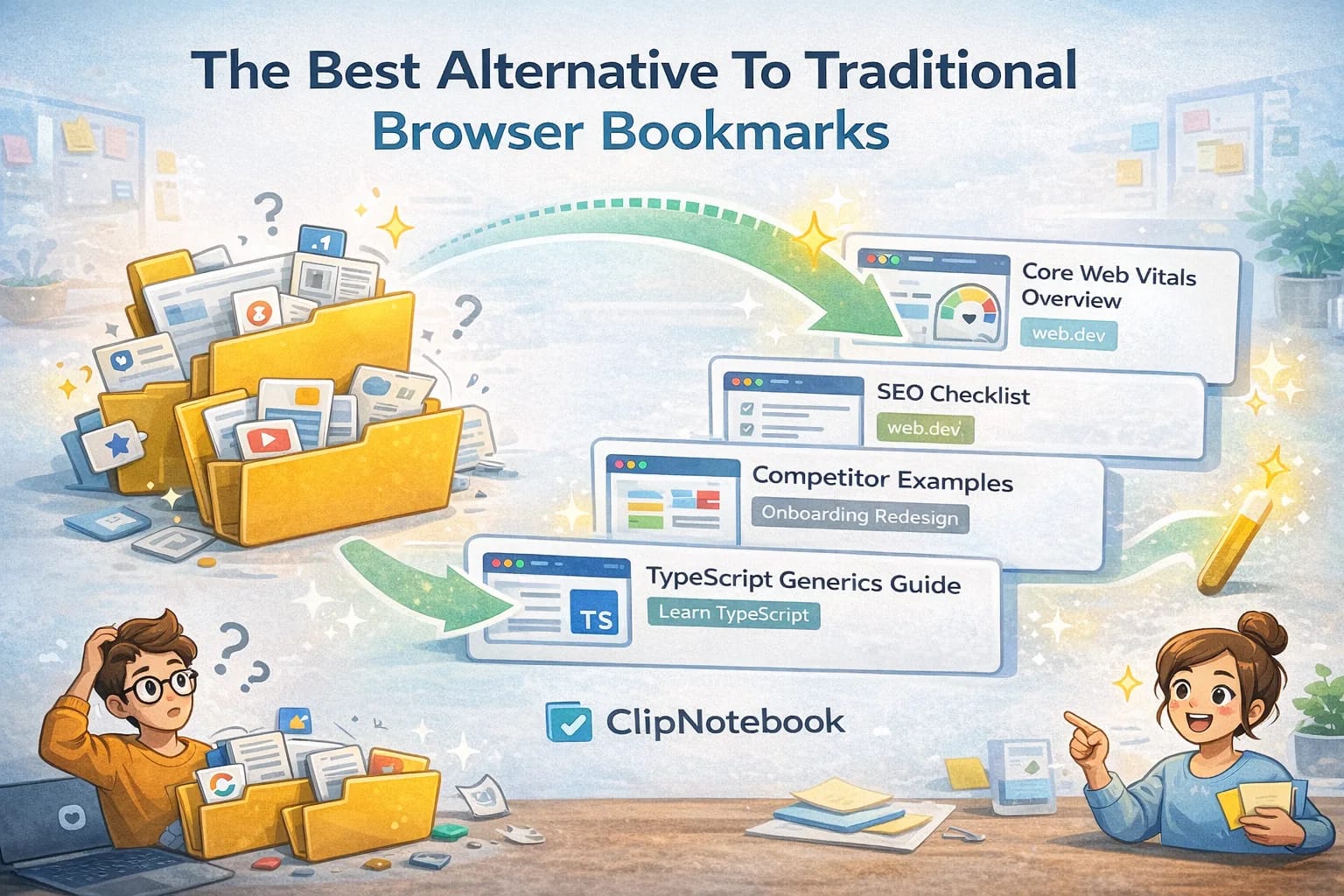
Browser bookmarks are built for quick personal saving, not for modern work. They hide context, are hard to share, and turn into nested folders that no one wants to maintain. If you have ever tried to hand a teammate a list of bookmarks, you know the pain. There is a better way that treats links as objects with titles, images, and a place in a small workflow.
The goal is not to “replace bookmarks because bookmarks are bad.” The goal is to use bookmarks for what they’re good at (daily utilities) and use a link manager for what bookmarks are not designed to do (projects, sharing, learning paths, and long-lived research).
What browser bookmarks do well
- Saving a single page you will return to often
- Keeping a short list of favorites on the toolbar
- Syncing a small set between devices
If this is all you need, you can stop here. But as soon as you manage research, projects, or learning, the limits show up.
Where bookmarks struggle
- No visual context, so scanning takes longer
- Nested folders hide items and discourage cleanup
- Sharing a folder requires exports or awkward screenshots
- No way to add notes or guidance for a teammate
A better alternative
Use a link manager that turns URLs into cards inside playlists. Each card shows a title, an image when available, and a clear link. Each playlist has a purpose and can be shared with one URL. You can create a snapshot when you want read only sharing and keep your private workspace untouched.
What to look for in a real alternative
When people search “best bookmarks alternative,” they often end up with a list of features. Features are not the point. The workflow is.
Look for these capabilities because they map to real problems:
- Fast capture: saving a link takes seconds.
- Readable titles: you can rewrite titles so the “why” survives.
- Collections with purpose: playlists are named by outcomes, not vague categories.
- Shareable views: you can share a list without exposing your whole workspace.
- Export/backup: your data is not trapped.
If a tool cannot do export/backup, it is not a serious long-term alternative.
Why this works better
- Visual cards are faster to scan
- Playlists map to outcomes, not vague categories
- One link share removes the friction of exporting or copying
- You can add tiny annotations in titles so others know what to do with a link
It also encourages a healthy constraint: smaller lists.
Most productivity systems fail because they become infinite. A playlist with a purpose naturally pushes you to prune: if the list is too long to follow, it is too long to be useful.
How to structure playlists so they don’t become folders again
If you name playlists like folders (“Design”, “Marketing”, “Dev”), you will recreate the same problem.
Instead, use names that imply an action:
- “Onboarding redesign: competitor examples”
- “Landing page: SEO checklist and references”
- “Learn TypeScript generics: orientation → practice”
Then put a short intro at the top of the playlist (even two sentences) that answers:
- What is this list for?
- What should someone do first?
That tiny context is what makes a shared list feel professional.
A simple migration plan
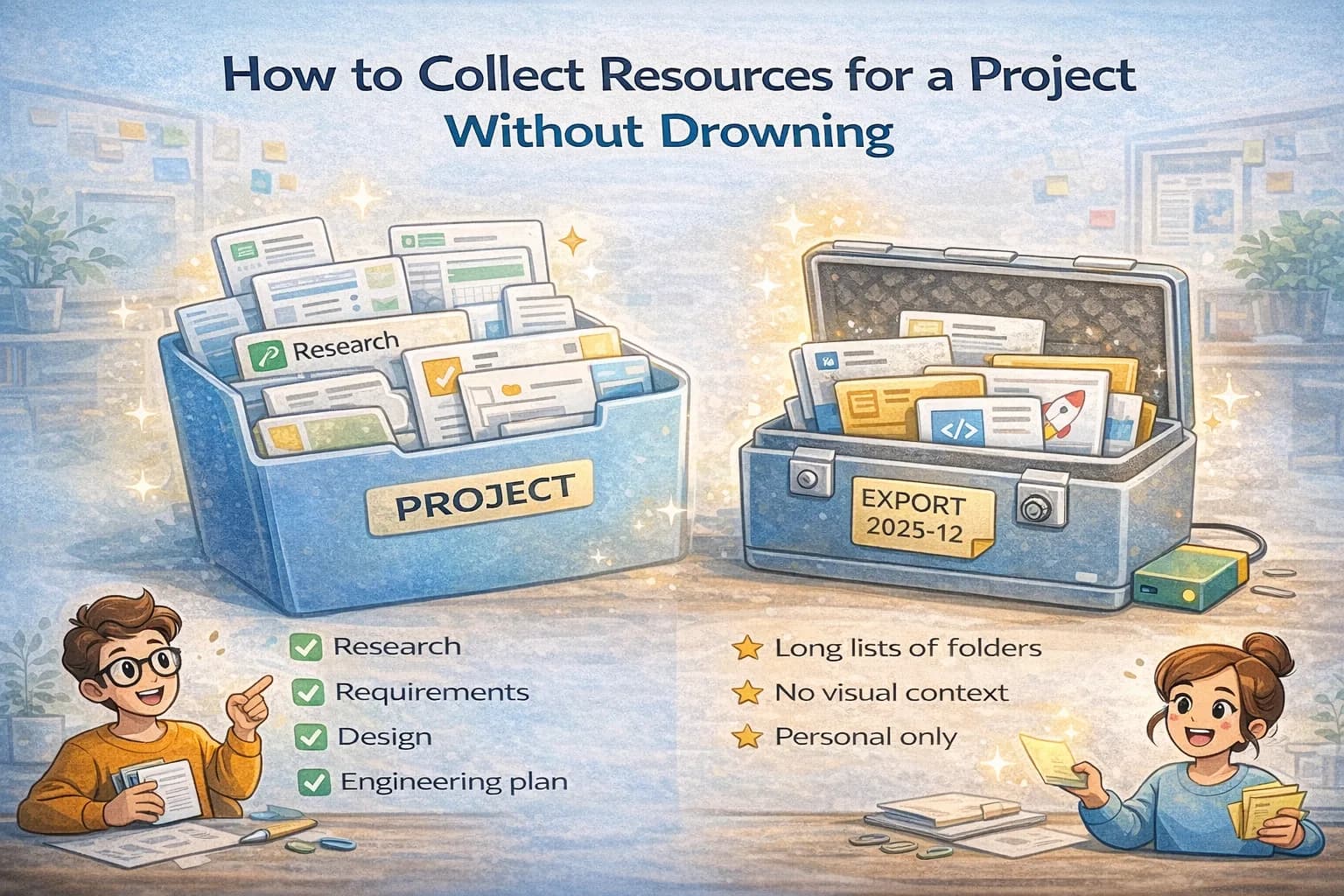
- Pick one project and create a playlist for it
- Move the ten most important bookmarks into cards with better titles
- Share the playlist with a teammate and ask for feedback
- Archive the old folder once you are confident
When you see how much easier it is to organize, you will naturally move more work over. The key is to avoid a giant migration day. Start where the benefit is obvious and expand from there.
A practical weekly routine (10 minutes)
Tools do not keep you organized. Habits do. This is the smallest routine that works for most people:
- Open your “Inbox” playlist.
- Delete duplicates and low-signal links.
- Move the remaining links into the right project playlists.
- Rewrite titles for the top 3 links so they explain their value.
This keeps your collections sharp and prevents link hoarding.
When bookmarks are still the right answer
If you only need:
- a few daily links
- no sharing
- no collaboration
- no context
then bookmarks are the right tool. You do not need complexity.
The alternative becomes worth it when links become part of your work output: a research pack, a learning path, a client handoff, or a team knowledge base.
Final checklist: “Is this a bookmark or a playlist?”
- Daily utility you open often → bookmark
- Anything you’ll revisit for a project → playlist
- Anything you might share → playlist
- Anything where the reason matters → rewrite the title
If you follow that split, you keep the speed of bookmarks and gain the structure that modern projects require.
Your tools should reduce mental load. Treating links as small, scannable objects inside focused playlists achieves that goal. It is a practical upgrade that keeps you organized without adding process for the sake of process.
What people really mean by “bookmarks alternative”
Most people are not unhappy with the idea of bookmarks. They are unhappy with what bookmarks become:
- a dumping ground for “maybe later”
- a deep folder tree that nobody wants to maintain
- a personal archive that can’t be shared cleanly
A good alternative changes the unit of organization from folders to curated collections.
The difference between folders and workflows
Bookmark folders answer one question: “Where does this belong?”
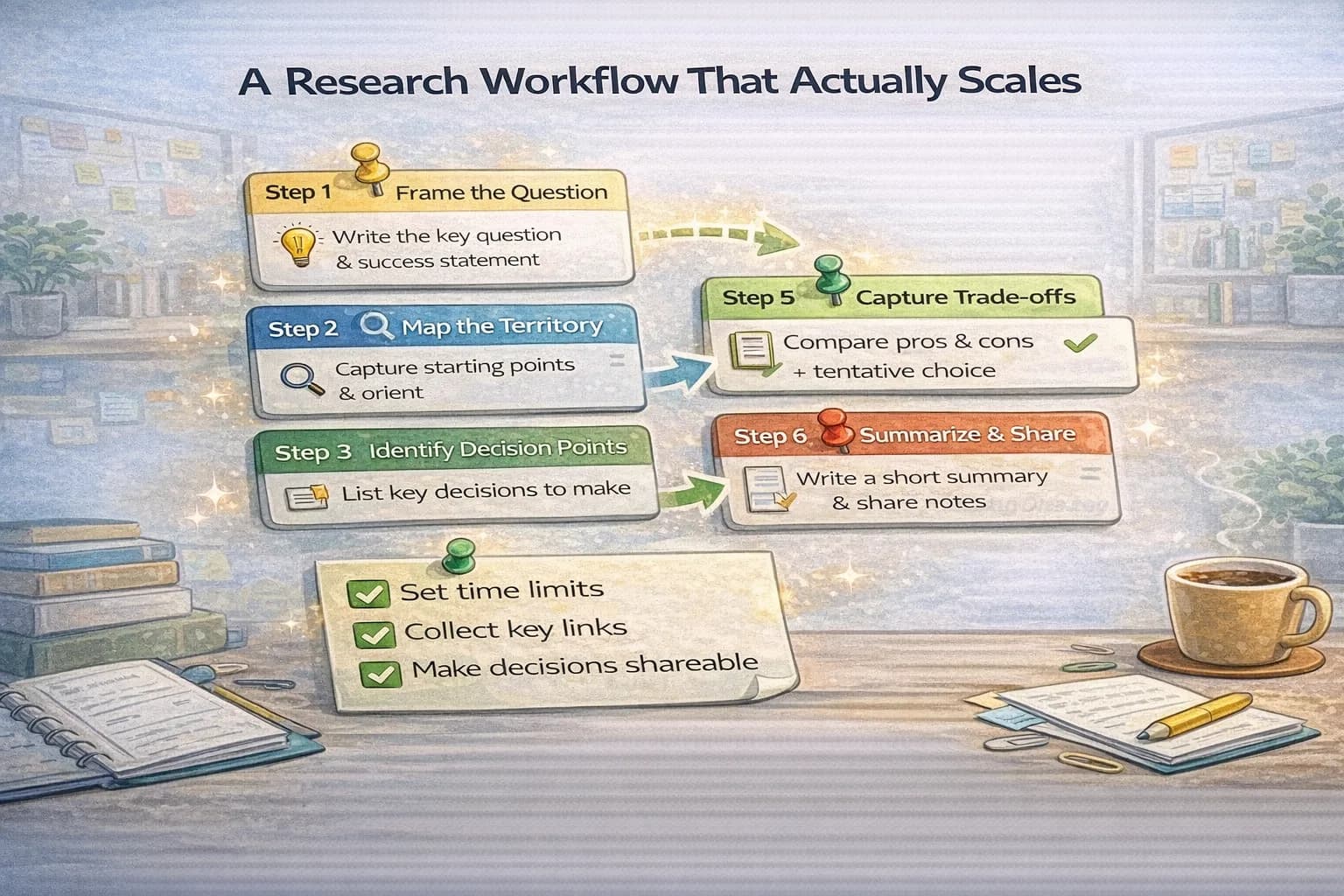
Workflows answer three better questions:
- “Why did I save this?”
- “When will I use it?”
- “What should I do next?”
That’s why a playlist-style system works well for projects and learning. It turns links into a path.
When you should not replace bookmarks
Keep bookmarks when:
- you open the same page daily
- you prefer speed over organization
- the list is short enough to scan instantly
If you try to move daily utilities into a “project” system, you’ll slow yourself down.
The healthiest split is:
- bookmarks for daily utilities
- playlists for everything that has context, decisions, or sharing
The best features are boring (and that’s good)
When evaluating tools, the “fun” features are rarely the ones that matter.
Look for boring reliability:
- capture is fast
- titles are editable
- lists are easy to prune
- export exists and works
If those are solid, you can build a workflow that survives busy weeks.
A practical playlist structure for real life
Here’s a structure that avoids turning playlists into a new folder maze:
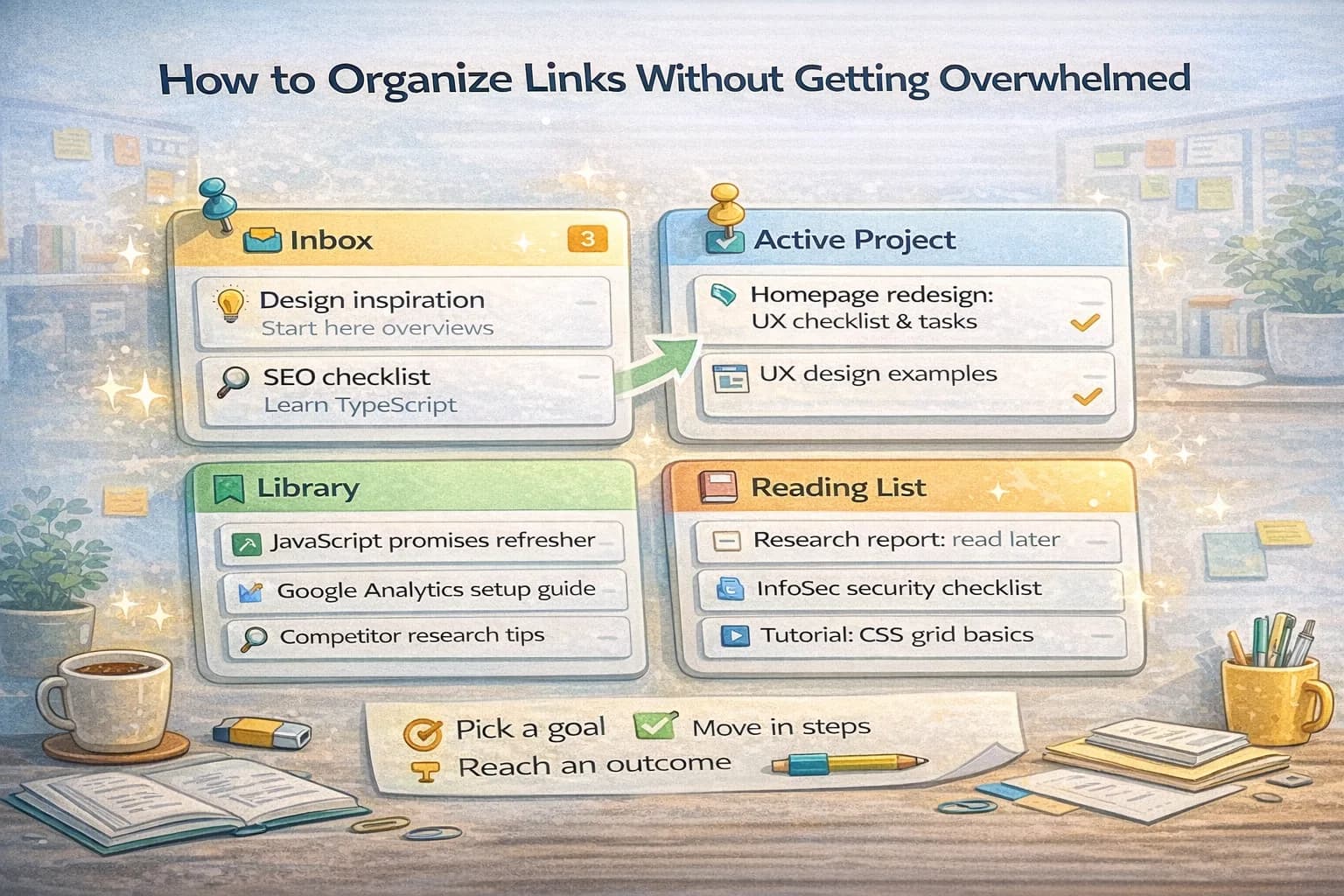
- Capture (incoming): where links go first
- Active: the 1–2 projects you are working on right now
- Library: trusted evergreen references
- Reading list: “consume later” links
This keeps the number of places small, which reduces decision fatigue.
How to migrate without creating a new mess
The biggest migration mistake is moving everything.
Instead, migrate based on activity:
- Pick one active project.
- Move only the links you used in the last 30 days.
- Retitle them so the reason is obvious.
- Prune aggressively.
After a week, you’ll see which links are actually useful. Move those. Ignore the rest.
How to make shared collections feel professional
If you share links with coworkers, friends, or clients, the difference between “random links” and “useful resource pack” is an introduction.
At the top of a shared playlist, add:
- who it’s for
- what outcome it supports
- what to read first
- what to ignore
This small context turns a playlist into a guide.
Common failure modes (and the fix)
- Failure: your capture list grows forever. Fix: do a weekly 10-minute triage.
- Failure: playlists get too long. Fix: split by decision point or phase.
- Failure: titles are vague. Fix: use “Task + outcome” titles.
- Failure: duplicates everywhere. Fix: prune during triage, not months later.
Quick checklist: is a tool a real alternative?
- Captures fast enough that you’ll actually use it
- Lets you rename titles and add a short note
- Supports shareable lists without leaking your whole workspace
- Has export/backup you can test
- Encourages small, purpose-based collections
If it passes those, it can replace bookmarks for project work.
Final reminder
The best system is the one you keep clean.
If you can run a short weekly routine and keep collections purpose-based, you’ll stop losing time to hunting and start treating links as reusable work assets.