How to Organize Links Without Getting Overwhelmed
December 22, 2025
You collect links for everything. Product research, tutorials, inspiration, receipts, and that long article you promise you will read later. A few weeks pass and your browser becomes a maze. The problem is not that you save too much. The problem is that your links have no job and no home. This guide gives you a simple workflow so every link you save serves a purpose and is easy to find when you need it.
Step 1: Define containers with intent
Folders alone do not solve chaos. You want purpose based containers. Name playlists or collections using outcomes, not categories. For example, use “Launch landing page checklist” instead of “Marketing.” Use “JavaScript promises quick refresher” instead of “Programming.” Outcome names make it obvious why a link belongs and when you should open the collection.
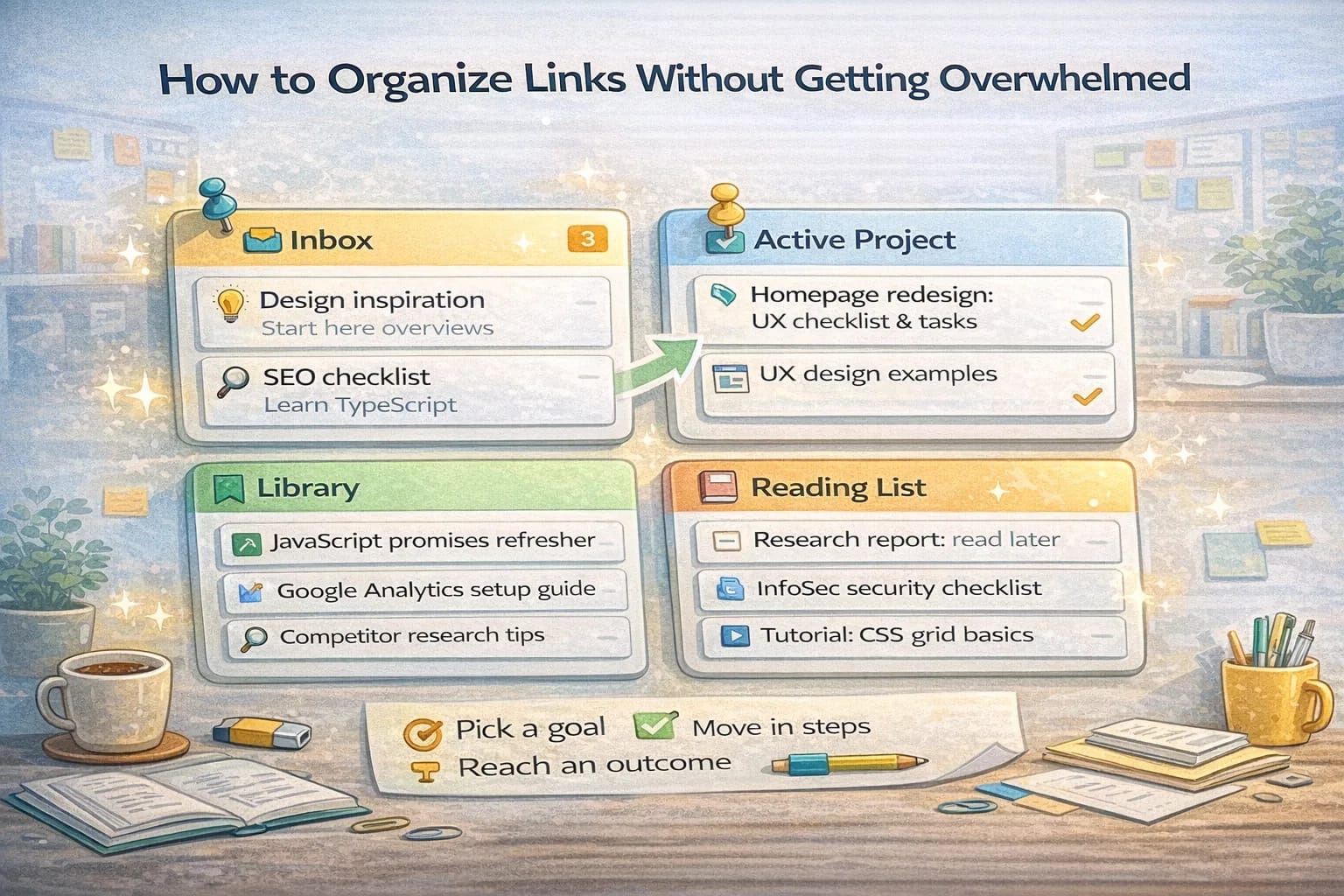
Create three default containers to start:
- Inbox: links you are not yet sure about
- Active project: the thing you are working on this week
- Library: evergreen references you know you will revisit
When a link arrives, it should go to one of these immediately. This prevents a pileup in your head and keeps decisions small.
Step 2: Save links with useful titles
Raw URLs are not helpful. Every time you save a link, write a short title that explains why it matters. A strong title answers a question. Example: “Google Search Central SEO checklist” is better than “SEO article.” “Promise chaining with examples” beats “MDN promises.”
Good titles turn your collection into an index you can scan in seconds. If you share a playlist with a teammate, they understand the value instantly.
Step 3: Add light structure
Too much structure slows you down. Too little makes the list hard to scan. Aim for light structure:
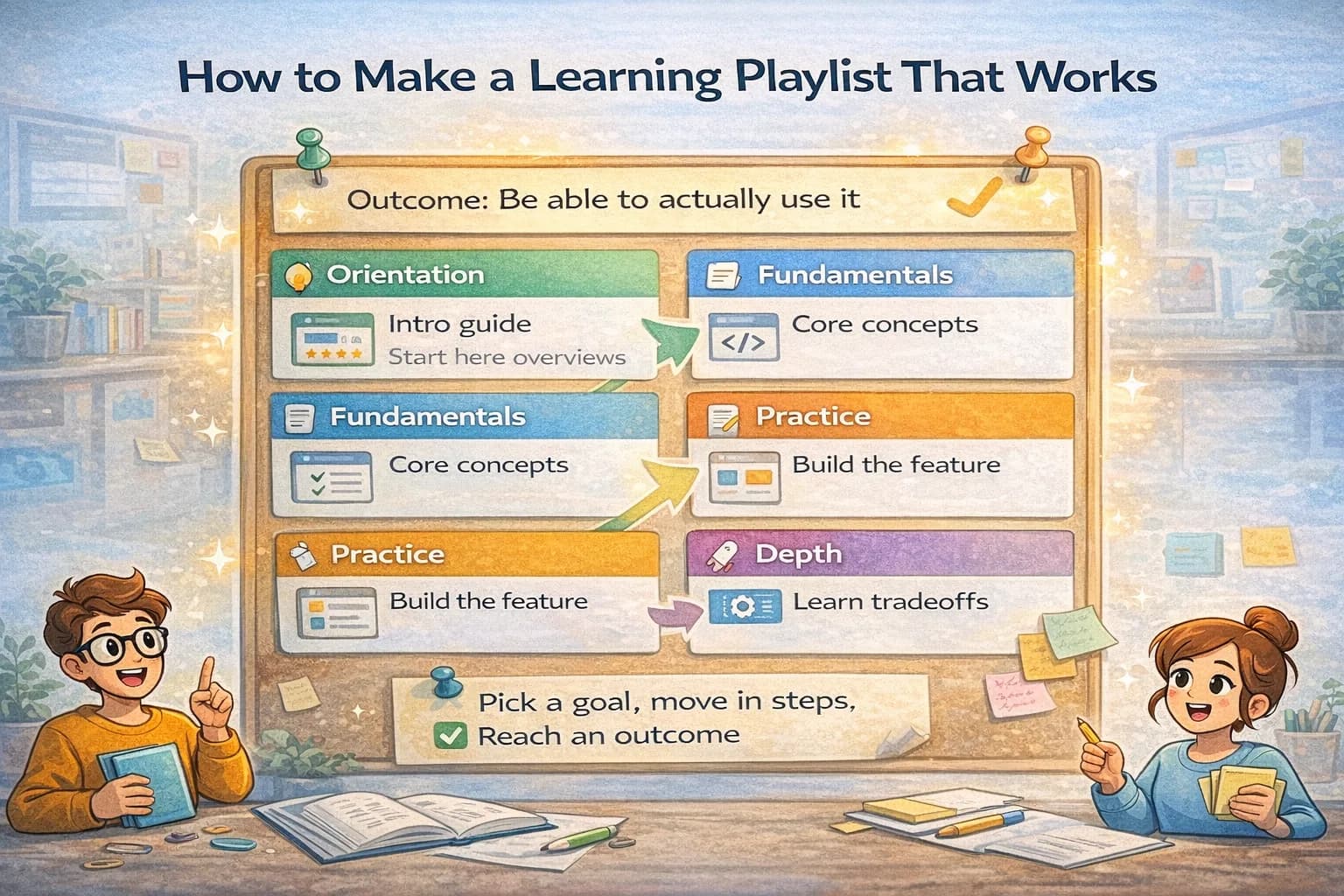
- Group by phase: orientation, deep dive, examples, tools
- Put most important items first
- Remove duplicates and near duplicates
If you revisit a topic often, split it into a new collection. Keep every collection focused on one problem or outcome.
Step 4: Use small weekly reviews
Once a week, open your Inbox and Active project containers. Ask three questions:
- Is this still relevant to my goal?
- Does this belong in a different collection?
- Can I remove something that no longer earns its place?
Reviews keep the list fresh. They prevent link hoarding and make it easier to start work because you see only the best material.
Step 5: Share or hand off cleanly
When you have enough for feedback or a handoff, generate a read only link for the collection. Give it a short introduction at the top that explains who the list is for, what to do first, and how to use it. Clean handoffs save meetings and prevent people from missing context.
Practical naming patterns
Here are naming patterns that scale well:
- Topic plus role: “TypeScript generics overview” and “TypeScript generics deep dive”
- Project plus result: “Website redesign inspiration” and “Website redesign assets to deliver”
- Task plus outcome: “Fix Core Web Vitals checklist” and “Implement schema markup plan”
Names like these let you spot the right list quickly without opening a single card.
Common mistakes to avoid
- Saving links without a reason. Ask what question this link answers.
- Over organizing. If you need more than four nested levels, you need fewer collections.
- Keeping expired items. Remove things that are not useful anymore.
A simple daily flow
- Capture links in the Inbox during the day
- Sort Inbox into the right collection before you finish
- Open tomorrow’s collection and pick the first two items to execute
This flow keeps your head clear and your links actionable. You will spend less time hunting and more time doing. When you work with others, this structure makes collaboration smooth because anyone can see the same list and understand what matters.
The result is a calm, reliable system. Your links stop being a burden and start working for you. Once the habit sticks, every new project starts faster and finishes with fewer surprises.
The real metric: time-to-find
The point of organizing links is not aesthetics. It is reducing the time it takes to:
- find the right reference
- remember why it matters
- decide what to do next
If your system makes saving fast but finding slow, it will feel like it “works” while it quietly wastes your time.
A simple model: capture → triage → use → prune
Most link chaos comes from skipping triage and pruning.
Use this loop:
- Capture: save links fast during the day.
- Triage: decide where they belong and rewrite titles.
- Use: turn a few links into action (notes, tasks, decisions).
- Prune: delete duplicates and remove dead weight.
You can do this in 10 minutes a week if your containers are clear.
Step 6: Separate “reference” from “reading list”
These are different jobs.
- A reference is something you come back to (docs, checklists, definitions).
- A reading list is something you plan to consume (articles, videos, courses).
When you mix them, your collections grow and become hard to trust.
If you want a clean system, keep a dedicated reading list playlist, and move only the best items into your Library after you actually use them.
Step 7: Use a retitle formula that scales
Retitling is the highest-leverage habit because it preserves context.
Pick one of these patterns:
- Task + outcome: “Set up event tracking for a landing page (minimal version)”
- Reference + scope: “Reference: schema markup basics + common mistakes”
- Example + what to copy: “Example: onboarding checklist layout (what’s effective)”
- Decision + why: “Decision: pick tool A over tool B (constraints and trade-offs)”
If you can’t title a link using one of these, you probably don’t need it.
Step 8: Add a short “Start here” note to shared collections
Shared collections feel confusing when they have no entry point.
At the top of a collection, add 3–6 lines:
- who it is for
- what the outcome is
- what to do first
- what to ignore
This makes your link list feel like a guide, not a dump.
A weekly review that actually fits real life
Set a timer for 10 minutes:
- Open your capture list.
- Delete duplicates and low-signal items.
- Move the remaining links to their destination.
- Retitle the top 3 links.
- Pin the next 2 links you will use this week.
That is enough. Longer reviews tend to get skipped.
Organizing for teams (what changes)
If other people will use your link collections, your system needs three extra ingredients:
- Consistency: titles follow the same patterns.
- Status: what is “approved” vs “just collected.”
- Ownership: someone is responsible for pruning.
You don’t need bureaucracy. You need a gentle agreement: shared lists should be curated, not dumped into.
Common failure modes and the fix
- Failure: too many collections. Fix: merge by outcome and delete thin lists.
- Failure: giant collections. Fix: split by phase or by decision point.
- Failure: you never revisit. Fix: keep a small “Active” collection and pin it.
- Failure: you hoard. Fix: make pruning part of the weekly review.
A quick setup that works for most people
If you want a default structure:
- Capture list (incoming)
- Active (this week)
- Library (trusted references)
- Reading list (consume later)
This is enough for personal work, and it scales to team work.
If you keep to these few containers and run the weekly review, your link system stays calm even when your projects change.
Make retrieval easy: search and pinning beats deep structure
If your system requires you to remember where you filed something, it will fail under stress.
Prefer:
- good titles that are searchable
- a small number of containers
- pinning the few links you need this week
Deep nesting is a sign that the system is compensating for unclear naming.
A quick “pin two, prune two” habit
To keep collections from growing forever, use a tiny habit:
- Pin the two links you plan to use next.
- Remove two links that no longer earn their place.
This creates constant maintenance without requiring long cleanup sessions.
When to archive instead of deleting
Some links are not active but still useful as historical context.
Archive when:
- the project is finished
- you might need the references later
- the links explain a decision trail
Delete when:
- the link is duplicate
- the link is low-signal
- you can’t explain why it matters
Archives keep your active lists clean without losing knowledge.
Example: organizing links for a product launch
Outcome-based containers could be:
- “Launch plan: checklist and owners”
- “Messaging: copy references and examples”
- “Analytics: events and dashboards”
- “Support: FAQs and known issues”
Each one stays short because it has a job. When the launch is done, archive the set.