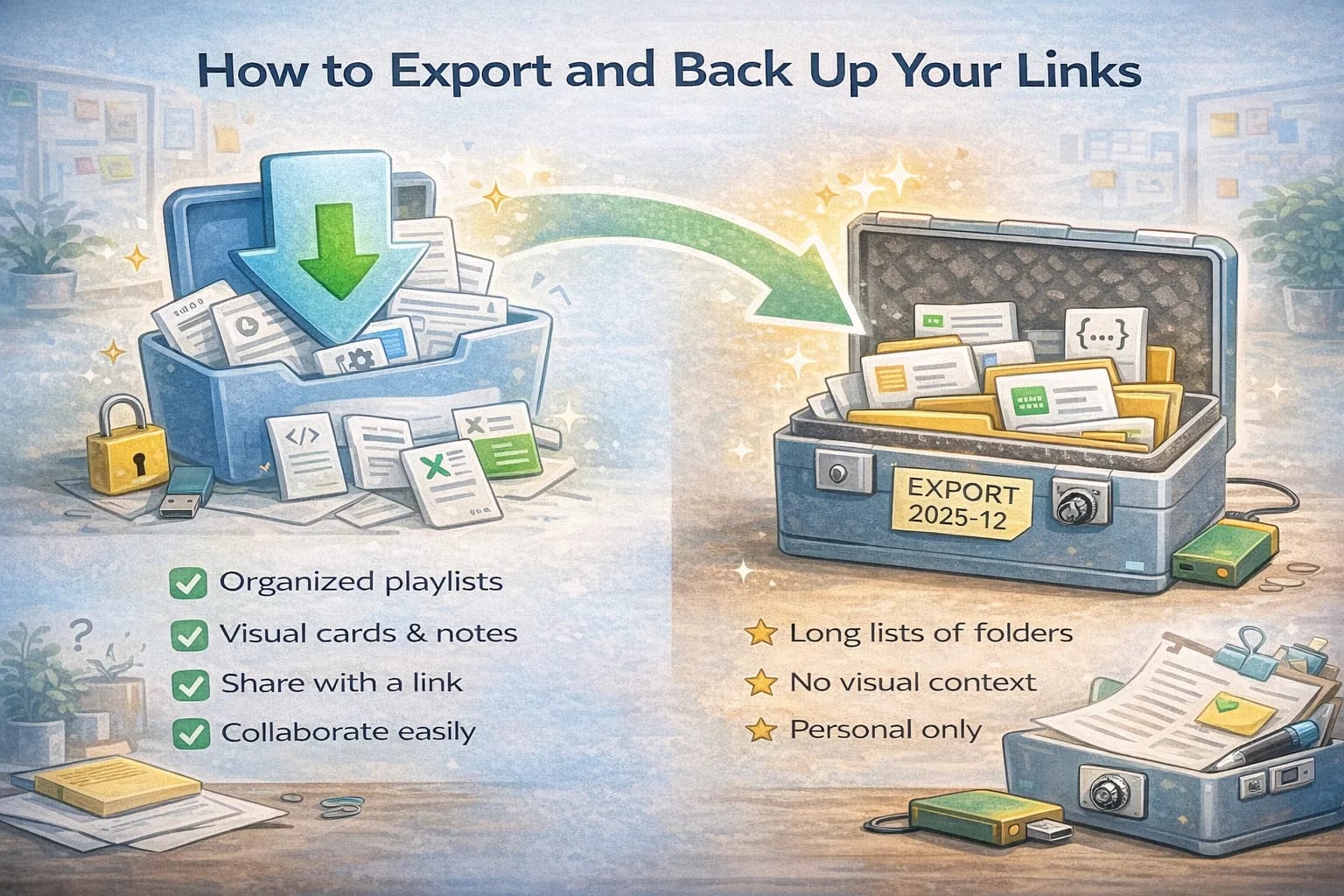
How to Export and Back Up Your Links
December 20, 2025
Losing a link collection hurts. It represents hours of reading, testing, and thinking. The fix is a tiny routine that gives you two safety nets: regular exports and at least one backup stored in a reliable place.
Choose what to protect
Not everything needs a backup. Identify the lists that matter most for ongoing work. Common examples include onboarding resources, technical references, design assets, product research, and legal templates. Start with five and expand later if needed.
Set a recurring reminder
Pick a monthly calendar reminder with a clear name like “Export key playlists.” A reminder makes this a habit instead of an intention. If you miss a month, do not worry. Run the routine when you can and reset the schedule.
Export cleanly
Use your tool’s export function to save the selected playlists. Give the file a clear name with the date and a small description. Example: “2025-12-Exports-onboarding-and-references.zip.” If possible, export in a format that preserves titles and URLs cleanly.
There are two different problems here:
- Backing up your link list (the URLs, titles, notes, and structure).
- Preserving the content behind the link (the web page itself).
Export handles the first problem. Archiving handles the second. You usually need both.
Store in two places
Keep one copy in your organization’s secure storage and one in a personal password manager or cloud drive. Two locations reduce the chance that a single account problem blocks your recovery.
Test a restore
A backup is only good if you can restore it. Once a quarter, try importing a file into a test playlist. Check that titles, links, and order survive. If something breaks, adjust your export format or naming for next time.
If your export is missing structure (which list a link belongs to), it will be painful to restore later.
Recommended export formats
- CSV: best for spreadsheets and quick sorting
- JSON: best for full data fidelity
- HTML bookmarks file: good as a universal fallback
Which format should you choose?
- Choose CSV if your goal is portability and you want to audit or clean your data in a spreadsheet.
- Choose JSON if your goal is restoration and you want to preserve rich fields.
- Choose HTML if you want a “last resort” import into most browsers.
If your tool supports it, do both: a CSV for humans and a JSON for machines.
Keep a brief change log
In your team doc, add a small section called Link Backup Log. After each export, paste the file name and one or two bullets noting what changed in the lists. This helps teammates know when an update might affect them.
Automate later if needed
If your lists change daily, consider an automated export using a script and an API. For most teams, a manual monthly routine is enough. The point is to avoid the stressful moment when you need a link and cannot find it.
A few minutes per month protects many hours of work. Build the habit and your future self will thank you.
A simple backup rule that works: 3-2-1 (adapted for link collections)
The classic backup rule is 3-2-1:
- 3 copies of the important data
- 2 different storage types
- 1 offsite copy
For link collections, you can keep it practical:
- Copy 1: your normal app/workspace
- Copy 2: an exported file stored in your main cloud drive (team storage)
- Copy 3: an exported file stored in a second place you can access if your main account is locked (personal drive, separate org storage, or encrypted archive)
You don’t need perfect. You need a recovery path.
What “backup” actually means for links
There are two different risks:
- You lose your collection (account lockout, deletion, tool shutdown).
- The web changes (link rot, pages removed, paywalls appear).
Exports reduce risk #1. Archiving reduces risk #2.
If your work depends on a specific web page staying available, consider keeping an archived copy or a screenshot of the key section.
When to export more often than monthly
Monthly is enough for most people. Export more often if:
- you maintain a shared playlist that changes weekly
- you are in the middle of a high-stakes project (launch, migration, compliance)
- your list is effectively a “runbook” for operations
In those cases, do a weekly export for the duration of the project, then return to monthly.
How to name exports so you can find them later
Bad naming makes backups useless.
Use a consistent pattern:
YYYY-MM_project-or-library_topic_export-type.ext
Examples:
2025-12_clipnotebook_library_export.json2025-12_onboarding_links_export.csv2025-12_product-research_exports.zip
This sorts naturally and keeps your future self sane.
Keep a “restore drill” playlist
Once a quarter, do a quick restore drill:
- Create a temporary playlist named
Restore drill YYYY-MM. - Import your last export.
- Confirm titles, URLs, ordering, and notes look right.
- Delete the drill playlist.
This catches silent failures early (broken exports, missing fields, wrong format).
Avoid exporting sensitive links the wrong way
Exports are portable, which is great, but it also means they can be forwarded accidentally.
If your playlists include internal links:
- store exports in access-controlled folders
- avoid sending exports over chat apps
- prefer encrypted storage when appropriate
When in doubt, keep sensitive exports in the same security boundary as the original project docs.
Archiving: preserving the content behind the link
If you are collecting links for compliance, legal, long-term research, or historical reference, consider archiving.
Practical options:
- Save a PDF of key pages (especially standards and policies).
- Save screenshots of the exact section you care about.
- Use a web archiving tool for public pages.
You don’t need to archive everything. Archive only the pages you would be upset to lose.
Quick checklist
- Monthly reminder is set.
- Top playlists identified.
- Two storage locations chosen.
- File naming convention consistent.
- Quarterly restore drill completed.
If those are true, you are already ahead of most people.
What to include in the “key playlists” set
If you are unsure what to protect first, pick the lists that would be expensive to rebuild.
Good candidates:
- Onboarding resources you send repeatedly
- A reference library you personally curated over months
- A project research pack that supports current decisions
- A list of vendors, tools, or templates your team relies on
Avoid backing up throwaway reading lists at the start. Backup the assets that create leverage.
How to store backups without creating a new mess
Backups fail when they are scattered.
Choose one folder path (team) and one folder path (personal or second account). Keep the structure stable:
Backups/ClipNotebook/2025/2026/
Inside each year, keep monthly exports. This makes it easy to locate the “latest known good” file.
Restore mindset: know your recovery steps
When something goes wrong, you want a simple checklist, not a memory test.
Write down the recovery path in a short note:
- Where exports are stored
- Which formats you prefer (JSON first, CSV second)
- How to import into your tool
- Who to contact if shared storage access is blocked
This seems unnecessary until the day you need it.
Link rot reality: plan for “good enough” preservation
Even if you archive, pages change. Your goal is not perfect preservation. Your goal is to keep enough information to move forward.
If a page disappears, you should still be able to:
- see the title and reason it mattered
- find an equivalent page through search
- reconstruct the decision from your notes
That is why titles and short annotations are part of the backup story.
Quick FAQ
Should I export everything?
Not at first. Start with the playlists that would take real time to rebuild. Expand later if you find the routine easy.
Do I need both CSV and JSON?
If your tool supports both, yes. CSV is great for auditing and cleanup. JSON is usually better for restoring rich fields.
How often should I run the restore drill?
Quarterly is enough for most people. If you are in the middle of a critical project, do it monthly until the project ends.
Versioning and access (especially for teams)
Backups are not only about keeping a file somewhere. They are also about making sure the right people can retrieve it.
Practical team habits:
- Store exports in a shared, access-controlled folder.
- Avoid putting the only copy under a single person’s account.
- Keep a simple “latest export” pointer (a short note or a shortcut) so teammates don’t guess.
If you work in an environment with strict permissions, confirm at least two people can access the backup location. That small check prevents the worst-case scenario: you have a backup, but you can’t reach it when you need it.