How to Save YouTube Links You Will Actually Watch
December 20, 2025
Video is great for learning, but it is also easy to hoard. You watch three minutes, paste a link somewhere, and forget about it. A small process makes YouTube useful instead of noisy.
Step 1: Decide why you watch
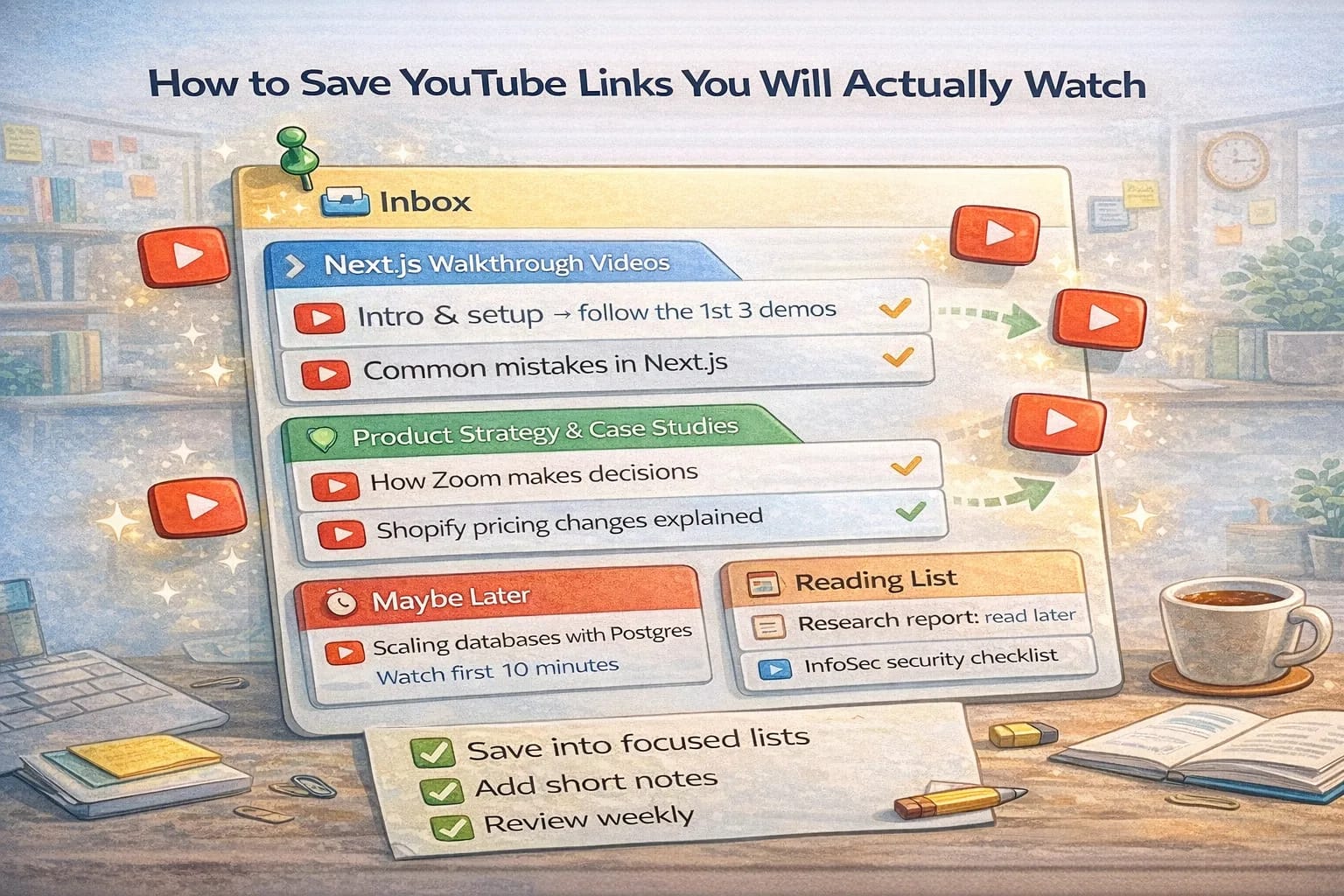
Pick the top two reasons you save videos. For example: learning a framework and understanding product strategy. Create two playlists named after those reasons. This gives every new link a home.
Step 2: Title with intent
When you add a video, rewrite the title briefly so it reflects why you saved it. “React Query fundamentals in 20 minutes” is better than a long generic title. Clarity increases the chance you will pick it later.
Step 3: Use time boxes
Create two tiny rules:
- If a video is longer than 20 minutes, add a note of what you want from it
- If you stop before the end, write a one sentence summary and whether it is worth finishing
These notes make your future review easy.
Step 4: Weekly review session
Schedule a 30 minute block once a week to watch from your playlist. Open the first item, watch at 1.25x if it allows, and take two tiny notes. If a video is not useful, remove it. This ensures the list stays short and valuable.
Step 5: Share a learning path
When you have three to five solid videos on a topic, share the playlist with a friend or teammate who is learning the same thing. Add a short intro with an order to watch and what to look for. Teaching others is the best way to learn.
Bonus: Extract references
Many good videos link out to repos, articles, or slides. Add the best of these as separate cards in a related playlist so you can find them later without rewatching the video.
Saving YouTube links is not the goal. Using them to learn faster is. With a small structure and routine, your saved videos become a library you actually open.
Why YouTube becomes a “someday pile”
YouTube is a great learning tool, but it has two built-in traps:
- Low friction capture (one click and it’s “saved”).
- High friction completion (videos take time and attention).
That mismatch creates hoarding. If you want to actually watch what you save, you need a system that makes completion easier than collecting.
The system: capture → triage → watch → extract
Think of saved videos like incoming mail. If you only collect and never process, you get buried.
Here’s a simple four-step loop:
- Capture quickly.
- Triage ruthlessly.
- Watch on a schedule.
- Extract the useful parts into reusable notes/links.
This keeps your list small and high signal.
Step 1 (capture): Save with one sentence of intent
When you save a video, don’t save it as a neutral link. Save it with a reason.
Use a title format like:
- “Topic — what I want from this (time range)”
Examples:
- “Next.js caching — understand when SSR is worth it (watch first 12 minutes)”
- “System design — learn a clean pagination mental model (skim diagrams)”
- “Marketing — pricing page critique (take 3 notes)”
If you use ClipNotebook, put the instruction into the card title so it is visible when you scan.
Step 2 (triage): Decide if the video deserves your time
Most people triage links by vibes. Instead, triage by payoff.
Ask three questions:
- Will this change what I do next week?
- Is it the best source for this topic?
- Can I summarize the expected value in one sentence?
If the answer is “no / not sure / not really,” drop it.
A useful mindset
Dropping a video is not losing knowledge. It is deleting noise.
The 3-bucket playlist structure
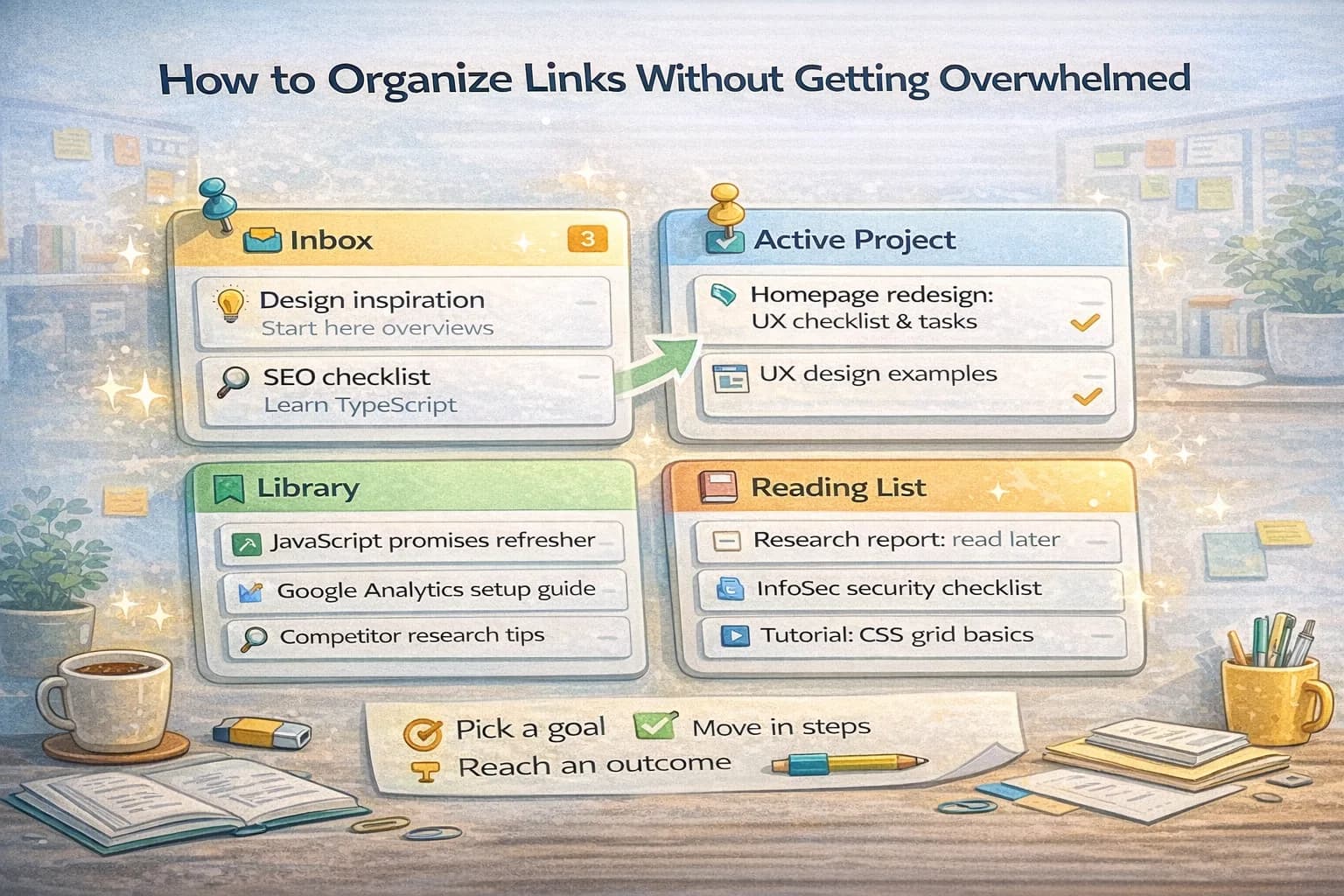
Use three playlists (or three sections in a notebook):
- Watch Next: 5–15 videos you actively intend to watch.
- Reference: videos you’ve watched that you want to keep.
- Maybe Later: videos you are unsure about.
The rule: only Watch Next gets your attention.
If Watch Next grows past 15, triage again.
Step 3 (watch): Use a repeating “watch block”
If you wait until you “feel like watching,” you will never finish.
Schedule a repeating block:
- 25 minutes, two times per week, or
- 45 minutes once per week
In the block:
- Open the first video in Watch Next.
- Watch with focus.
- Write two notes.
- Decide: keep / reference / drop.
This is what makes the system work: completion is a scheduled behavior.
Two notes is enough
Your notes should be tiny:
- What changed my mind?
- What will I do differently?
If a video can’t produce those, it’s often entertainment, not learning.
Step 4 (extract): Turn videos into reusable assets
The best videos contain references: docs, repos, slides, articles.
Extract those into separate links so you don’t have to rewatch:
- official documentation links
- GitHub repos mentioned
- a checklist shown on screen
- a diagram screenshot (if it’s yours and safe to store)
This step is where videos become an actual library.
What to do with long videos
Long videos are fine, but only if you treat them like a book.
Use these rules:
- If it’s over 20 minutes, write what section you want.
- If it’s over 60 minutes, split it into two sessions.
- If it’s a talk, prioritize the first 10 minutes (the thesis) and the Q&A (the edge cases).
If a long video doesn’t have chapters or a clear structure, be suspicious. Many long videos can be replaced with a written guide.
A practical “YouTube learning playlist” template
If you want a ready structure, use this order in Watch Next:
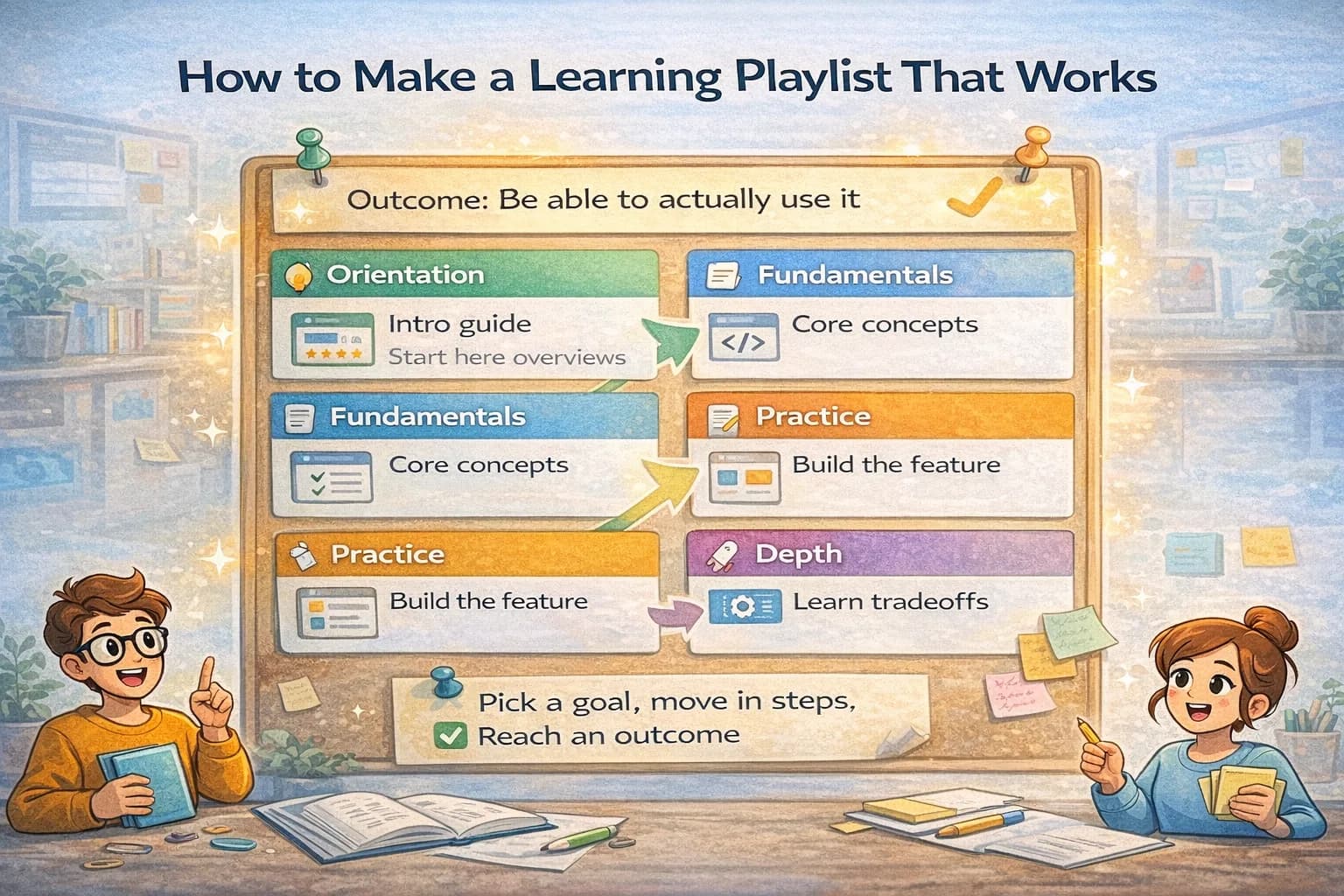
- One overview video (mental model)
- One implementation/walkthrough video (hands-on)
- One “common mistakes” video (edge cases)
- One advanced video (optional)
Then add one extraction item:
- a primary doc link for the topic
This keeps your learning grounded.
Common mistakes (and quick fixes)
- Saving everything because it feels productive
Fix: cap Watch Next to 10–15 items. A cap forces prioritization.
- No instructions
Fix: every video gets a one-sentence intent and an action (“build X,” “take 3 notes,” “skim chapters”).
- Mixing topics
Fix: one playlist per topic. If you’re learning React and also product marketing, split them.
- Never extracting
Fix: after each video, extract one asset (a doc link, a repo, or a short summary). This makes the playlist valuable long after you watched it.
When video is the wrong medium (and what to do instead)
Some topics are simply better learned from text because you need to search, copy snippets, and re-check details.
Video is best for:
- building an intuition (“how does this feel when used?”)
- seeing a workflow end-to-end
- learning a tool UI (DevTools, an editor setup)
Text is best for:
- API details and edge cases
- security and privacy requirements
- anything you will revisit later as reference
If a video is teaching an API, try this approach:
- Watch the first 5–10 minutes for the mental model.
- Immediately switch to the official documentation for the details.
- Save the documentation link alongside the video.
This prevents the most common failure mode: rewatching a 40-minute video because you forgot one parameter name.
A short weekly review checklist
Once a week, do a 10-minute review of your saved videos:
- Delete anything you no longer care about.
- Move watched items into Reference.
- If Watch Next has more than 15 items, triage until it does not.
- Make sure at least one item produces an artifact this week (build, write-up, checklist).
The checklist is boring. That’s the point. Boring routines beat motivation.
Sharing a watch list without spamming people
If you’re learning with a teammate, share a short watch list instead of a giant dump.
- Share 3–5 items max.
- Put them in a clear order.
- Add one sentence: “Watch for X, ignore Y.”
This turns “here are links” into a learning path. It also makes it more likely someone will actually watch them.
References
Two stable references that pair well with video learning:
Your goal is not to “save better.” Your goal is to turn a noisy firehose into a small, repeatable learning loop.
Once the loop is running, your saved videos stop being a backlog. They become a shelf you trust: small, relevant, and worth opening.
If you keep the list small and review it weekly, you will watch more, learn more, and spend less time scrolling for “the right video.”