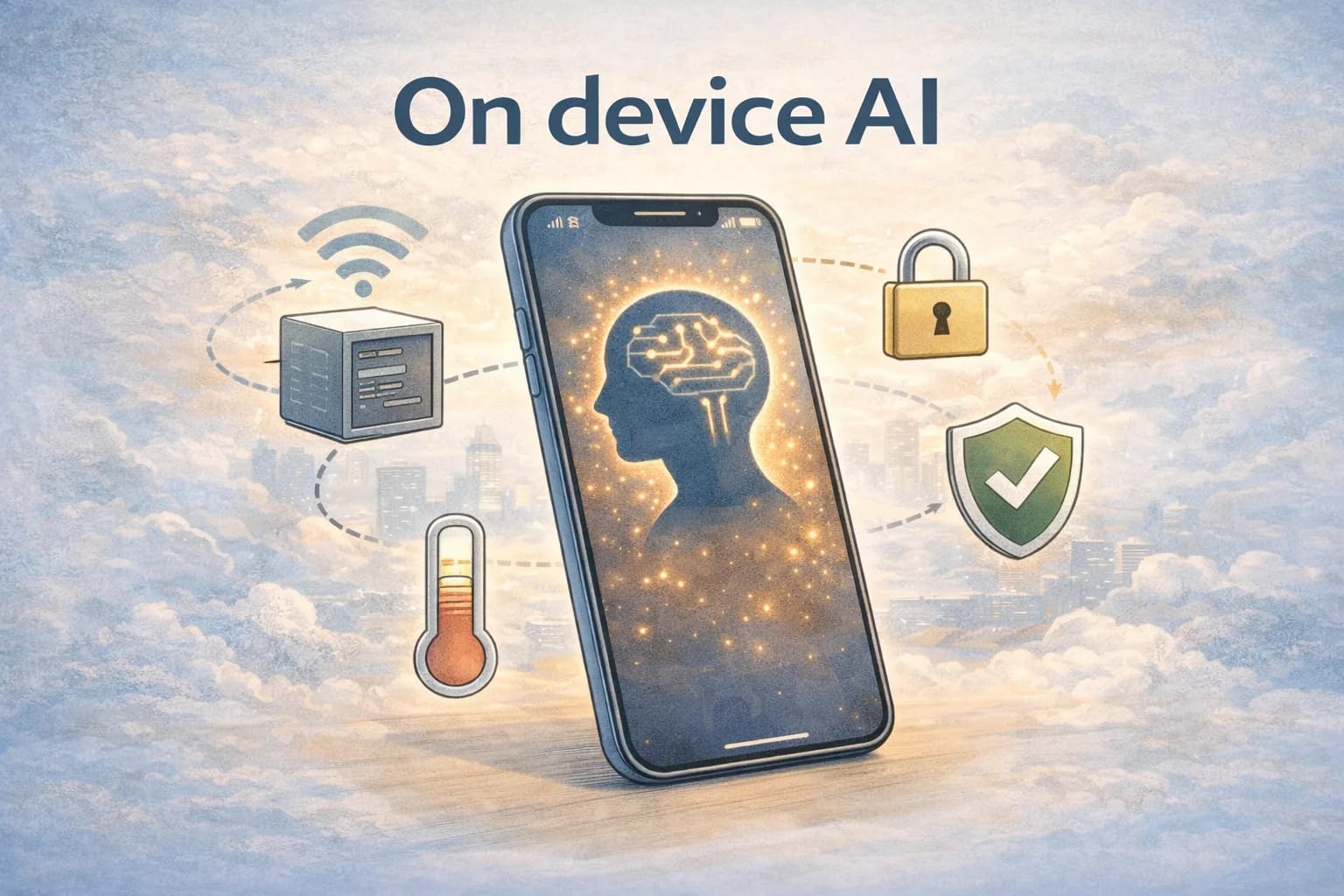
On device AI in 2025: how to run models privately on phones and edge
December 27, 2025
A lot of people say on device AI when they really mean "the UI feels fast" or "we do not want to send everything to the cloud." In 2025, on device is more specific than that. It is a deployment choice with constraints you can measure: a thermal budget, a memory ceiling, storage limits, and an app lifecycle that can kill your process at any time.
If you are building a private AI assistant for a phone, a headset, a handheld scanner, a kiosk, or an industrial tablet, those constraints matter more than hype. The win is real: offline AI that keeps sensitive data local and gives you low tail latency even when the network is weak. The cost is also real: you own performance engineering.
This guide breaks down what on device really means, how to reason about latency and battery, what kinds of models fit, and an example edge deployment path using PyTorch and an ExecuTorch tutorial style workflow.
What "on device" really means
In practice, on device means the model executes on the end user hardware where the request originates, and the model weights do not have to leave the device to produce an answer. That is the simplest definition.
Most real products end up in one of these architectures:
First, fully on device. The model, the prompt, and the user data stay local. You might still sync state or analytics, but inference happens locally. This is the purest version of run LLM on phone and it is the best for privacy and offline support.
Second, hybrid. You run a small local model for fast, private tasks (classification, extraction, short completions) and fall back to the cloud for heavier tasks. Hybrid is often the best experience if you design it honestly, and it is easier to ship than a huge local model.
Third, edge-nearby. Inference runs on a nearby device you control, like a gateway, a local server in a store, or an on-prem box. This can still be edge AI 2025 from a data governance perspective, but the latency and privacy story is different than true phone-only.
When you choose among these, be clear about what you are optimizing. If your primary requirement is "user data never leaves the phone," hybrid fallback has to be designed so it does not silently violate that.
Privacy: what you gain and what you still owe
On device inference is not a magic privacy switch, but it does change the threat model.
The big win is reducing data exposure in transit and at rest on a server. If the model runs locally, you do not have to send raw user content to a remote service to get an answer. For a private AI assistant, that is often the difference between "allowed" and "blocked" in regulated environments.
But you still owe privacy work:
You still store data locally. That means you need secure storage, OS-level protections, and clear deletion behavior. A local transcript database can be as sensitive as a cloud database.
You still have prompt injection risks when you ingest untrusted content. A local model can be tricked into unsafe actions just like a cloud model. The difference is that your tool surface is smaller if you keep it offline.
You still have logging and telemetry decisions. If you log raw prompts or responses, you can accidentally recreate the cloud privacy problem. A good default is structured metrics without raw content.
The practical takeaway: on device helps privacy when you intentionally keep sensitive inputs local and avoid shipping a telemetry pipeline that re-uploads the same sensitive content.
Latency: the real reason users feel the difference
People talk about privacy first, but most users notice latency first.
Cloud inference latency is often dominated by network and tail effects. Even if the model is fast, you pay round-trip time, DNS, TLS, congestion, and retries. A "pretty good" experience can still feel slow when you get a few 1.5 to 3 second spikes.
On device latency is dominated by compute, memory bandwidth, and how often you load weights. If you keep the model warm and you avoid reallocations, you can get very consistent latency. If you load weights on demand, your first-token time can be awful.
When you see people comparing experiences, they often conflate two different metrics:
- Time to first token (or time to first output for non-generative models)
- Steady-state throughput (tokens per second)
For a mobile assistant, time to first token is usually what users feel. Throughput matters for longer responses, but the first second is where trust is won or lost.
A practical AI latency comparison
The numbers vary by chip, model, and quantization, so do not treat this like a benchmark. Treat it like a sizing guide.
| Model class | Typical on-device fit | Latency feel | Best use cases |
|---|---|---|---|
| Small encoder (1 to 50M params) | Easy | Often sub-100ms | Classification, intent, embeddings, keywording |
| Small decoder LLM (1 to 3B params) | Sometimes | Interactive if optimized | Short completions, rewriting, offline chat |
| Mid LLM (4 to 8B params) | Hard | Often borderline on phones | High-end devices, short responses, hybrid fallback |
| Large LLM (10B+ params) | Usually not | Thermal and memory constrained | Edge boxes, desktops, cloud |
If you want predictable UX, pick the smallest model that meets the product requirement, then spend time on optimization. "Bigger model" is not a performance plan.
Battery and thermals: the invisible constraint
On a phone, you do not just have a compute budget. You have a thermal budget.
Sustained inference heats the device. Once the device throttles, your latency gets worse, your throughput drops, and your battery drain per token increases. This is why demos can be misleading: a fresh run on a cool phone looks great, and a ten minute session can feel totally different.
You can design around this.
Keep responses short by default and offer "expand" for longer output. Short output is cheaper and more predictable.
Use streaming and early exit for tasks like summarization or extraction, where you can stop once you have enough information.
Avoid reloading weights. Cold starts are expensive. If your app model needs to run frequently, you need a plan for keeping it warm within platform constraints.
Treat audio as a separate budget. If you do speech to text, text generation, and text to speech, you are stacking heavy workloads. That can still be on device, but you need to schedule and throttle.
Model size: what fits on a phone in 2025
A quick mental model: parameters drive weight size, and activations drive runtime memory. Weight size is what you download and store. Activation memory is what can kill you at runtime.
This is why two models with the same parameter count can behave very differently on mobile inference. Attention configuration, sequence length, and KV cache behavior matter.
If your goal is to run LLM on phone, plan around these realities:
- Weight storage matters for downloads and updates
- RAM matters for whether the app survives under memory pressure
- The KV cache grows with sequence length and can become the limiting factor
The most common winning strategy is to cap context length aggressively and use retrieval or chunking instead of trying to keep everything in-context.
Quantization for mobile: the difference between possible and practical
If you are shipping quantization mobile workloads, quantization is not optional. It is the lever that makes model size and speed reasonable.
Quantization reduces precision to shrink weights and sometimes speed up compute. The tradeoff is accuracy, but for many assistant tasks, the hit is acceptable if you pick the right approach.
Common patterns you will see:
- 8-bit weights for a good balance of quality and size
- 4-bit weights when you need the model to fit at all
- Mixed precision where some layers stay higher precision
The practical advice is to test quantization on your real tasks, not just generic benchmarks. A small degradation in a leaderboard score might not matter, while a change in tool selection behavior might.
What kinds of models fit best for edge AI in 2025
Not every problem needs a generative model.
If your feature is intent detection, safety classification, routing, or semantic search, small encoder models are often a better fit than an LLM. They are fast, stable, and easy to run under tight budgets.
If your feature is rewriting, short-form drafting, or offline chat, a small decoder model can work, but you need to engineer for short outputs and controlled context.
If your feature requires deep reasoning over large context, you should consider hybrid. Use a local model to keep data private and responsive for common tasks, and add an explicit user-approved cloud path for heavy tasks if your product allows it.
ExecuTorch tutorial path: a realistic deployment workflow
This section is an example path, not the only path. The goal is to show what it feels like to ship a model with ExecuTorch without turning it into a research project.
Step 1: pick a model that matches the device budget
Start with the hardware you are targeting. Define a memory ceiling, a thermal tolerance, and an acceptable latency target for time to first token.
If you are building a phone assistant, start small. Prove the full pipeline with a small model before you fight an 8B model on day one.
Step 2: keep the model in PyTorch, then export
Most teams start in PyTorch because iteration is fast. Your goal is to end with a model representation and runtime that can execute efficiently on-device.
A practical workflow is:
- Train or fine-tune in PyTorch
- Freeze and validate the model on a set of product-focused test prompts
- Export to an on-device friendly representation
Step 3: export with a stable input contract
You will have fewer surprises if you treat the model like an API. Define tokenization, max sequence length, and output parsing up front.
For example, for a local assistant you might enforce:
- max input tokens: small and predictable
- max output tokens: short by default
- streaming: on
These choices impact latency, battery, and memory directly.
Step 4: run with ExecuTorch on mobile
ExecuTorch is designed to run PyTorch models efficiently on edge devices. The details vary by platform and model type, but the high-level integration steps are consistent:
- integrate the ExecuTorch runtime into your mobile app
- bundle or download the model weights
- run inference through a thin wrapper that controls inputs and output limits
The wrapper is where product quality lives. This is where you implement stop tokens, max output length, and safety checks. It is also where you decide what gets cached and when the model is warmed.
Step 5: measure, then optimize the hot path
Treat this like performance engineering, not ML magic. Measure time to first token, tokens per second, memory peaks, and battery drain on real devices.
Then optimize in this order:
First, reduce work. Shorter prompts, smaller context, smaller outputs, fewer tool calls.
Second, quantize or choose a smaller model. A smaller model that is always responsive beats a larger model that is fast only in demos.
Third, fix memory churn. Most mobile inference issues are memory and scheduling issues, not math issues.
Step 6: ship with guardrails
A local assistant is still software. It needs guardrails.
If the model is used for any action-like behavior (even just writing into fields), enforce a strict tool boundary and an explicit confirmation step. Offline does not mean safe.
If you are doing hybrid fallback, make the fallback explicit to the user. A product that claims privacy but silently uploads content is a trust killer.
Edge deployment: what changes off the phone
If you move inference from a phone to an edge box you control, you change two major things.
You gain sustained power and cooling, which makes larger models feasible. You also gain a more stable runtime environment where you can keep models warm.
But you lose some privacy simplicity. Data still leaves the phone. That can be acceptable in enterprise edge deployment scenarios, but it is not the same as fully local.
A good pattern for edge deployment is still similar: keep a small on-device model for responsiveness and privacy-preserving tasks, and use the edge box for heavier workloads where the device cannot keep up.
A simple way to choose: three questions
If you are deciding whether on-device is worth it, ask these three questions.
First: what data must never leave the device. If the answer is "a lot," on device is not optional.
Second: what is the acceptable worst-case latency. If you cannot tolerate network tail latency, on-device inference is usually the most reliable option.
Third: what is your performance budget. If you cannot afford the engineering time to optimize models, you should prefer hybrid with a small local model and a well-controlled cloud path.
On-device and edge are not gimmicks in edge AI 2025. They are practical approaches when you treat them like engineering: measure latency, budget battery, control model size, and design the product so privacy claims are real.