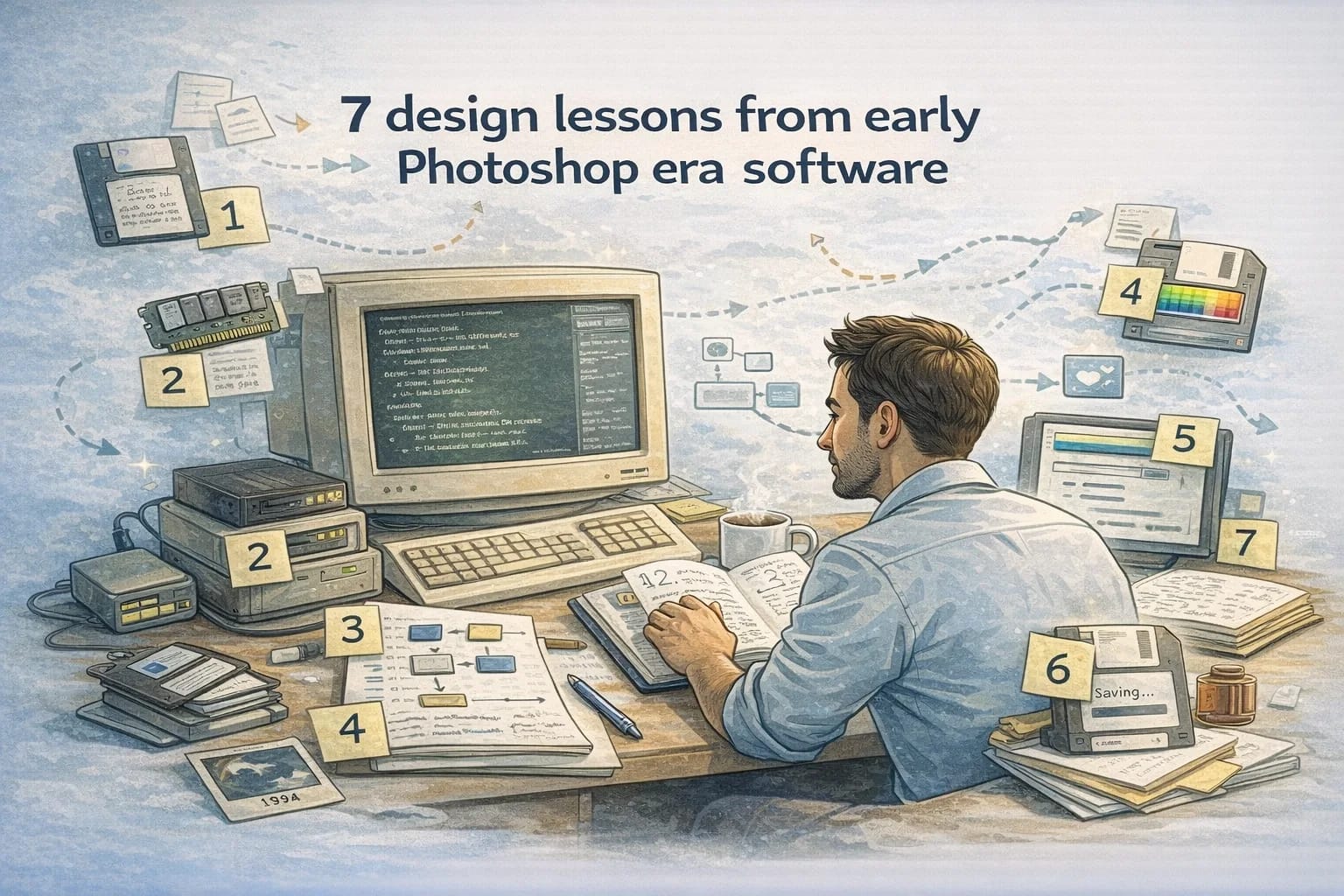
I read old legendary code so you do not have to: 7 design lessons from early Photoshop era software
December 26, 2025
There is a genre of code that feels like folklore.
Not because it is elegant in the modern sense. Often it is not. It is folklore because it shipped anyway. It ran on machines with tiny RAM, slow disks, and graphics stacks that would make a modern app developer laugh and then panic.
This post is about that era. Call it early Photoshop era software: the 90s desktop creative tools where the product was heavy, the hardware was light, and the team still had to deliver the illusion of infinite capability.
I am not talking about any one proprietary codebase. I am talking about design patterns that show up across multiple old desktop applications and libraries from that time, plus the engineering habits that naturally formed when memory and I/O were your daily enemies.
If you build software today, you still have the same enemies. They just wear different clothes:
- Memory is now a phone that kills your process.
- Disk is now a network call that stalls.
- UI is now a cross-platform surface with a thousand screen sizes.
- File formats are now API contracts and persistent storage.
Below are seven lessons from that era, picked specifically around memory constraints, UI assumptions, and file formats, then tied directly to modern choices.
Lesson 1: Treat memory like a budget, not a vibe
Old creative software had a simple truth: you could not pretend memory was infinite.
If you loaded a 2000 by 2000 image and then did multiple operations, you were not just "slow." You were dead. You got crashes, corrupted state, or forced restarts.
So teams built with budgets. Not in a spreadsheet sense, but in a deep structural sense. The software knew what kinds of buffers existed and why. It knew what could be freed and when. It had rules.
Common approaches in that era:
- Scratch files on disk to hold temporary buffers.
- Tiled images so you never needed a single giant contiguous allocation.
- Reuse of working buffers instead of allocating per operation.
- Explicit ownership of large memory blocks.
Modern mapping:
Today you still need budgets, but you hide them under different words:
- On the web, the budget is bundle size, memory pressure, and main thread time.
- On mobile, the budget is background kill behavior and peak memory spikes.
- On the backend, the budget is per-request memory and GC pressure under load.
A senior way to apply this lesson is to stop arguing about micro-optimizations and instead set a few obvious guardrails:
- Identify the top three memory spikes by route or workflow.
- Decide which data structures are allowed to grow without bound and which are not.
- Make peak memory a tracked metric, not a postmortem surprise.
If you do not measure it, you are not managing it.
Lesson 2: Don’t rely on a single giant representation
A lot of early image software avoided the naive representation: one huge array of pixels in memory.
It sounds obvious now, but it is worth saying clearly: a single giant in-memory representation makes your system fragile.
Instead you see designs that split the world:
- Tiles or chunks
- Multiple resolutions
- Lazy evaluation
- Streaming reads
Why it mattered:
- You could edit a region without touching the entire document.
- You could paint while other parts were paging.
- You could support large canvases on small machines.
Modern mapping:
This is the same argument as:
- Do we load the entire dataset into the browser, or page it?
- Do we compute everything eagerly, or cache and lazily recompute?
- Do we store one mega JSON blob, or normalized records?
If you want a litmus test, ask: what happens if a user has ten times the data you assumed? If the answer is "the tab freezes" or "the process restarts," you have a representation problem.
Lesson 3: UI is a set of assumptions, and assumptions expire
Older desktop UI code often looks like a hardcoded worldview:
- One main window.
- A few modal dialogs.
- Menus, toolbars, and palettes.
- Mouse and keyboard as primary inputs.
It was not laziness. It was survival. You had to pick a mental model, then encode it everywhere.
The hidden lesson is not the UI widgets. The lesson is that UI code embeds assumptions about how people work, what devices exist, and what workflows matter.
Modern mapping:
Today your UI assumptions are different:
- Touch vs mouse
- Offline vs always connected
- Small screens vs large screens
- Accessibility requirements
- Internationalization
The senior move is to actively list your assumptions before they become hidden dependencies.
A simple technique that works:
- Write down 10 assumptions about your UI.
- Circle the three most likely to change in the next year.
- Build your architecture so those three assumptions are not scattered across 40 components.
If your UI assumptions change and you cannot localize the changes, you will end up doing a rewrite under pressure.
Lesson 4: File formats are product decisions, not just engineering
Early creative tools had to care about file formats because the file format was the product.
Users trusted their work to it. Studios archived years of labor inside it. If the file format broke, the company did not just lose performance. It lost credibility.
Two patterns show up repeatedly:
- Backwards compatibility matters more than you think.
- Corruption handling matters more than you want.
If you are saving a layered document, you need versioning. You need sanity checks. You need to recover something even when the file is imperfect.
Modern mapping:
Most modern teams say "we do not have file formats." You do. They just look like:
- Database schemas
- Event payloads
- API contracts
- Browser storage
- Customer exports
Treat those like file formats:
- Version them intentionally.
- Assume you will need to read old versions for years.
- Make it possible to tolerate unknown fields.
- Add integrity checks where it matters.
A practical habit: when you change a persistent format, write down how you will read the old data two years from now. If the answer is "we will migrate once," you are betting against reality.
Lesson 5: The most important performance trick is the illusion of responsiveness
Old desktop apps learned a brutal UX truth early: users forgive slow work more than they forgive frozen UIs.
So teams obsessed over responsiveness:
- Painting the screen quickly
- Incremental progress
- Cancel buttons
- Operations that start immediately even if they finish later
They built the illusion of responsiveness, and that illusion became a core part of product quality.
Modern mapping:
In modern products, you still win by keeping the interface responsive:
- Keep the main thread free.
- Stream results.
- Show progress that is honest.
- Let users cancel.
This is not "nice to have." It is conversion and retention.
If you want a modern engineering translation:
- Prefer streaming responses when payloads are large.
- Avoid blocking client rendering on optional data.
- Separate critical path data from enrichment data.
If your UI feels stuck, your product feels unreliable even if it is technically correct.
Lesson 6: Undo is not a feature, it is an architecture
In creative tools, undo is part of trust. People try things because they can safely go back.
Implementing undo well pushes you into real design:
- What is an operation?
- What is a reversible change?
- What state is authoritative?
- How do you avoid storing huge snapshots?
Old software often implemented undo with careful operation logs or deltas, not by copying the entire document each time. That forced clean boundaries.
Modern mapping:
Undo shows up everywhere today, even when we do not call it undo:
- Reverting a deployment
- Rolling back a migration
- Cancelling a background job
- Restoring a previous configuration
If your system cannot roll back safely, you will naturally become conservative, and shipping speed drops.
A practical way to apply this lesson:
- Make changes reversible when it is cheap.
- For risky changes, build a rollback path before you build the forward path.
- For data migrations, define the rollback story explicitly.
Speed and safety are not enemies when rollback is real.
Lesson 7: Constraints force good boundaries, but only if you respect them
A lot of old code looks strange until you remember the constraints.
- Why is there a custom allocator?
- Why is there a scratch file system?
- Why is there a small internal file format inside the main file?
The answer is usually: boundaries were the only way to survive.
When teams respected the constraints, they built clean separation:
- UI layer separate from core operations
- Document model separate from rendering
- File format separate from in-memory representation
Modern mapping:
Modern teams often lose these boundaries because it feels faster to couple everything through a shared framework.
But coupling is still the fastest way to become slow later.
If you want to borrow the old lesson in a modern stack:
- Keep domain logic testable without the UI.
- Keep persistence logic independent from request handlers.
- Keep data formats versioned and validated at the edges.
Constraints change, but boundaries remain the best tool you have.
A modern takeaway you can use this week
If you want a short checklist that actually changes how you build:
- Pick one workflow and write down its memory budget, even if it is rough.
- Identify the one representation that could blow up at 10x scale.
- List your UI assumptions and which three are most likely to change.
- Treat one persistent format like a file format and version it.
- Make one slow operation feel responsive with progress and cancel.
Old software was not "better" because it was old. It was better in a few places because constraints forced discipline.
You can get the same discipline today without waiting for your laptop to have 16 MB of RAM. You just have to choose it.