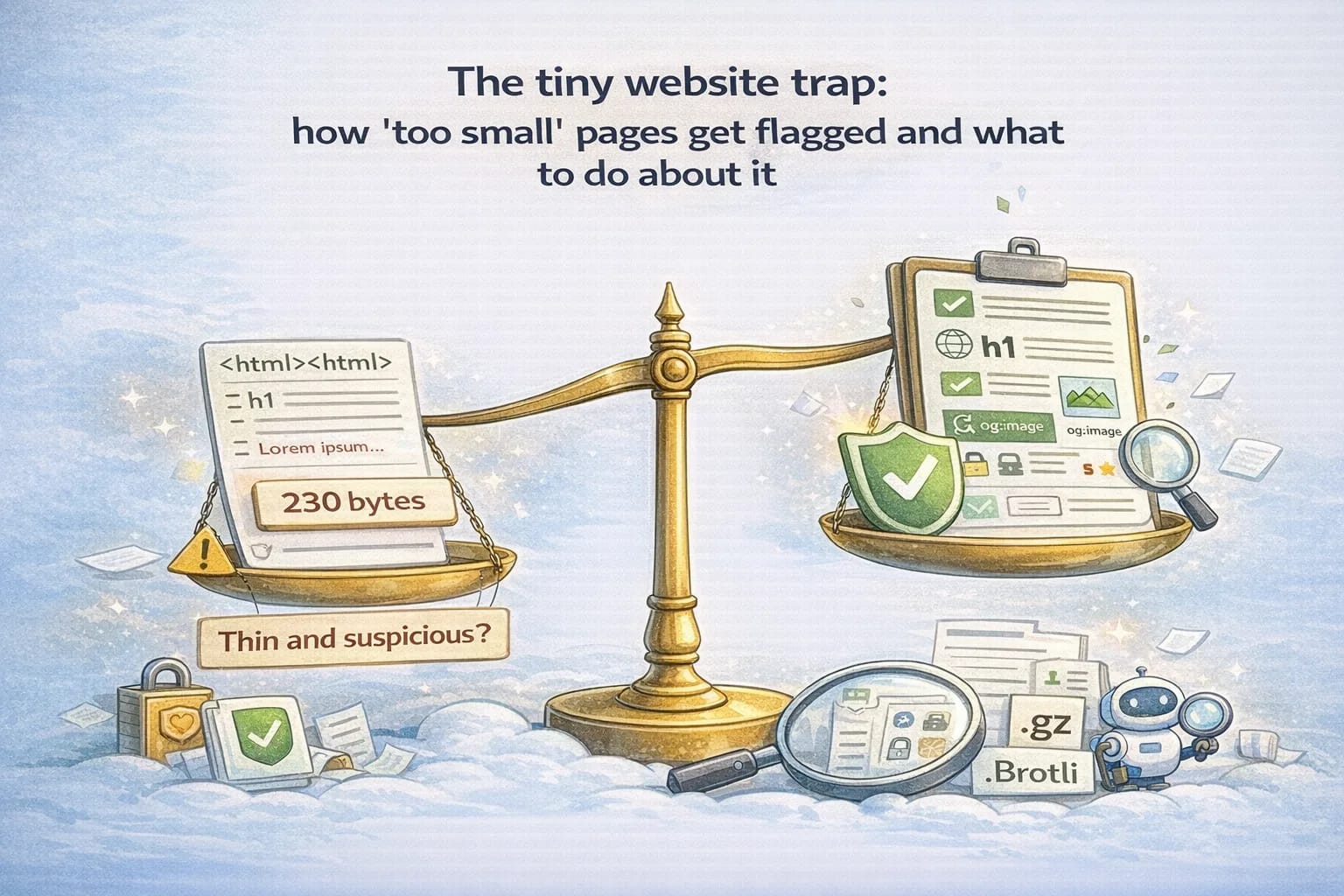
The tiny website trap: how 'too small' pages get flagged and what to do about it
December 20, 2025
Small websites are charming until they look suspicious. If your landing page weighs only a few hundred bytes, loads no images, and says very little, multiple systems can quietly mark it as low quality or even risky. You will not always see a loud error. Instead, you notice soft symptoms: ads denied as "low value", crawlers visiting less often, link previews missing, corporate scanners warning on thin content, and users asking whether the site is real.
This post shows how to recreate the issue with common validators, measure sizes and headers correctly, understand compression effects, and then fix a minimal site without bloating it. The goal is to stay tiny while looking complete and trustworthy.
Recreate the issue
Start with an extremely small HTML document. Something like the following is enough to trigger multiple heuristics:
<!doctype html>
<html>
  <head>
    <meta charset="utf-8" />
    <title>Tiny</title>
  </head>
  <body>
    <p>Hello</p>
  </body>
</html>
Serve it with a very basic HTTP stack, then inspect it.
- Measure bytes on disk: your editor will show ~100–200 bytes.
- Measure transfer size: use
curl -s -D - -o /dev/null https://example.comto print headers. - Add
--compressedto see negotiated compression. - Run Lighthouse in your browser (DevTools → Lighthouse). Minimal content often lowers scores on content-related audits.
- Validate HTML at the W3C validator. The document is valid but lacks semantic richness.
- Check a link preview by pasting the URL into a chat app: many previews are empty without Open Graph data.
- Run an accessibility checker: without alt text, landmarks, or descriptive titles, basic checks warn.
You will likely observe:
- Tiny
Content-Lengthfor uncompressed responses (well under 1 KB). Content-Encoding: gziporbrfor compressed delivery that makes small files even smaller, sometimes below proxies' thresholds for buffering.- Missing
metafields (description, viewport) and no social cards. - Lighthouse and similar tools flag "document doesn't have a meta description", "missing
langattribute", and low content signals. - Ad and crawler systems evaluate the page as thin: short text, no meaningful sections, no clear topic.
None of these are fatal individually. Together they form a picture that looks untrustworthy.
Inspect headers and compression correctly
Use curl to collect accurate headers and sizes. Two quick commands (replace the domain with your own site when you run them):
# Raw headers + uncompressed (if server supports it)
curl -s -D - -o /dev/null https://example.com/

# Simulate modern browser with compression negotiation
curl -s -H "Accept-Encoding: gzip, br" -D - -o /dev/null https://example.com/
Key fields to watch:
Content-Type: should betext/html; charset=utf-8.Content-Length: available for non-chunked responses. Very small values indicate tiny payloads.Transfer-Encoding: chunked: streaming responses hide exact byte size; use a tool like your browser's network panel to read the transferred size.Content-Encoding:gziporbrconfirms compression. Tiny pages can drop below a few hundred bytes, which sometimes interacts poorly with buffering proxies.Cache-Control: explicit, simple policies help validators.no-cacheor short lifetimes are fine for HTML.X-Content-Type-Options: nosniff: make types predictable.
Then open DevTools → Network and record the "transferred" and "resource size" values. Compare to your editor's byte count. Compression will make the transferred size smaller than the resource size.
Which systems tend to reject tiny pages
Different systems use different heuristics. Rather than claiming a single threshold, think in categories:
- Quality evaluators: ad networks, content aggregators, and recommendation systems prefer pages with clear topics, structured sections, and enough words to evaluate intent. Extremely short pages often receive "low value" or "thin content" assessments.
- Link preview generators: without Open Graph tags (
og:title,og:description,og:image), previews are blank or generic. Some platforms skip previewing extremely small pages. - Corporate scanners: security gateways and compliance tools flag sites missing basics (contact, privacy, terms) or that look machine-generated. Very small payloads sometimes trigger more aggressive scrutiny.
- Crawlers: they can crawl tiny pages, but ranking and revisit frequency often correlate with perceived usefulness and completeness. Pages with clear structure and metadata tend to fare better.
The outcome is consistent: extremely small pages are not rejected for being small; they are rejected for looking incomplete.
The boring fixes that work
Keep the site small, but add the fundamentals that answer "Is this a real, useful page?"
- Write a meta description: a sentence that matches what the page actually offers.
- Include Open Graph tags:
og:title,og:description, and a smallog:image. - Add a canonical link: helps crawlers identify the primary URL.
- Use semantic sections: headers, lists, and paragraphs that form a clear topic.
- Provide contact, privacy, and terms: even a basic site benefits from transparency.
- Include accessibility basics:
langattribute, alt text for images, and readable contrast. - Keep compression on: gzip or brotli improve delivery without harming trust.
- Avoid empty pages: if a page exists, give it a clear purpose and at least a few paragraphs.
You can do all of this in a few kilobytes. A small, useful page beats a tiny, vague one.
What “trustworthy” looks like to humans and machines
Most quality systems are not looking for length. They are looking for signals of intent and legitimacy.
Humans ask:
- “Who made this?”
- “What is it for?”
- “How do I contact someone if something goes wrong?”
Machines ask the same questions indirectly:
- Is there enough topic text to classify the page?
- Is there unique metadata (title/description/canonical)?
- Do link previews render normally?
- Do headers and content types look consistent?
When a page is extremely small, it often fails multiple signals at once. That cluster of missing signals is what gets you flagged.
The trust signals that are worth the bytes
If you want to stay minimal, spend your bytes on signals that pay back across SEO, ads, and user confidence:
- A clear
h1that matches the page title. - A short “what this is” paragraph (2–4 sentences).
- A visible way to reach you (contact email or contact page).
- A privacy page and terms page.
- Open Graph tags (so shares don’t look broken).
- A small, relevant image for previews.
None of these require a heavy UI or a big codebase.
A fast debug routine (10 minutes)
If you suspect your site is being treated as “thin” or “low trust,” run this quick routine and record the outputs.
- Open Network panel and hard reload
- Confirm the main HTML loads with the correct status code.
- Confirm
Content-Typeis HTML. - Confirm the transferred size is not absurdly tiny.
- Check the rendered HTML, not just your source
If you’re using SSR/SSG, view source and confirm your main content is present. A page that renders content only after client JS can look empty to some systems (and it also breaks when JS fails).
- Validate metadata quickly
- Title is unique.
- Meta description exists.
- Canonical is set.
- OG tags exist.
- Check link preview behavior
Paste your URL into a link preview tool or a chat app that generates previews. If previews are blank, add OG tags and a valid og:image.
- Check headers for “weirdness”
Run a header fetch and ensure responses look normal:
curl -s -D - -o /dev/null https://example.com/
Red flags:
- Missing
Content-Type - HTML served as
text/plain - Unexpected redirects (http→https loops, www vs non‑www mismatches)
- Cache headers that prevent updates from propagating
How this connects to ads and “low value” decisions
Ad systems do not publish a simple checklist because it would be gamed, but the practical takeaway is consistent: pages that look incomplete or duplicated are risky.
If you are building a minimal site and you want to avoid “low value” outcomes, focus on:
- Original content: a page that actually answers a question.
- Clear purpose: the page is about one topic and stays on it.
- Site transparency: privacy, terms, and contact exist.
- Navigation: it’s possible to reach other useful pages (About, FAQ, Docs, Blog).
Minimal does not mean empty. Minimal means you chose what to include.
Measuring "too small" in practice
Rather than chase a magic number, set practical guardrails:
- Aim for a transferred size over ~1–2 KB for HTML after compression. This usually means you included real text and metadata.
- Write 300–500+ words for core pages. Not as a quota, but as a proxy for substance.
- Ensure every page has a unique title and description.
- Prefer one clear
h1with a fewh2sections. - Add a small preview image (social card) so link shares don't look broken.
When you measure, record three values per page:
- Bytes on disk.
- Transferred bytes in the browser.
- Parsed DOM nodes count (DevTools can show this). Extremely tiny DOMs often correlate with thin content.
A minimal site that passes checks
Here is a tiny template you can adapt without bloating:
<!doctype html>
<html lang="en">
  <head>
    <meta charset="utf-8" />
    <meta name="viewport" content="width=device-width, initial-scale=1" />
    <title>Example: Minimal Site That Still Helps</title>
    <meta name="description" content="Clear purpose in one paragraph, plus a short checklist and contact." />
    <link rel="canonical" href="https://example.com/" />
    <meta property="og:title" content="Example: Minimal Site" />
    <meta property="og:description" content="Useful summary and small preview image." />
    <meta property="og:image" content="https://example.com/og.png" />
  </head>
  <body>
    <header>
      <h1>Minimal Site That Still Helps</h1>
      <p>This site explains one topic in a few paragraphs and links to deeper material.</p>
    </header>
    <main>
      <section>
        <h2>Why this exists</h2>
        <p>State the problem and the outcome readers can expect in a clear, short way.</p>
      </section>
      <section>
        <h2>Quick steps</h2>
        <ol>
          <li>Explain step one with a sentence.</li>
          <li>Add step two and a link to more.</li>
          <li>Close with a helpful tip.</li>
        </ol>
      </section>
    </main>
    <footer>
      <p><a href="/about">About</a> · <a href="/privacy">Privacy</a> · <a href="/terms">Terms</a></p>
    </footer>
  </body>
</html>
This is still tiny. It also looks complete to crawlers, validators, and users.
Checklist for minimal sites
Use this when you keep things small on purpose:
- Title and meta description reflect the page.
- Canonical link set.
- Open Graph title, description, and image present.
- One
h1and a fewh2sections organizing content. - At least a few paragraphs of real text.
- Basic accessibility:
langonhtml, alt text on images. - Contact, privacy, and terms available or linked.
- Compression enabled,
Content-Typecorrect, headers simple. - Sitemap and robots present for discoverability.
- A small social preview image so link shares look normal.
Final thought
Tiny can be beautiful. It just needs enough context to look real and helpful. If your site says something meaningful, shares the basics in headers and metadata, and offers a small image for previews, most validators and heuristics will treat it as a complete page rather than a suspicious one.