ClipNotebook vs Browser Bookmarks
December 20, 2025
You do not need to pick one tool forever. Bookmarks and ClipNotebook both have a place. Use each where it shines and you get speed without clutter.
Where bookmarks win
- Single page you visit daily
- A tiny list of favorites in the toolbar
- Personal links that do not benefit from sharing
If your needs are simple, keep using bookmarks. They are built into every browser and cost nothing in setup time.
The bookmark sweet spot
Bookmarks are at their best when:
- You have a small, stable list.
- The link is a utility you use repeatedly (mail, calendar, dashboard).
- You do not need context later.
The moment you need context, bookmarks start to feel like “a list of doors with no labels.” You can open them, but you do not remember why you saved them.
Where bookmarks quietly fail
Bookmarks do not usually fail in one dramatic way. They fail as a slow tax:
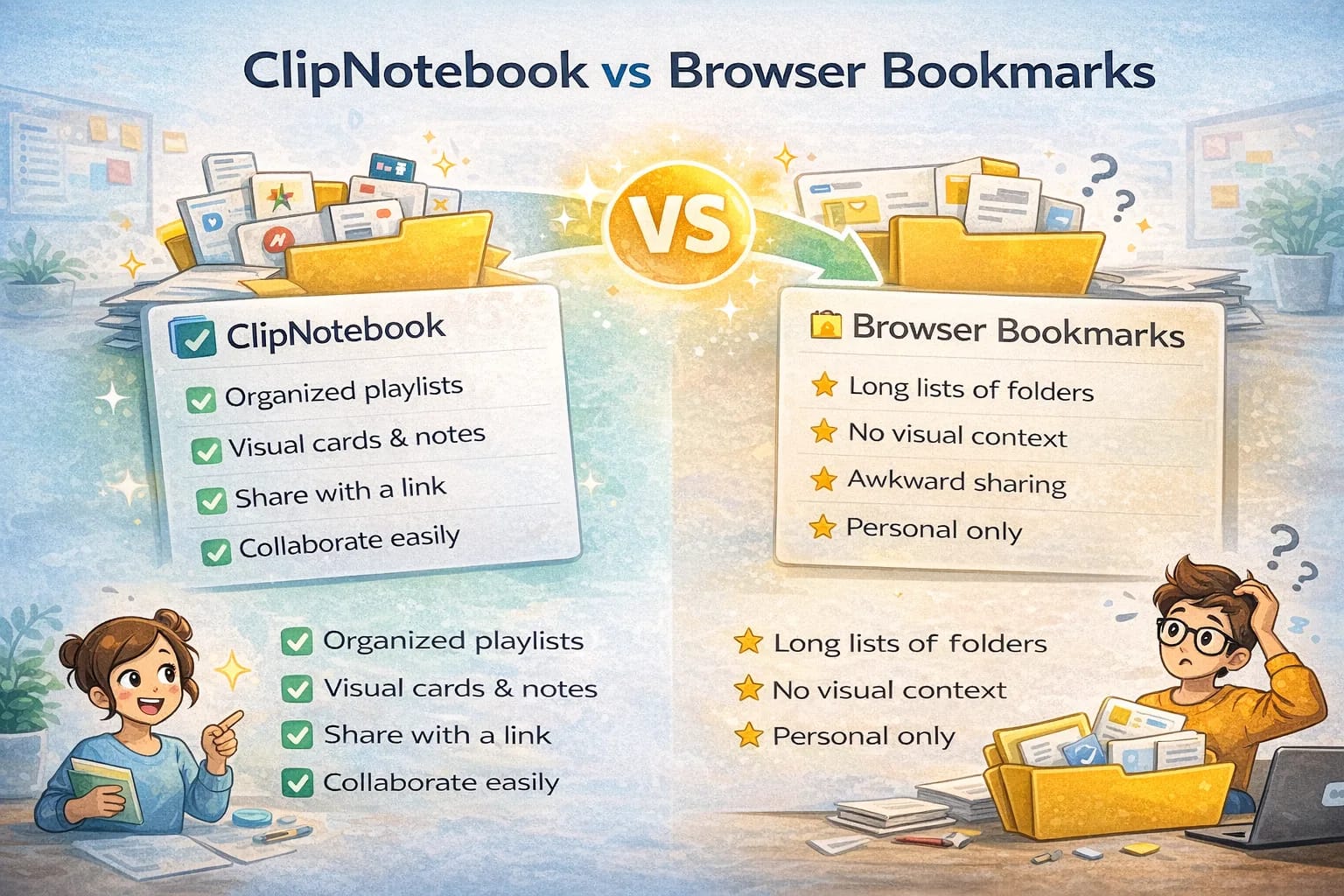
- Context loss: you saved a link, but not the reason.
- Scanning cost: folders hide items, so you open, back out, open again.
- Sharing friction: exporting, copying, or screenshots.
- Collaboration drift: two teammates save different links, and nobody knows the “current” list.
If you have ever asked “Where did we put that link?” you have already paid the cost.
Where ClipNotebook wins
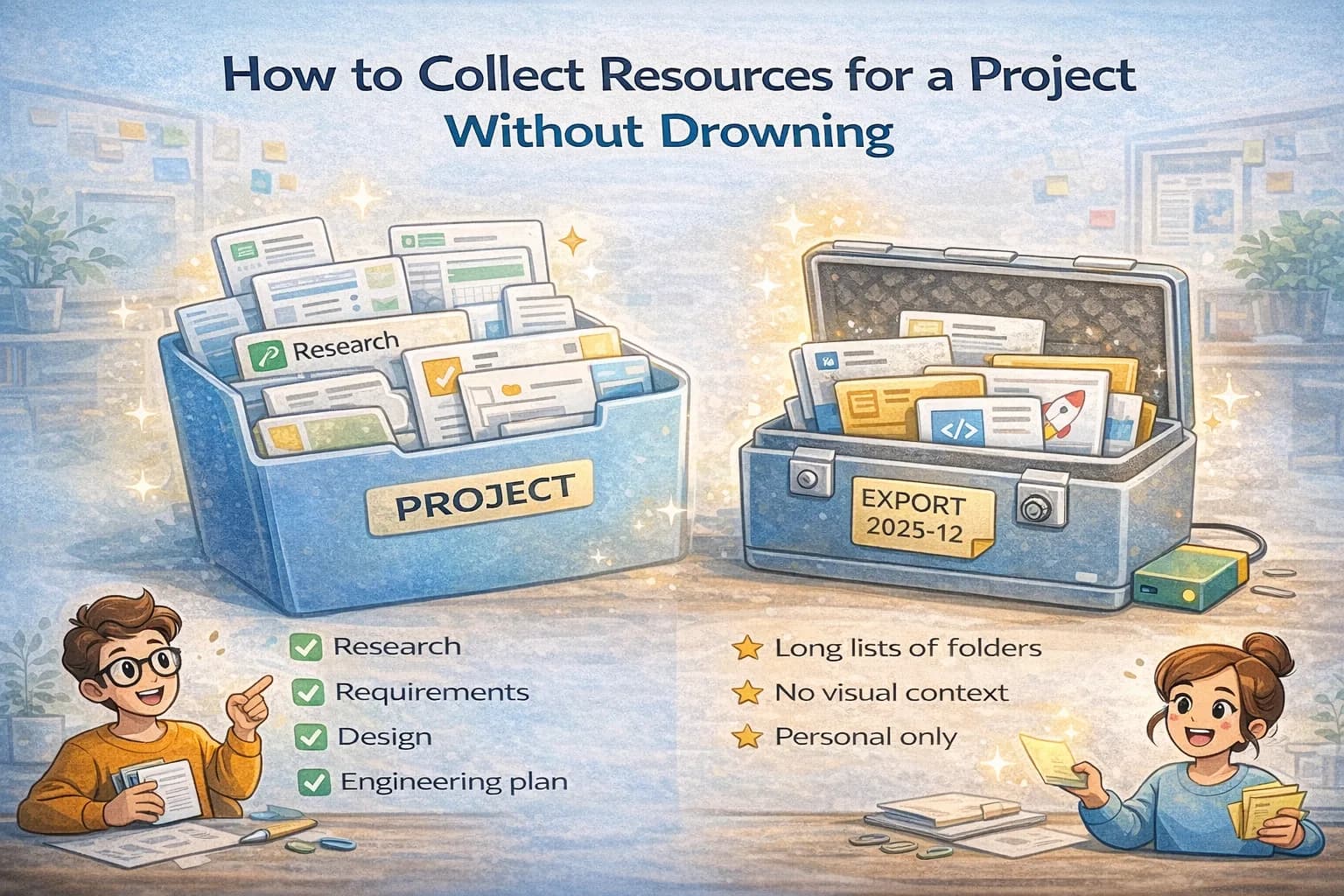
- Organizing research for a project
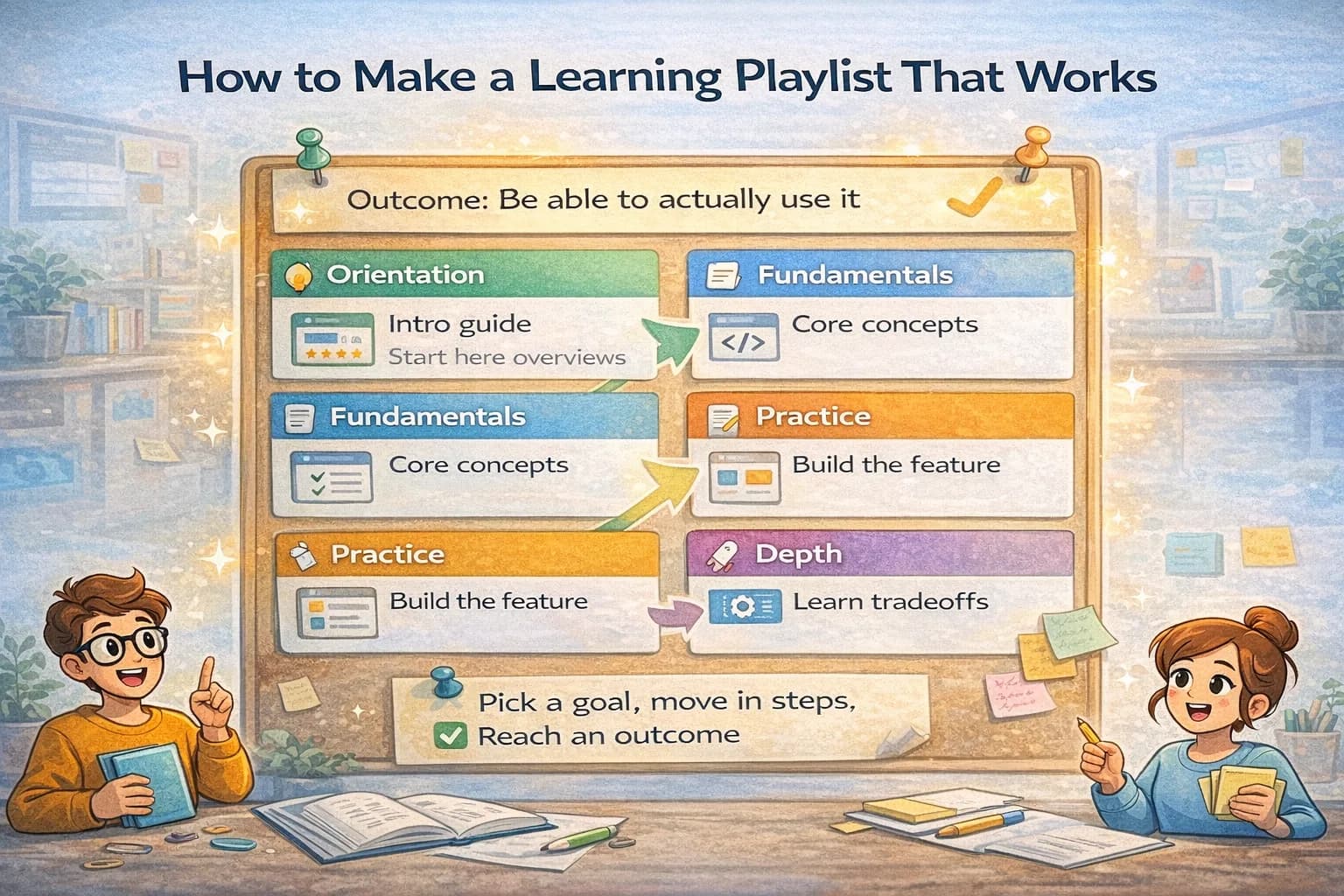
- Curating a learning path for yourself or a friend
- Sharing a resource kit with a client or team
- Moving from messy folders to clean, scannable cards
Cards show titles and images that speed up scanning. Playlists group related items into a flow. Snapshot links make sharing simple and safe.
The playlist sweet spot
ClipNotebook is strongest when your links are part of a project:
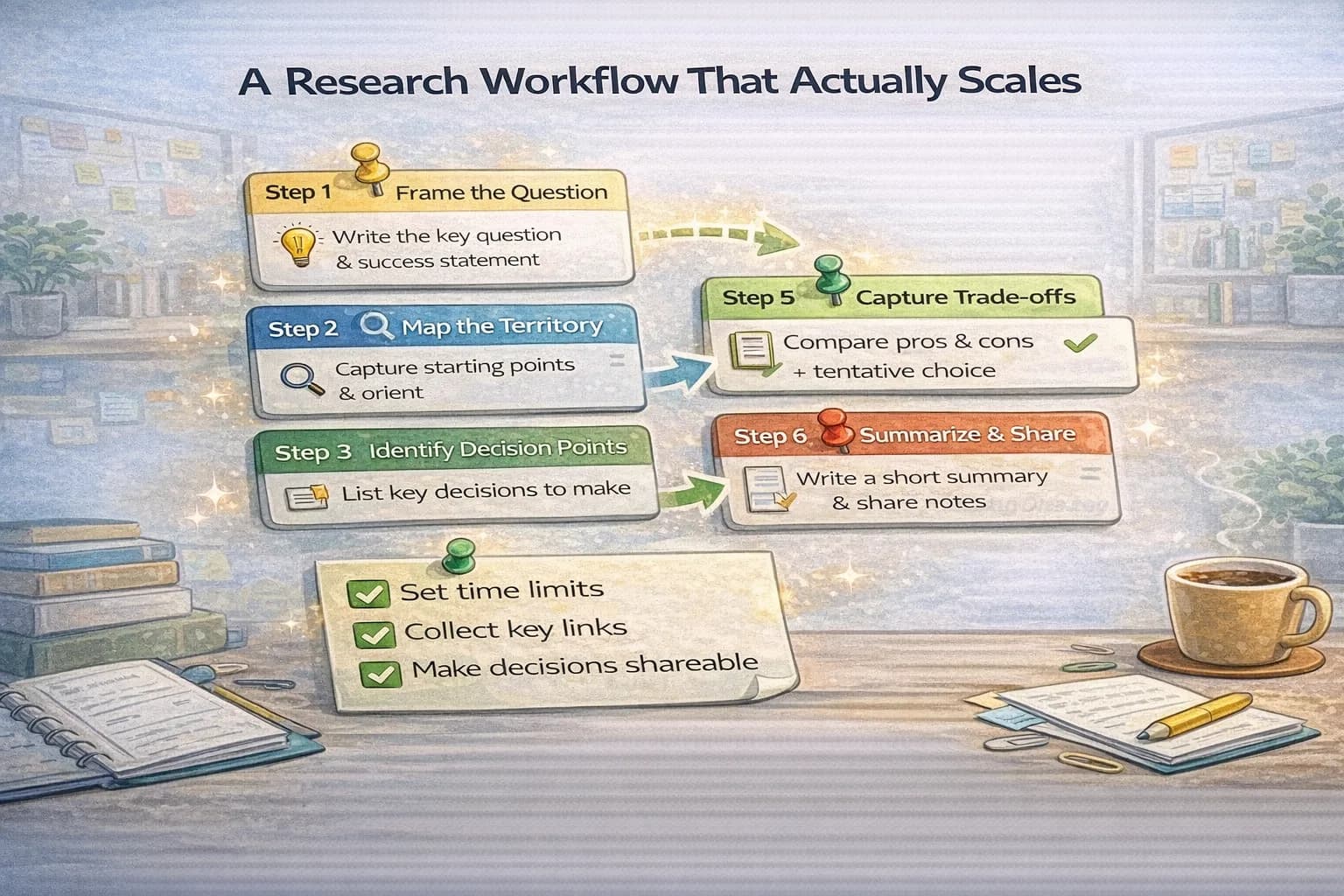
- A research sprint (choose a tool, compare approaches, evaluate constraints).
- A learning path (orientation → practice → deeper reference).
- A client handoff (what to read first, what to use later).
In these cases you do not just want storage. You want a small workflow that keeps the list useful.
Will this replace all bookmarks?
In practice, no. Most people keep a few bookmarks for daily use and move project work into ClipNotebook. That mix gives you the best of both worlds. Quick access for routine pages. Structure and clarity for anything larger.
A simple decision rubric
If you are unsure where a link belongs, ask four questions:
- Will I need this link again after a week?
- If no, it should not become a bookmark at all.
- Will I need the reason later?
- If yes, put it in a playlist with a title that explains the purpose.
- Will someone else need it?
- If yes, prefer a shareable playlist. Shared links need structure.
- Is this a daily tool or a project artifact?
- Daily tool → bookmark.
- Project artifact → playlist.
This rubric prevents the most common mistake: treating every link like it deserves permanent storage.
How to try the switch
- Create a playlist for a current project
- Move the top ten links from your old folder
- Give each card a better title that explains the value
- Share with one teammate and ask for feedback
If you feel less friction after a week, continue. If not, keep bookmarks for that case. The point is to make organizing links effortless so you can focus on real work.
How to title links so you can find them later
The biggest quality upgrade is rewriting titles. Good titles make selection fast.
Use this pattern:
- Role + claim: “Reference: Core Web Vitals thresholds and what counts as good.”
- Task + outcome: “Checklist: ship a landing page with stable layout.”
- Decision + tradeoff: “Comparison: long polling vs streaming behind proxies.”
Avoid titles that only name the source (“Stripe blog”, “MDN page”). Source names do not tell future-you what to do with the link.
Common pitfalls (and how to avoid them)
- Trying to migrate everything
If you move hundreds of bookmarks in one day, you will recreate the same mess in a new tool. Move only what you need for an active project.
- Making folders instead of workflows
If you create playlists named “Design” or “Marketing”, you are rebuilding folder chaos. Use outcome names: “Onboarding copy references” or “Competitor onboarding screenshots.”
- Sharing the messy workspace
Share a curated playlist or a read-only snapshot, not your whole private collection. It keeps sharing safe and makes the list easier for others to consume.
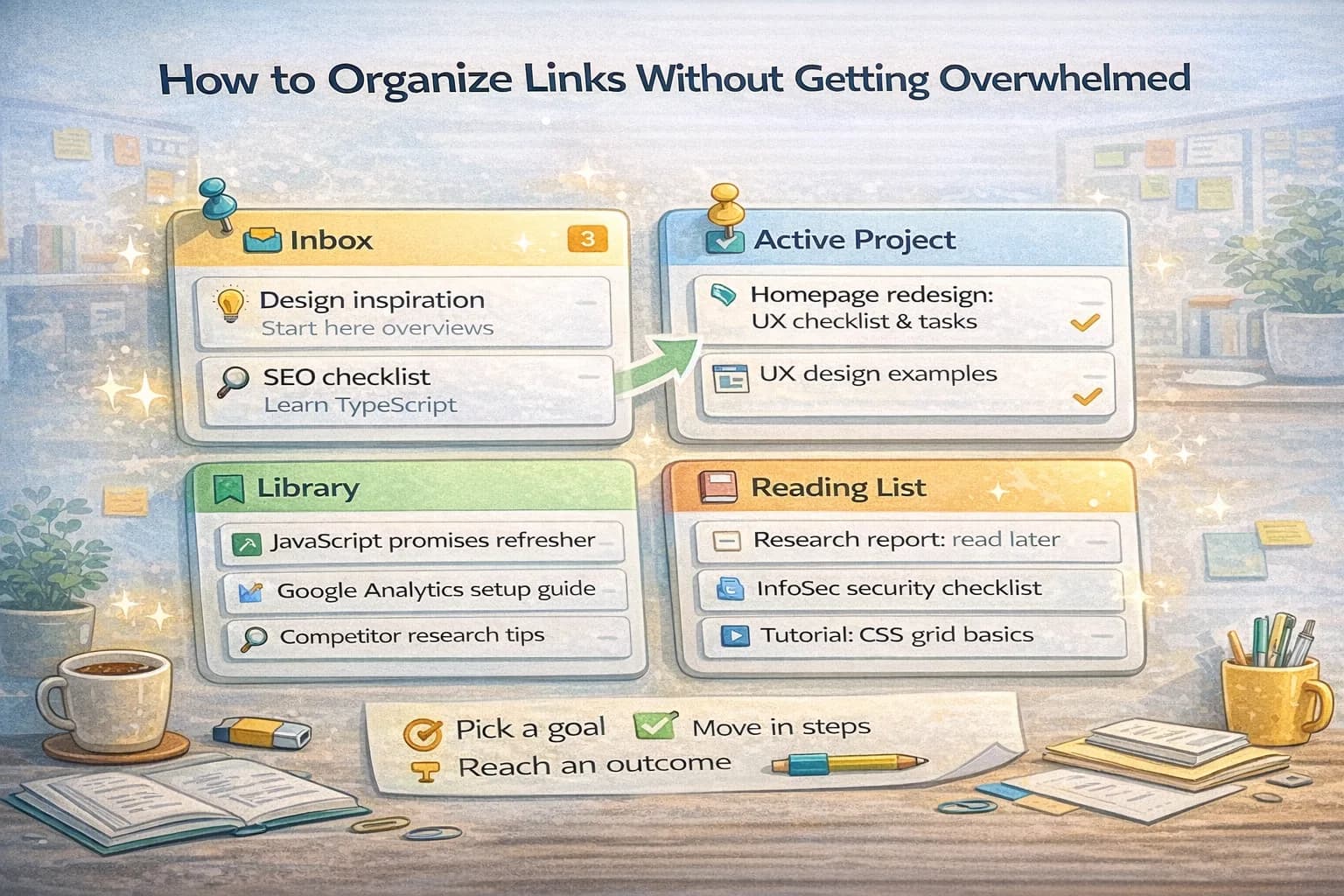
A practical split that works for most people
If you want a starting setup that stays calm, use this split:
- Bookmarks: 10–30 daily links you open often.
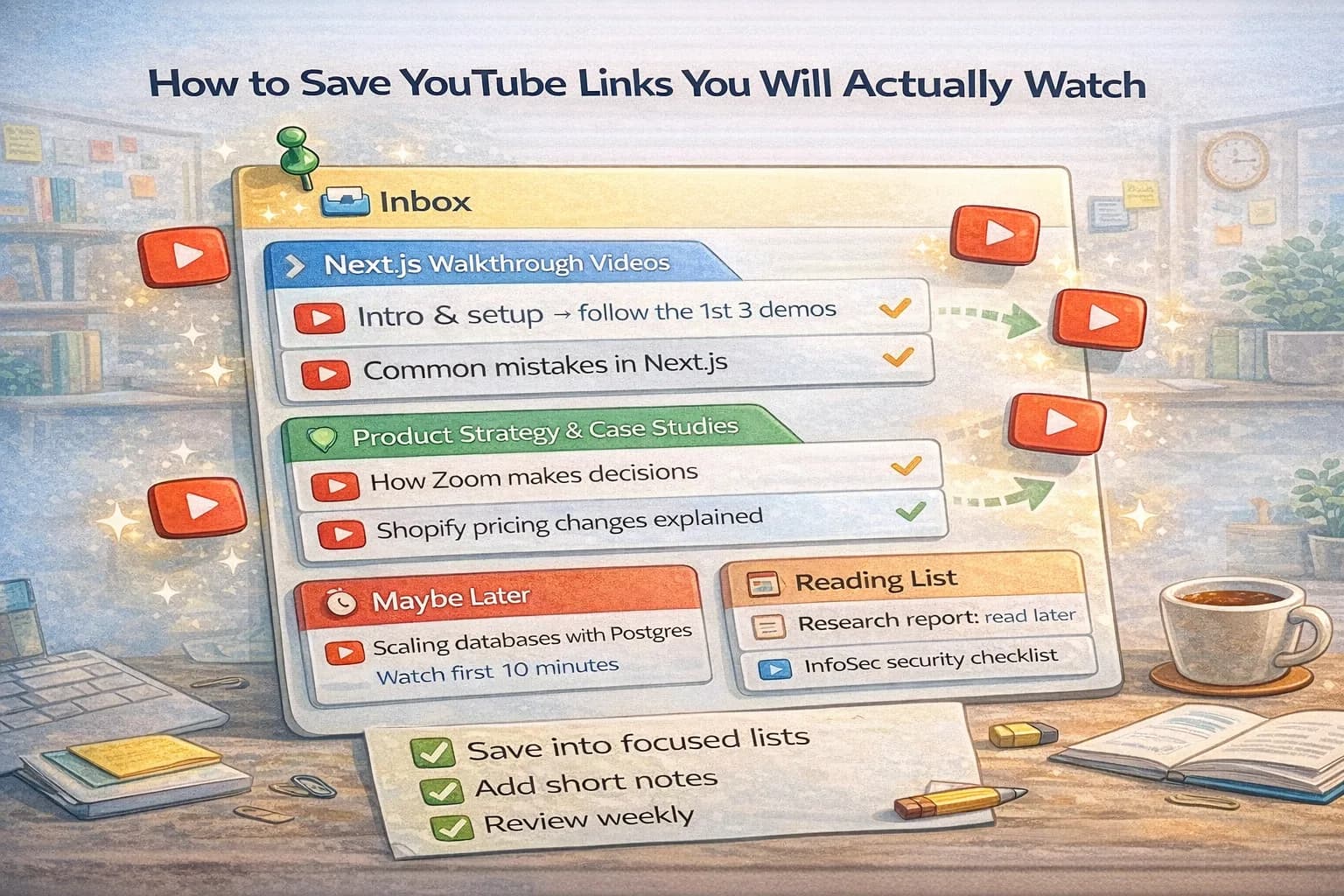
- One Inbox playlist: links captured fast during the day.
- One Active playlist: the project you are working on this week.
- One Library playlist: evergreen references you trust.
Spend 5 minutes per week moving links out of Inbox. That small habit prevents 90% of link clutter.
Final checklist
Use this checklist to decide where a link should live:
- Daily utility link → bookmark
- Project or learning link → ClipNotebook playlist
- If you need context later → rewrite the title
- If you need to share it → curate it and share the playlist
You do not need a perfect system. You need a small system you actually use. The right mix of bookmarks + playlists gives you both speed and clarity.
The real trade-off: speed now vs clarity later
Bookmarks optimize for speed in the moment:
- one click to save
- one click to open
But the hidden cost shows up later:
- you forget why you saved the link
- you can’t scan quickly
- you can’t share without extra work
ClipNotebook-style playlists trade a tiny bit of capture time for a huge reduction in “search time.”
If you have ever spent 10 minutes looking for one page you know you saved, you’ve felt the trade-off.
A simple way to decide: time-to-find
Pick five links you saved in the last month and try to find them.
- If you can reliably find each one in under 30 seconds using bookmarks, keep using bookmarks.
- If you can’t, you need structure, not more folders.
This is a measurable test, not a philosophical debate.
When ClipNotebook is a clear win
ClipNotebook wins when links are part of the work output:
- research packs
- onboarding kits
- client handoffs
- learning playlists
- “how we do X” references
In these cases, you are not just saving a URL. You are saving context, sequence, and trust.
Collaboration: the part bookmarks were never built for
Bookmarks are personal by default.
If you work with others, you need:
- a shared view of “the current list”
- a way to write titles that explain why items matter
- a clean sharing experience (ideally view-only)
Playlists support these behaviors naturally. Bookmark folders do not.
What to do if you already have years of bookmarks
Do not migrate everything.
Instead:
- Keep bookmarks as your daily utility layer.
- Create one Inbox playlist for new links.
- For any active project, create a dedicated playlist.
- Only move links that support active work.
Over time, your important references will move naturally.
A retitling pattern that makes everything easier
Use one of these title patterns:
- “Reference: X (what it’s good for)”
- “Example: X (what to copy)”
- “Checklist: X (minimum version)”
- “Decision: X (why we chose it)”
The goal is that someone can scan the list without opening every link.
Anti-patterns to avoid in any tool
These mistakes create chaos no matter what you use:
- saving everything “just in case”
- making deep nesting instead of small collections
- never pruning
- keeping vague titles
The solution is always the same: smaller lists, clearer titles, regular triage.
The smallest routine that keeps things clean
Once per week (10 minutes):
- open your Inbox playlist
- delete duplicates
- move links into the right playlist
- retitle the top 3 links
- pin the next 2 links you will actually use
If you do only this, your system stays usable.
Final decision checklist
- If it’s a daily utility → bookmark
- If it’s project work → playlist
- If you’ll share it → curated playlist or snapshot
- If the reason matters → retitle
Using both tools intentionally is the “adult” setup: fast for daily life, structured for real projects.
Sharing safely (a quick note)
If you share links with other people, prefer sharing a curated playlist or a view-only snapshot instead of your whole workspace. It reduces the chance of exposing private notes and makes the list easier to consume.
Summary
- Bookmarks are best for a small set of daily utilities.
- Playlists are best for anything that needs context, ordering, and sharing.
- The winning setup is usually both: bookmarks for speed, ClipNotebook for clarity.