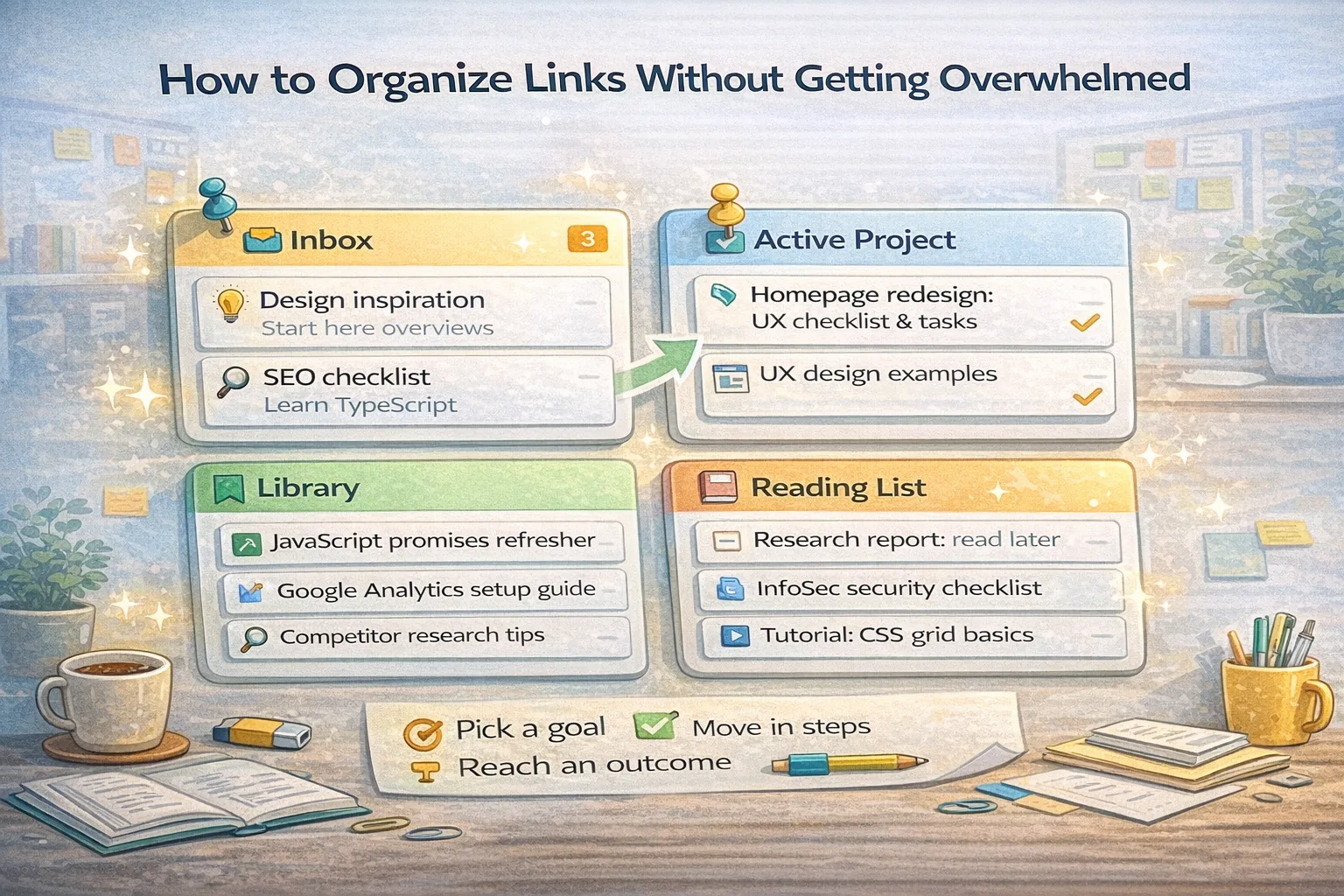
How to Organize Links Without Getting Overwhelmed
A practical system for turning scattered tabs and bookmarks into clear, reusable collections that save time and reduce stress.
Stop keeping dozens of tabs open. Paste links into ClipNotebook and turn them into clean playlists you can open and share in seconds.
Click Open my notebook to generate a unique URL. That URL is the key to all your playlists. Save it somewhere safe.
Paste any web link. Each link becomes a clean card. Group related cards by creating playlists for topics, projects or inspiration.
Generate a read only link for a playlist or the whole notebook. Friends can import a shared playlist into their own ClipNotebook.
A practical system for turning scattered tabs and bookmarks into clear, reusable collections that save time and reduce stress.
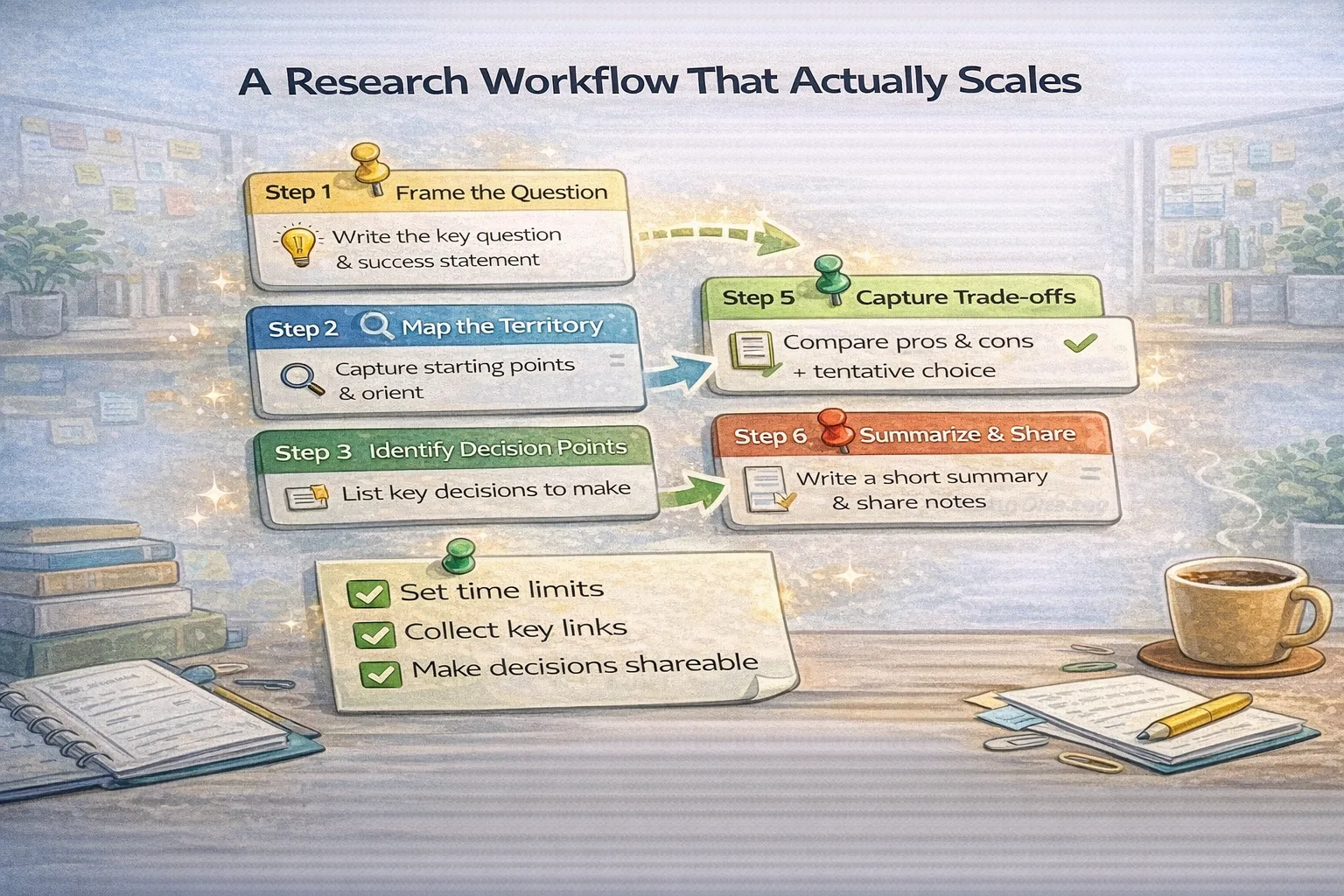
Turn messy searches into a repeatable research routine that produces clear notes, decisions and shareable evidence.
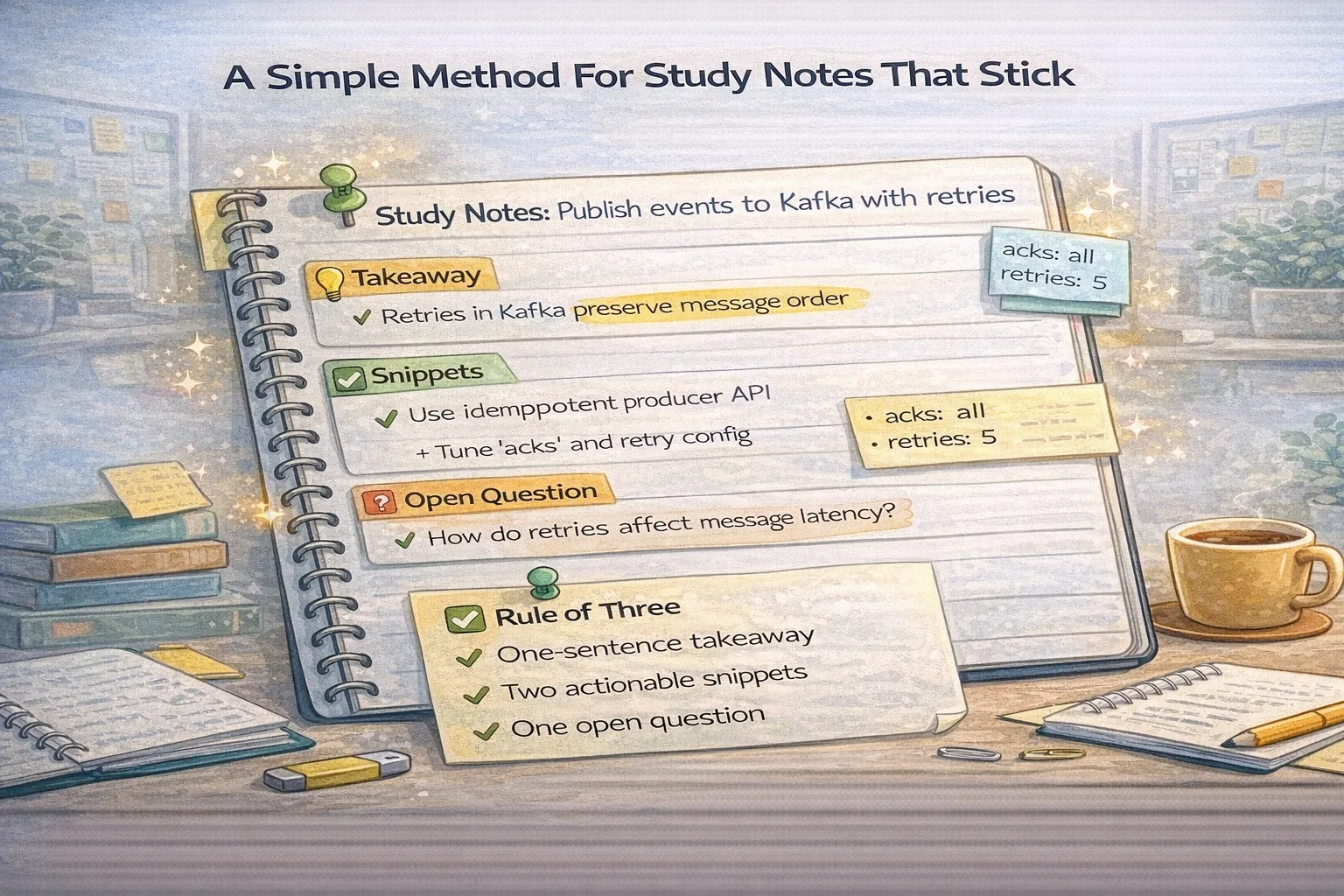
Learn a notes method that helps you remember, apply, and teach what you study without drowning in highlights.
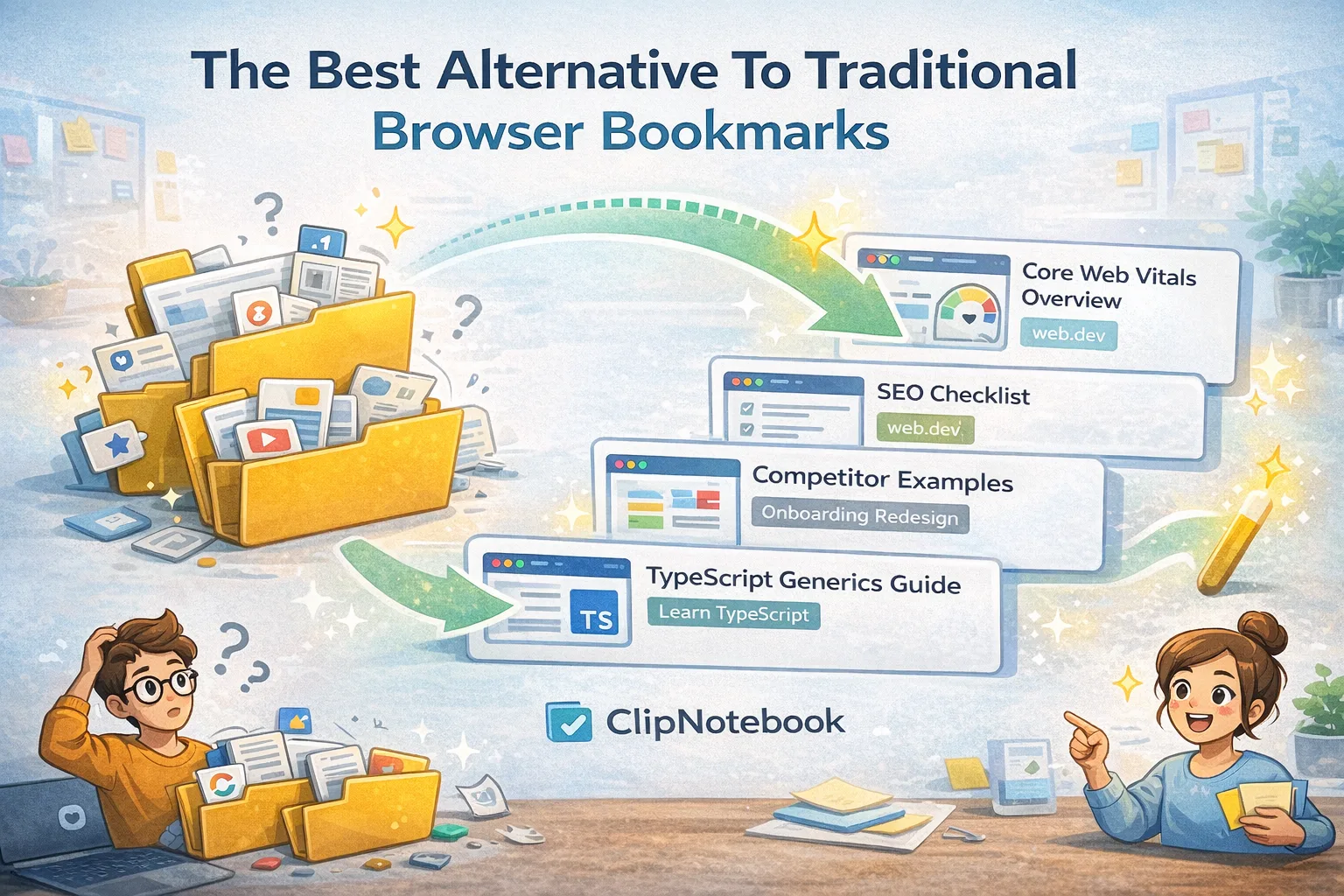
Browser bookmarks are fine for quick saves, but they break down for projects and collaboration. Here is a cleaner way to manage links.
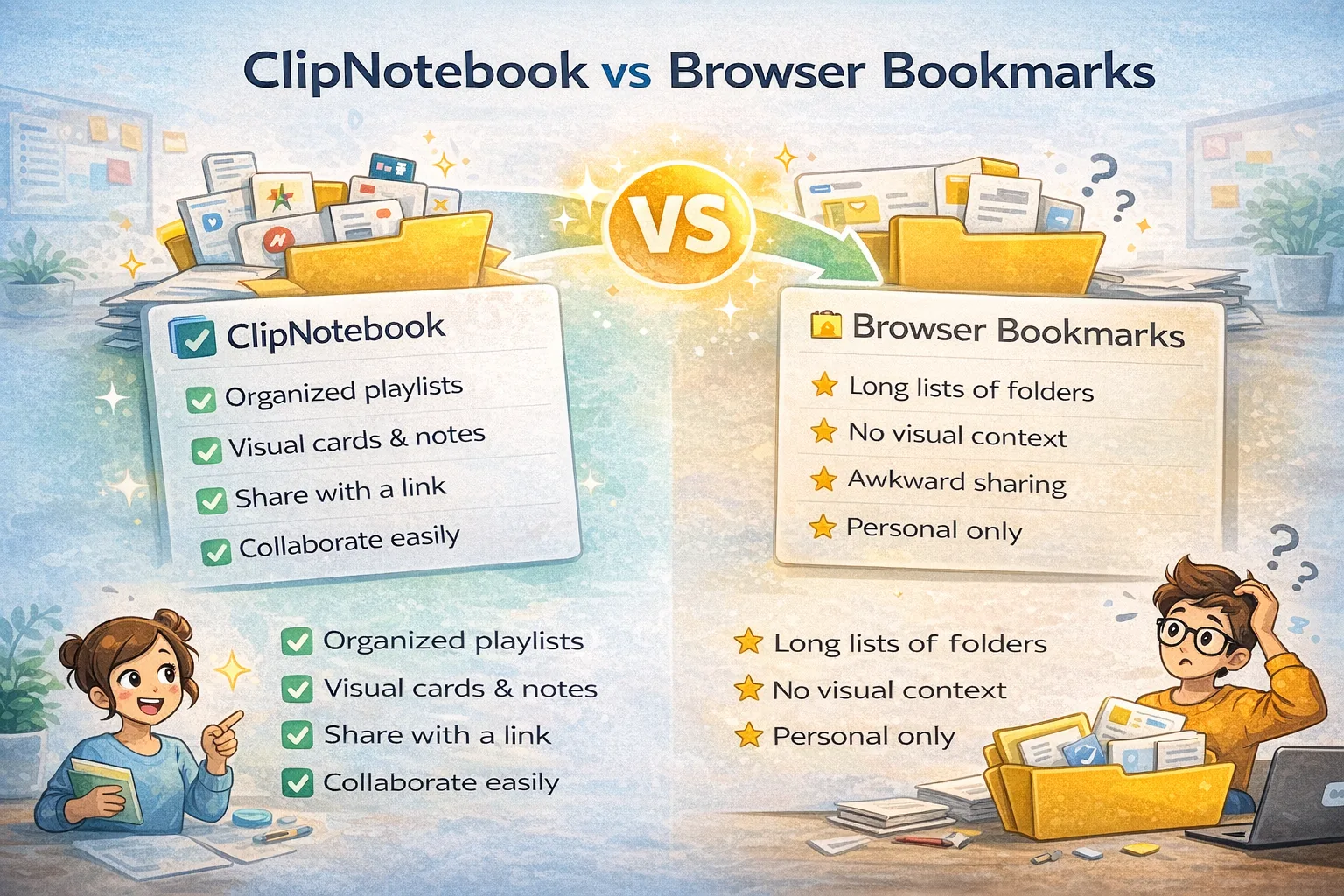
A practical comparison to help you decide when to use ClipNotebook and when simple bookmarks are enough.
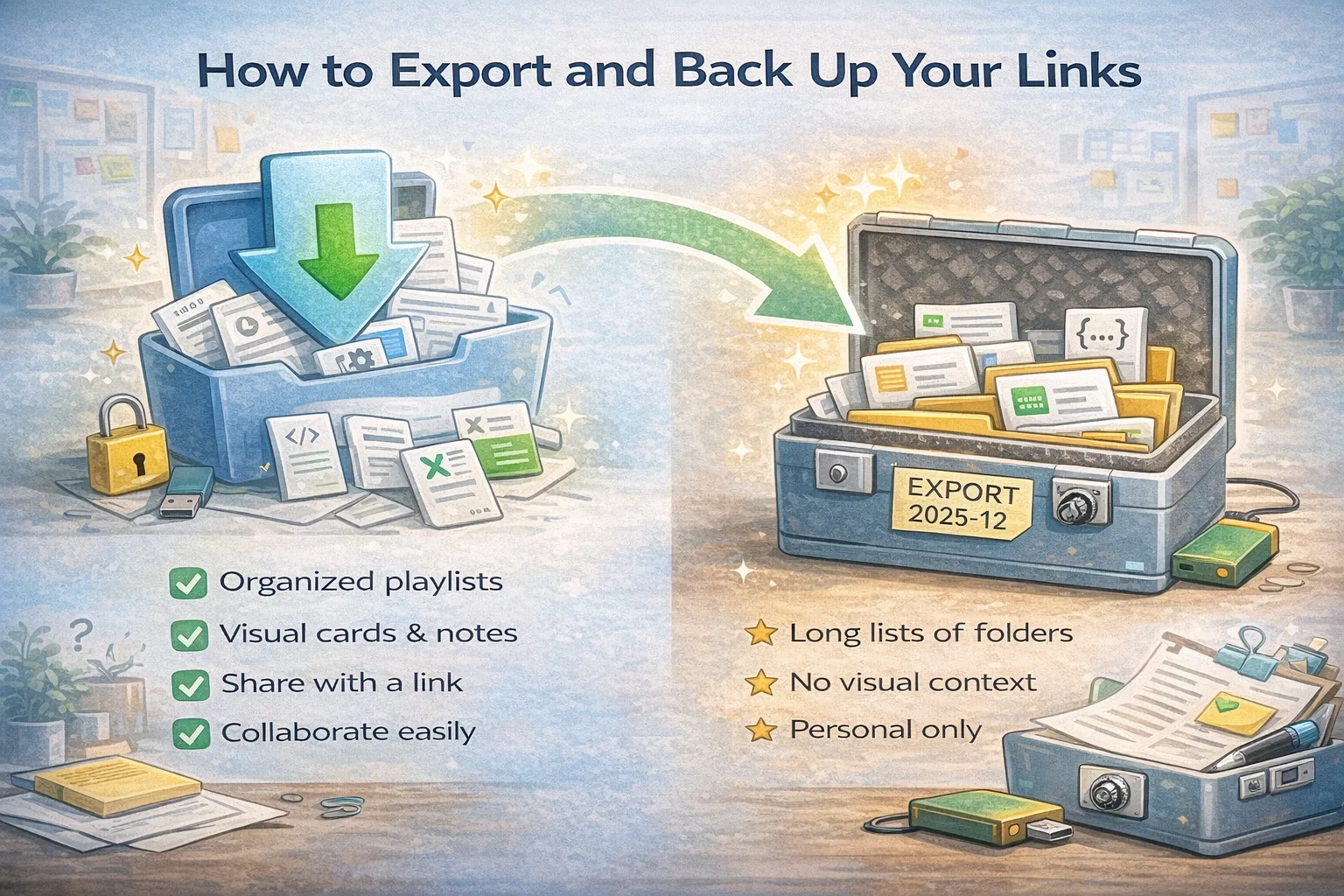
Protect your research and reference material with a simple export and backup routine that takes minutes per month.
ClipNotebook is a simple online bookmark manager. Paste links and we turn them into clean visual cards you can revisit anywhere.
Group related links into playlists for research, study or projects. It’s a flexible link manager that stays tidy.
Create read‑only snapshot links and send them to friends or teammates. Share playlists without exposing your private notebook URL.
Most link managers either feel too heavy or too basic. Heavy tools demand folders, tags, and rules before you can save anything. Basic tools give you a list that grows forever and becomes hard to scan. ClipNotebook strikes a middle ground. Each link becomes a small visual card with a clear title. Cards live inside playlists named by outcomes like Launch checklist, TypeScript refresher, or Client handoff.
Outcome based playlists cut through mess because they mirror how you actually work. When you are preparing a launch you open Launch checklist and see the few key links you need. When you study a topic you open a learning playlist and follow a short path from orientation to practice. When you share with a teammate you send a read only snapshot and they see the same clear cards without needing your private workspace.
Over time, your notebook becomes a living library. Instead of piles of tabs and folders that never get cleaned, you maintain small focused playlists. The result is less time searching and more time doing. It also makes collaboration easier because your structure is obvious and portable. Anyone who receives your link can understand the plan in minutes.
Group related links into playlists so you never lose an article or resource again.
Identify saved links fast with titles, thumbnails and clear grouping.
Start clipping links immediately. Your notebook lives at one unique URL. Save it somewhere safe.
Send friends or colleagues a link to your playlist. They can view or import into their own ClipNotebook.
ClipNotebook focuses on the essentials. You get a fast notebook without accounts and without noise. Playlists are private to your unique URL unless you choose to share a snapshot link. We collect minimal data necessary to serve your cards.
Keep one private URL saved in your notes or password manager and you can pick up your work from any device. A single URL reduces friction and prevents the usual folder sprawl that slows people down.
When a friend shares a playlist snapshot you can import it into your notebook and build on it. This encourages collaboration without exposing your private workspace.
Open your notebook with the button above. Save the private URL in a safe place so you can return later. Create your first playlist and name it after the outcome you want, for example Launch checklist or TypeScript refresher. When you paste a link, write a short title that explains its value. Two or three words are fine if they are clear.
Group links by phases if that helps you think. Orientation for overviews, Fundamentals for docs and tutorials, Practice for small projects, and Depth for advanced ideas. Keep each group short. You are building a path, not a warehouse. When a link no longer helps, remove it. A tidy list is easier to use and less stressful to maintain.
When you want feedback, share a read only snapshot of the playlist. Add a small note at the top that says who the list is for, the order to review, and what you want from the reviewer. This turns a pile of material into a clear handoff and saves meetings.
Build a small evidence trail for topics that matter. Put the best sources first and write short titles that explain why they are useful. When new teammates join, they see the same list and understand the path quickly.
Create short learning paths that move from overview to practice. Each card has a clear role so you do not waste time deciding what to open next. Share your path with a friend and improve it together.
Collect examples for landing pages, typography, copy, and product flows. Keep only the pieces that teach you something. Label cards so you remember what detail inspired you.
When you hand off work, send a playlist with the essentials. A few cards with clear titles and a short note at the top are enough to onboard a teammate and protect momentum.
Place your key links in one public collection. People find your projects quickly and you can update the list without changing your bio everywhere.
Track competitor sites, market reports, and tools in dedicated playlists for marketing, product, and engineering. Keep the best sources first and archive stale items so the team moves faster.
Your notebook URL is your key. Save it in a notes app, password manager or email it to yourself. One saved URL gives you unlimited organized playlists.
If you clear browser data but kept the URL you can always return. If you lose it completely recovery may not be possible so saving early matters.
Want to share a playlist? Generate a link and send it. Your friends can import the playlist into their own ClipNotebook and build on your work.
Yes. ClipNotebook is a lightweight bookmark manager and link manager you can use online. It saves web bookmarks as visual cards, organizes them into playlists, and lets you share read‑only snapshots with one link.
Your editable notebook is protected by an unguessable private URL. Keep the URL safe and share playlist snapshots when you want others to view your content.
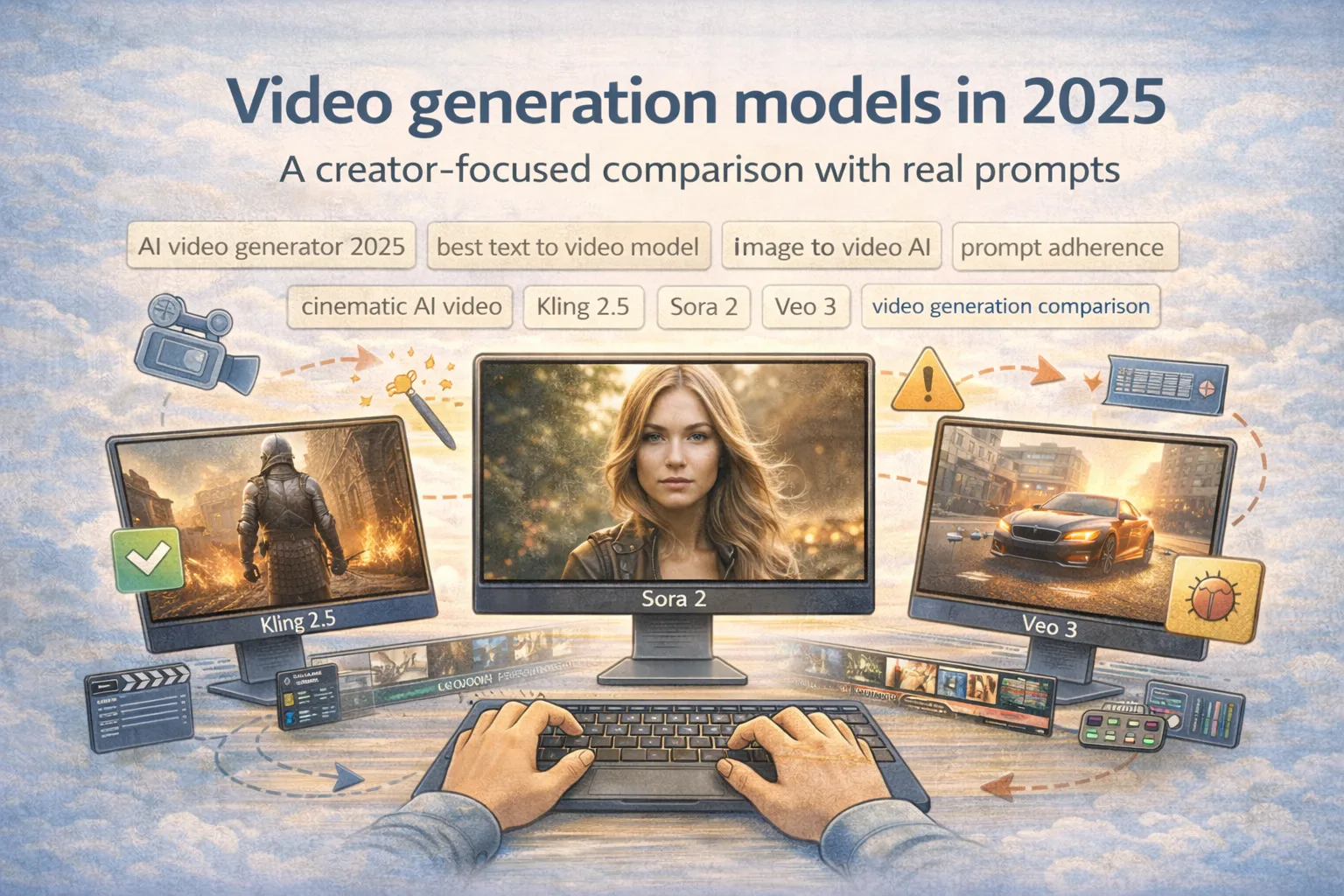
Video models got dramatically more usable in 2025, but creators still lose time to the same issues: motion wobble, face drift, weak camera control, and prompts that are interpreted differently across tools. This creator focused comparison uses the same five prompts and a clear evaluation rubric to help you choose a workflow, not just a model.
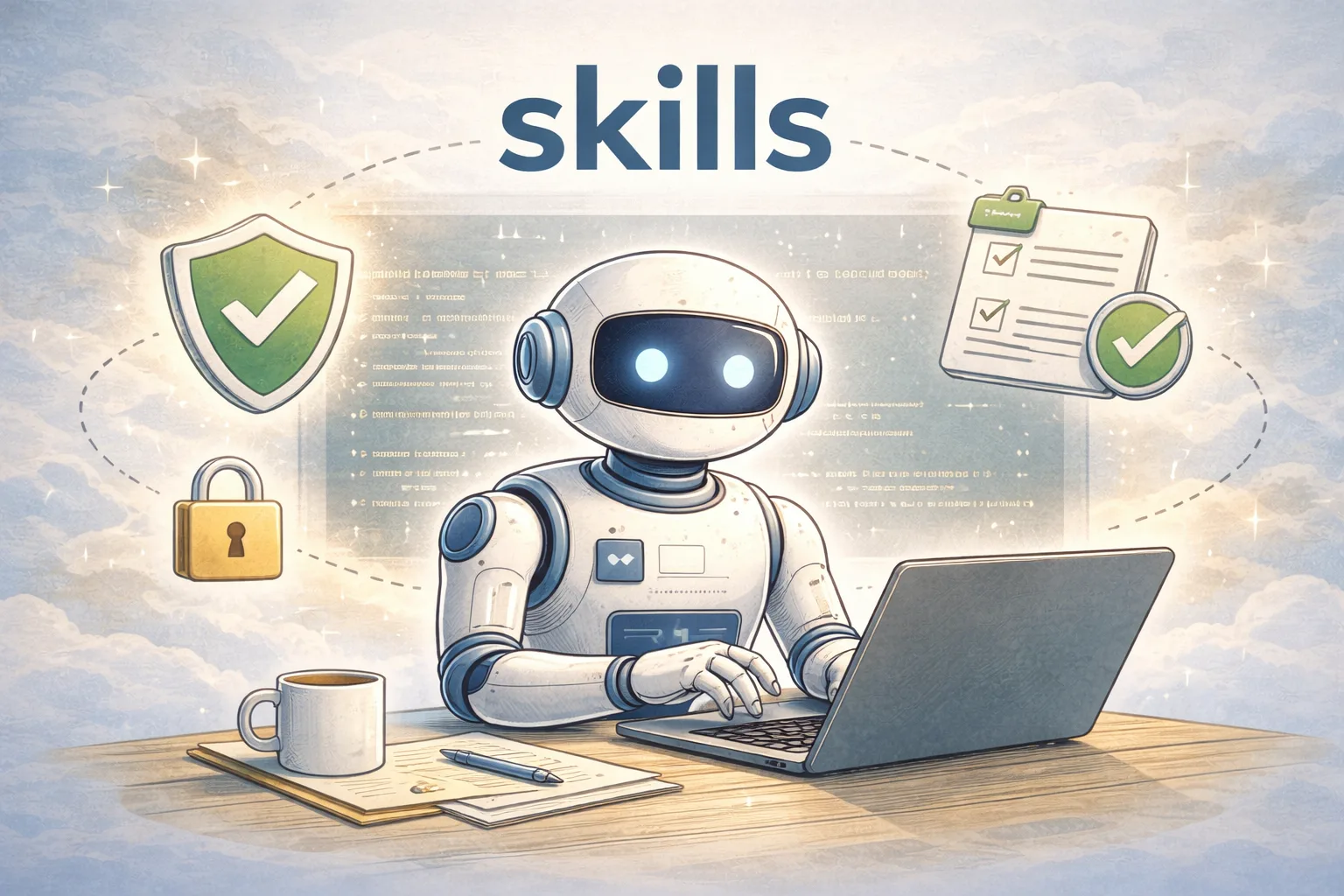
Coding agent skills are reusable, tool-driven workflows with a clear contract: inputs, boundaries, and verification. This guide shows how to design skills that stay stable over time by locking scope, proving results with checks, and
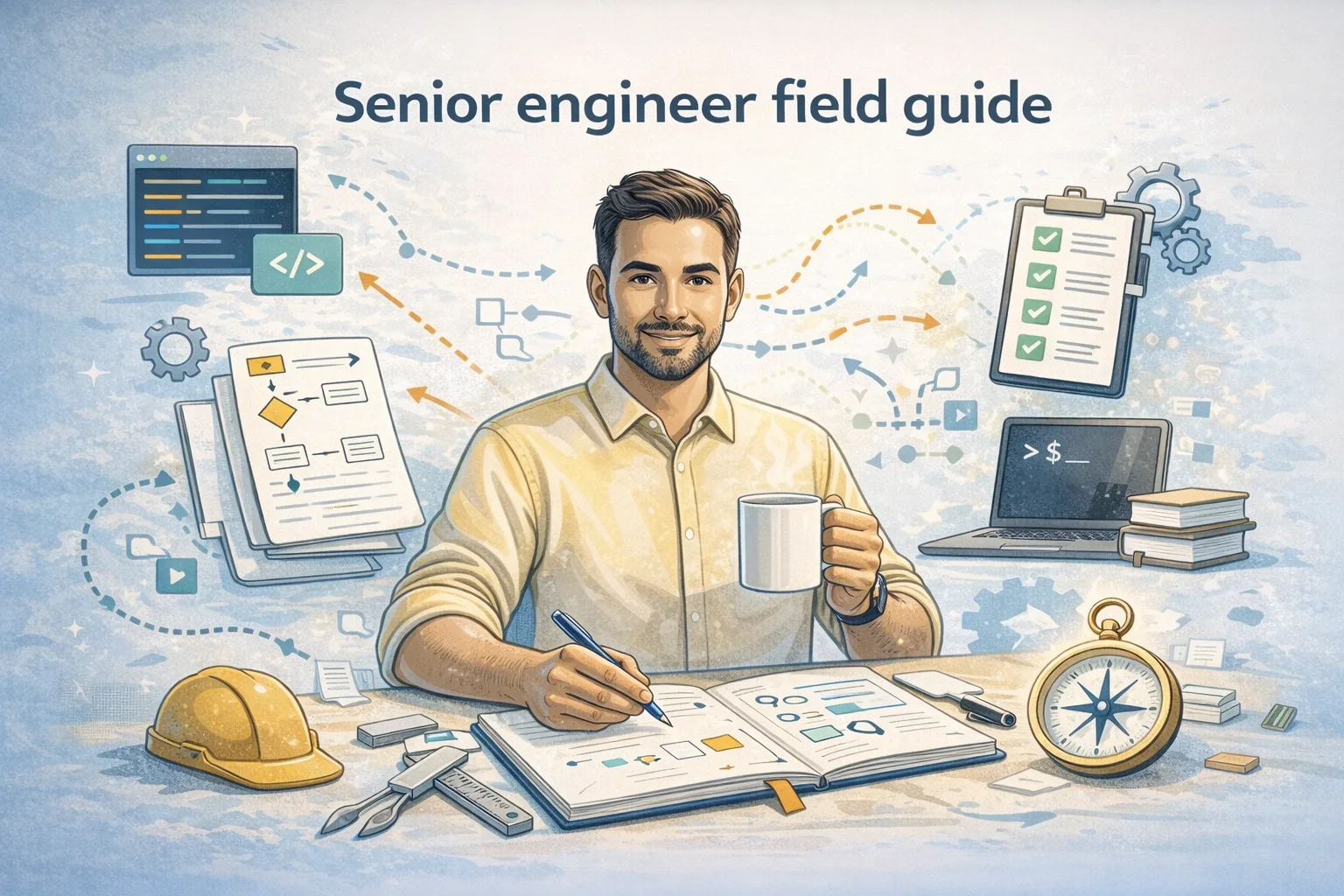
Senior is not a number of years. It is a set of behaviors that reduce risk, increase clarity, and make teams faster without burning out. This field guide covers 12 senior behaviors, each with practical examples and common failure modes.
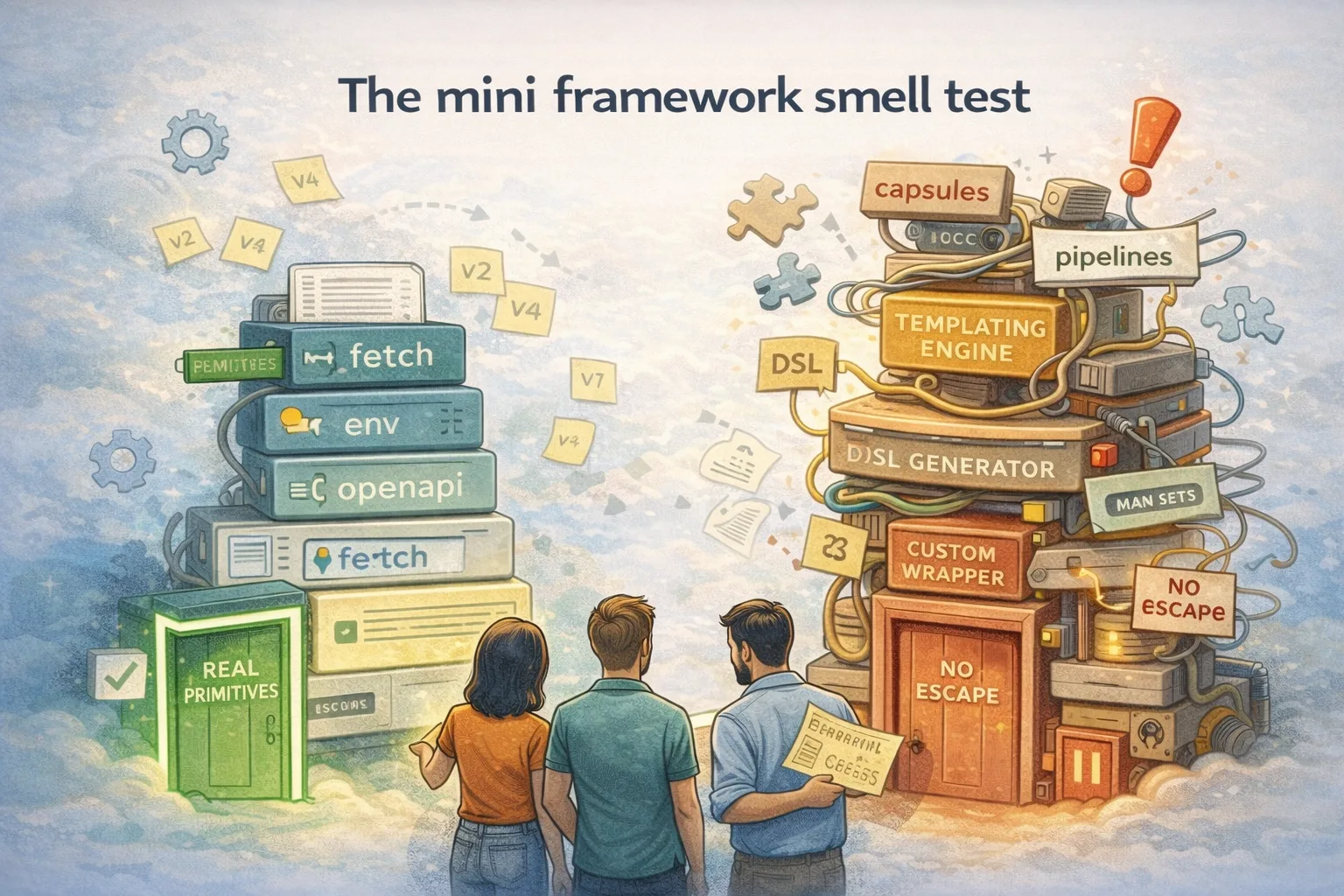
Inbox zero is a satisfying fantasy, but for many knowledge workers it fails because the inbox is not a to-do list. This post uses a multi-armed bandit framing to build a calm, lightweight system: a few rules, a small queue, and practical examples that help you choose what to do next without anxiety.
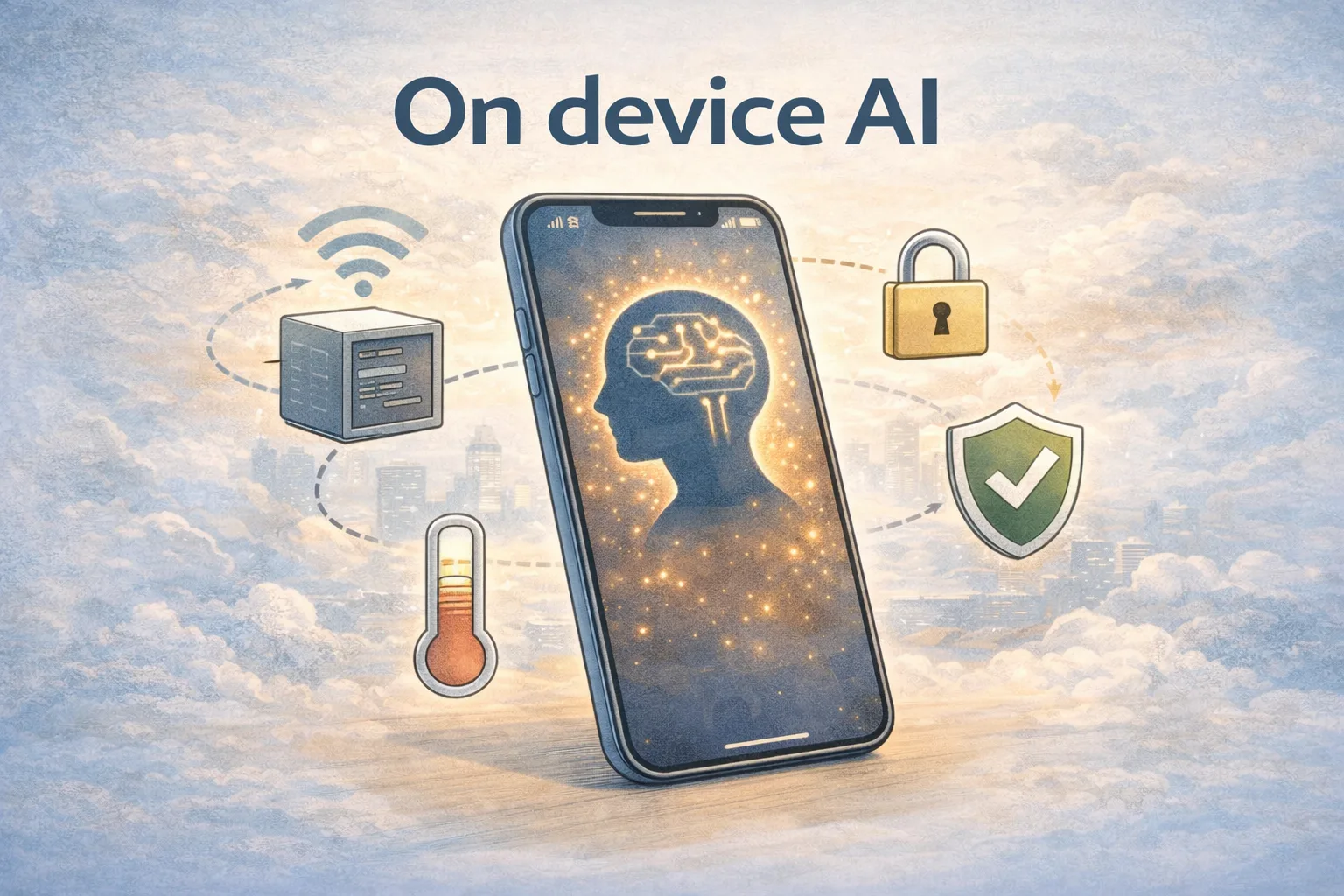
On device AI is not a vibe, it is a set of engineering tradeoffs: latency, privacy, battery, memory, and model size. This practical guide explains what on device really means in 2025, how mobile inference differs from cloud serving, and a realistic ExecuTorch tutorial path for shipping offline AI on a phone.
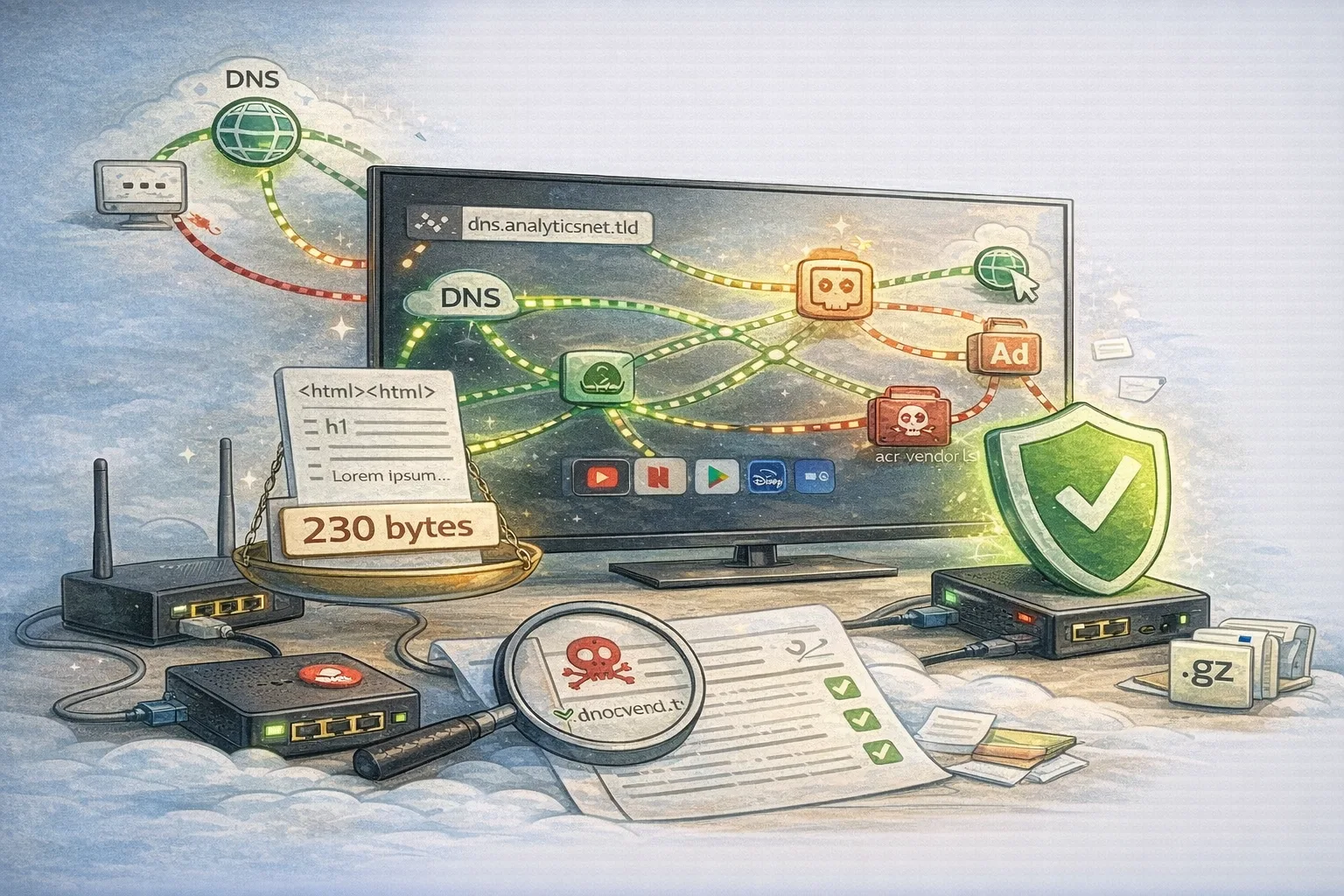
Smart TVs quietly talk to vendors, CDNs, analytics pipelines and ad systems. This engineer-focused network log shows how to capture DNS and endpoint traffic, what changes when you toggle privacy settings, and how to harden the device without breaking streaming or updates.
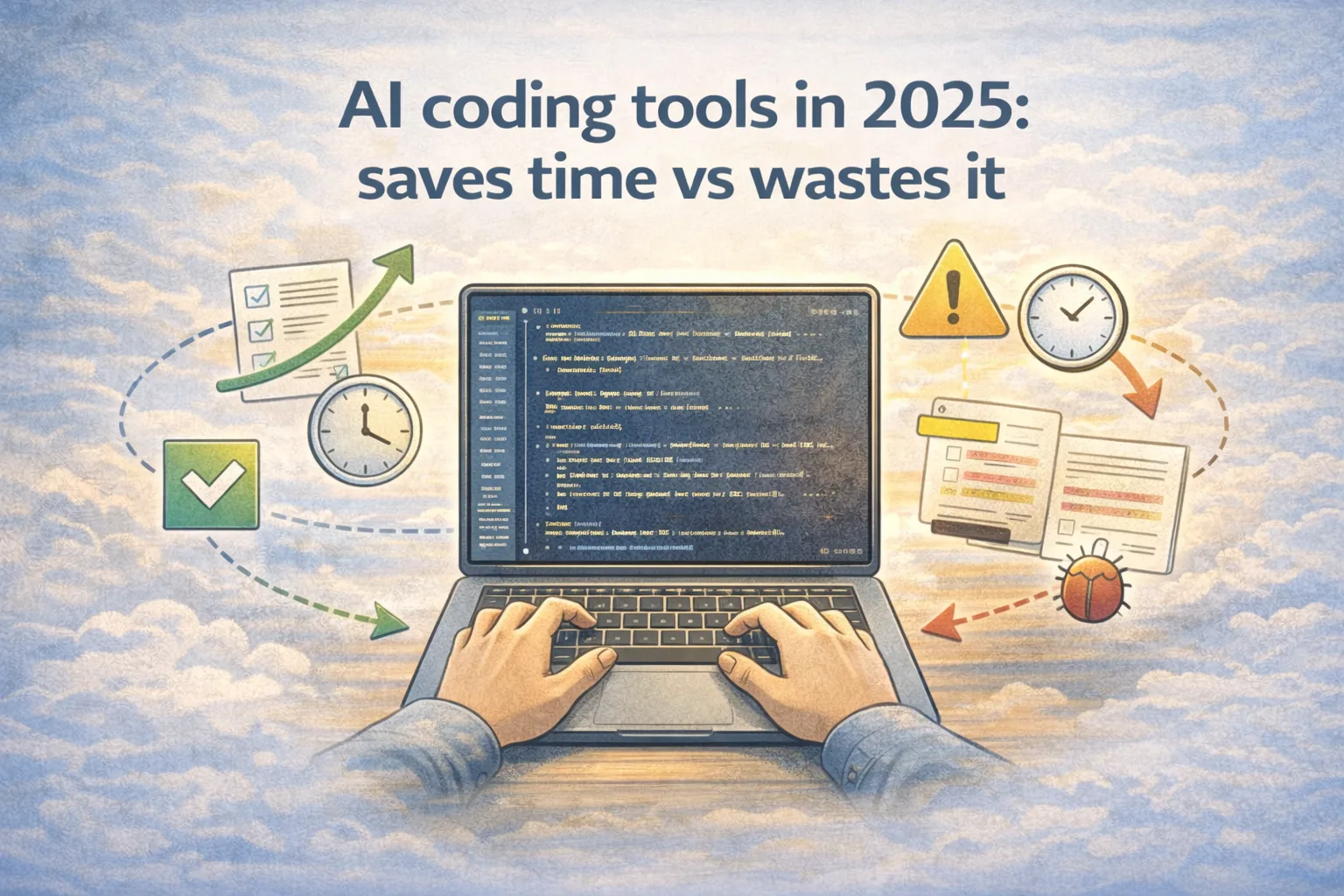
AI coding tools feel magical when the workflow has tight scope, fast feedback, and clear verification. They feel painful when they expand scope, skip proof, or force you into review debt. This review-style post measures three common tasks using time, edits, and bugs, then explains how to get consistent wins.
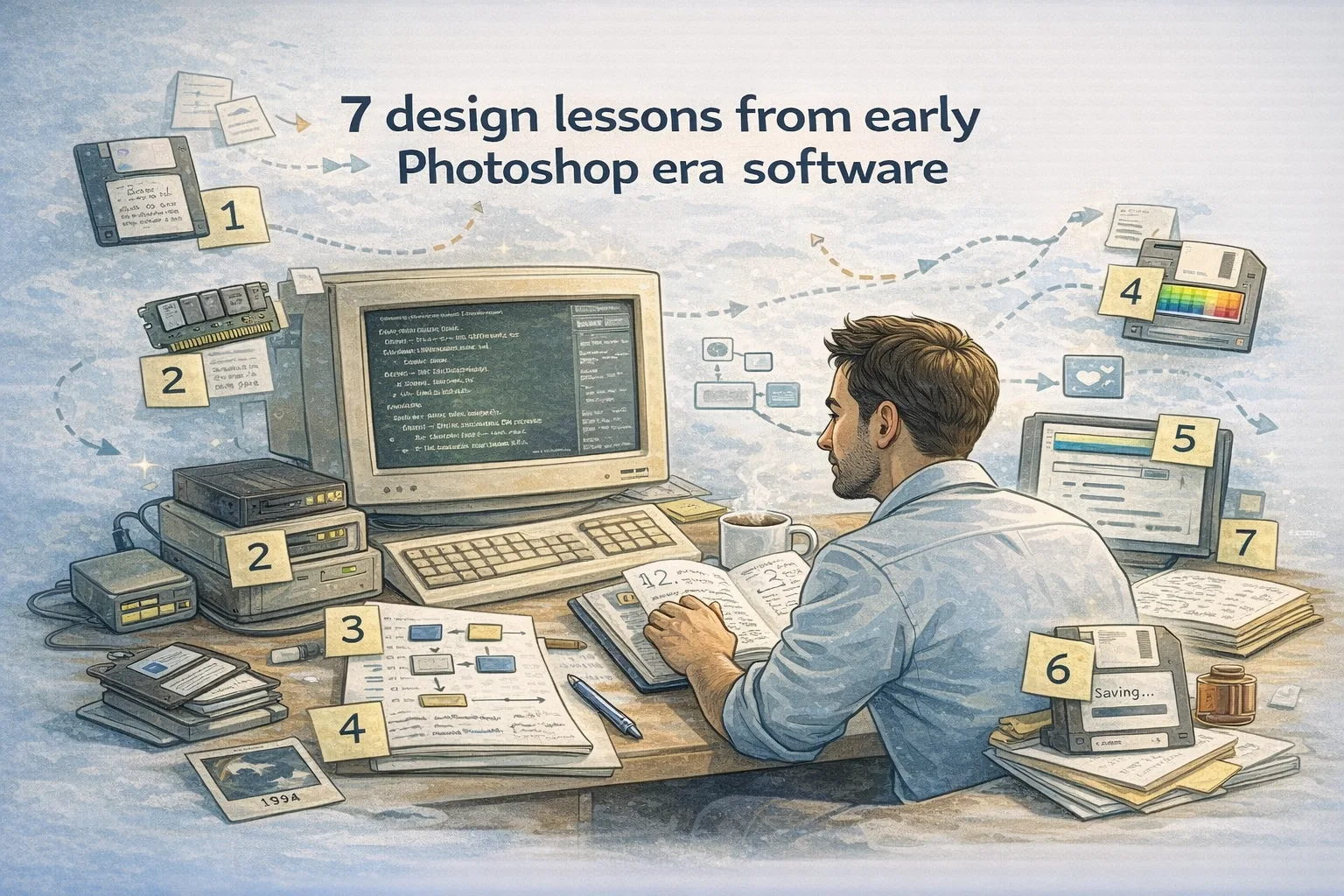
Old desktop software was built under brutal constraints: tiny memory, slow disks, limited graphics APIs, and UI patterns that had to be invented as you shipped. Those constraints forced design decisions that still map cleanly to modern engineering. Here are seven lessons, tied to memory, UI assumptions, file formats, and today’s product tradeoffs.
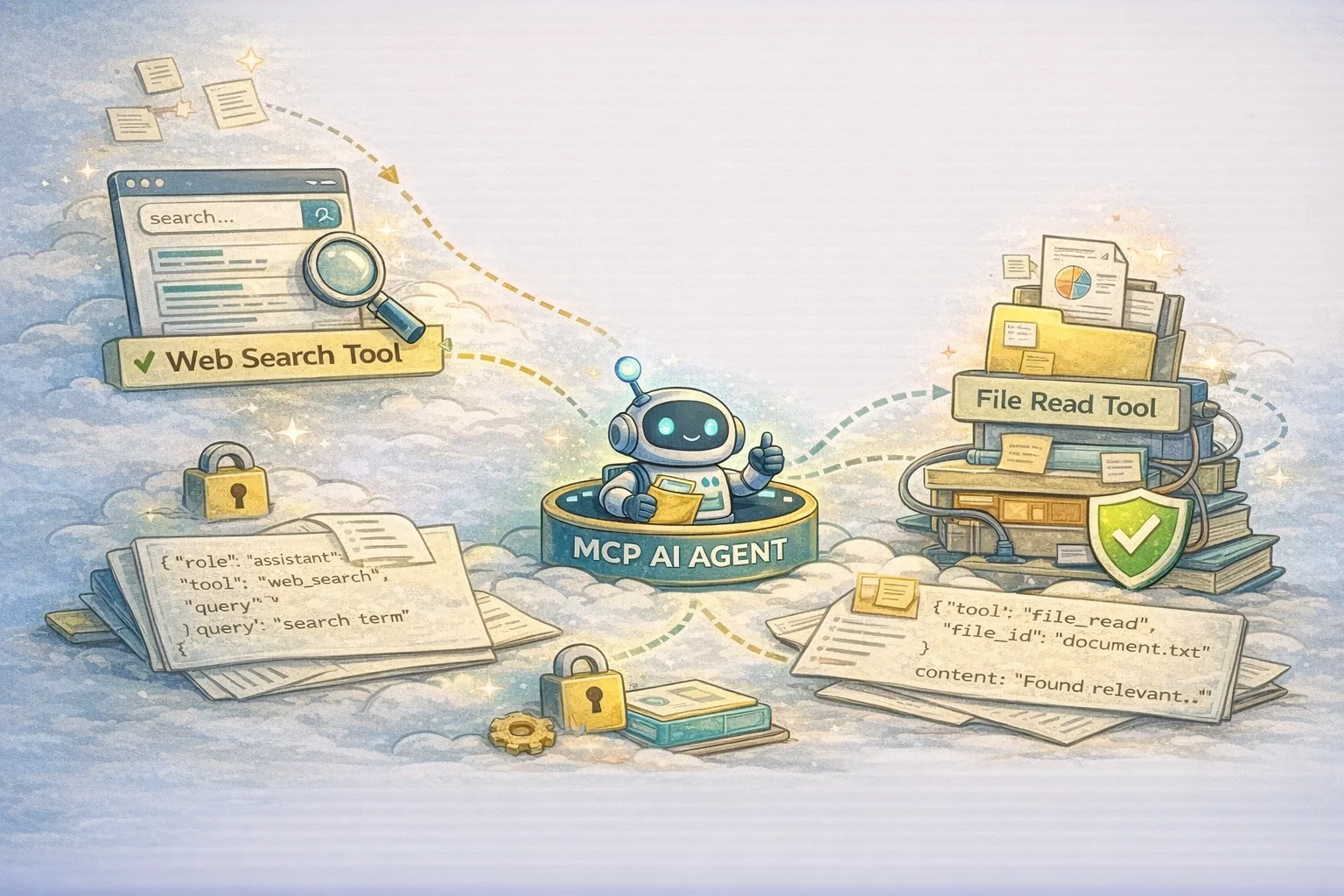
Model Context Protocol (MCP) is a tool calling protocol that lets an AI agent talk to external capabilities like files, web search, and internal services in a predictable, auditable way. This MCP tutorial explains the request and response shape, then builds a tiny MCP AI agent with two tool connectors, plus the MCP security rules that keep it safe.
Open a free notebook and start pasting links. Organize, share, and keep everything in one place.